Sign in to Loot Audio
Access your downloads, purchases and more
Access your downloads, purchases and more

Pulse is a revolutionary new downloader offering blazing fast speeds and powerful control over your libraries. Loot Audio uses Pulse to power some of our downloads and to make managing your libraries more efficient for you.
After your purchase we will send you a unique code (you will also find the code in your account). Use the code with Pulse to power your download and installation. More information about Pulse can be found here.
What are Credits?
You earn Credits every time you purchase a product from Loot Audio. 3% of your order is added to your account in the form of Credits.
Use Credits for money off future orders or convert them to Sample Credits to download samples from the Sounds section of the site.
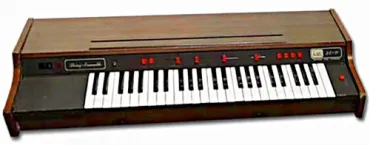
Reminiscent of the Mellotron choir, synthetic yet organic
$5.00
Earn 15
Note: This product is compatible with Kontakt Full 5.8.1 and above







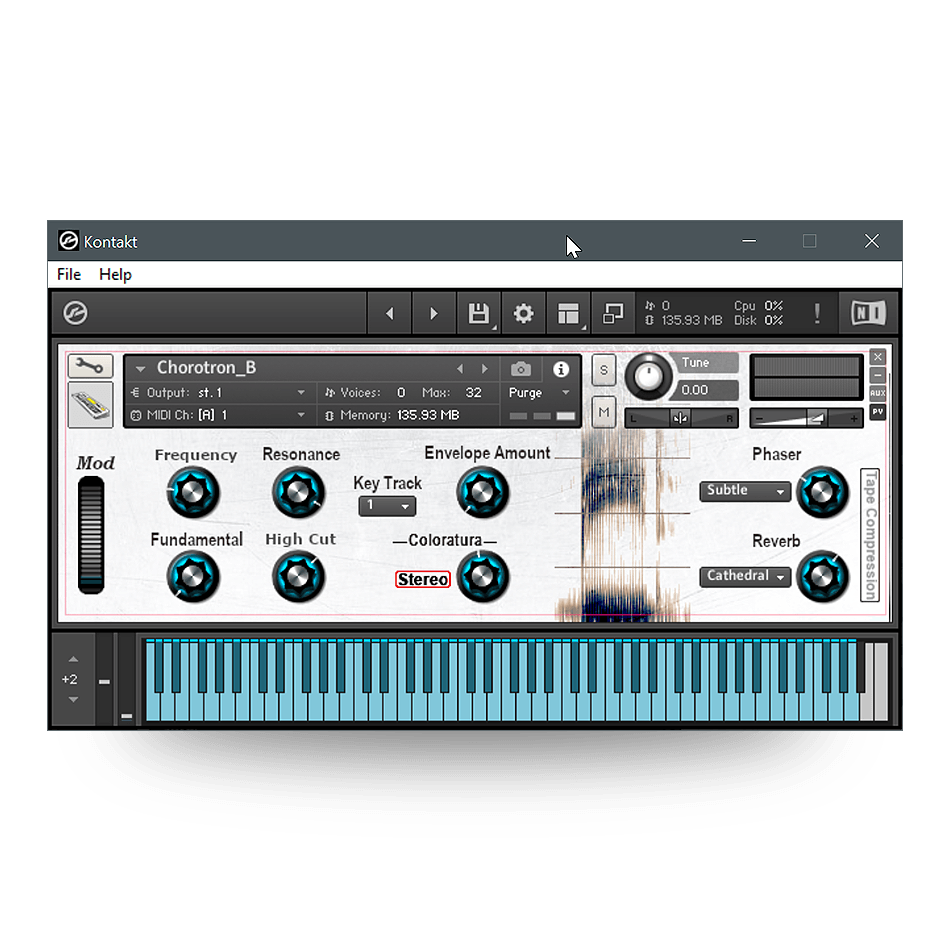
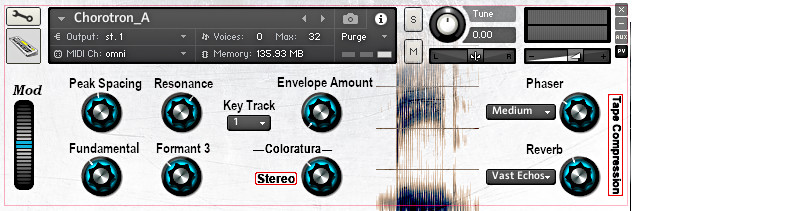
There are two instruments included, Chorotron-A and Chorotron-B, which have different variations of the formant filtering. The controls are:
Mod: An on-screen modwheel in case your keyboard does not have one (Midi CC #1). Controls the center-frequency of the filters in Chorotron-A and the vowel emulation in Chorotron-B
Peak Spacing - Chorotron-A: controls the spacing between the first two formant-peaks.
Frequency - Chorotron-B: controls frequencies of the formant filters.
Fundamental: controls the amount of the fundamental tone, adds fullness.
Resonance: controls the resonance or Q of the formant filters.
Formant 3 - Chorotron A only: controls the amount of the third, and highest formant.
High Cut - Chorotron B only: progressively rolls of the high frequencies.
Key Track: controls to what degree the formant filter frequencies track the keyboard
Envelope Amount: the amount of an envelope controlling the formant frequencies - sort of an automatic "wahh" sound.
Coloratura: Controls the amount of an added voice with vibrato, sort of like a solo voice in the choir.
Stereo: this button controls whether the Coloratura voice is centered or spread across the stereo field
Phaser: the menu on the left controls the intensity, and the knob controls the phaser speed.
Reverb: the menu on the left controls the type of reverb, and the knob controls the amount.
Tape Compression: this button turns on a tape simulation, bringing some compression and subtle distortion of running your analog tape hot.