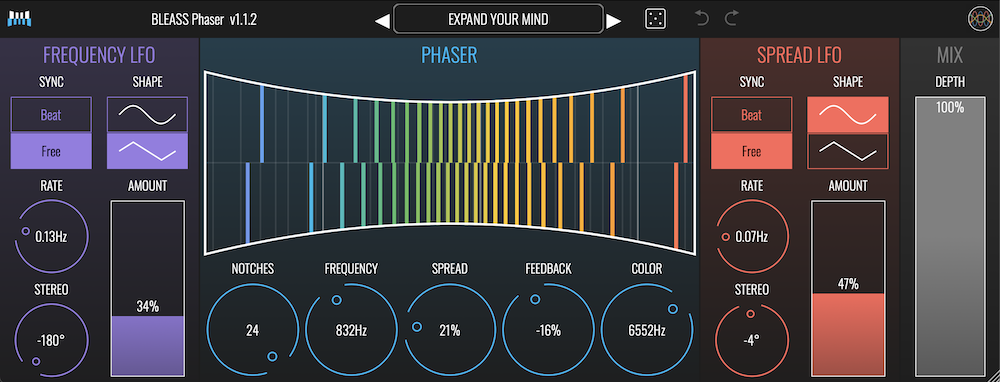







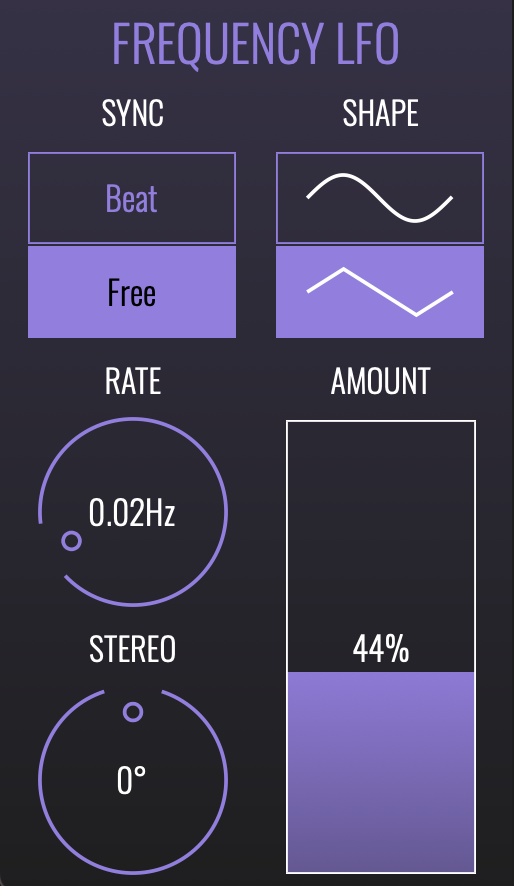
FREQUENCY LFO
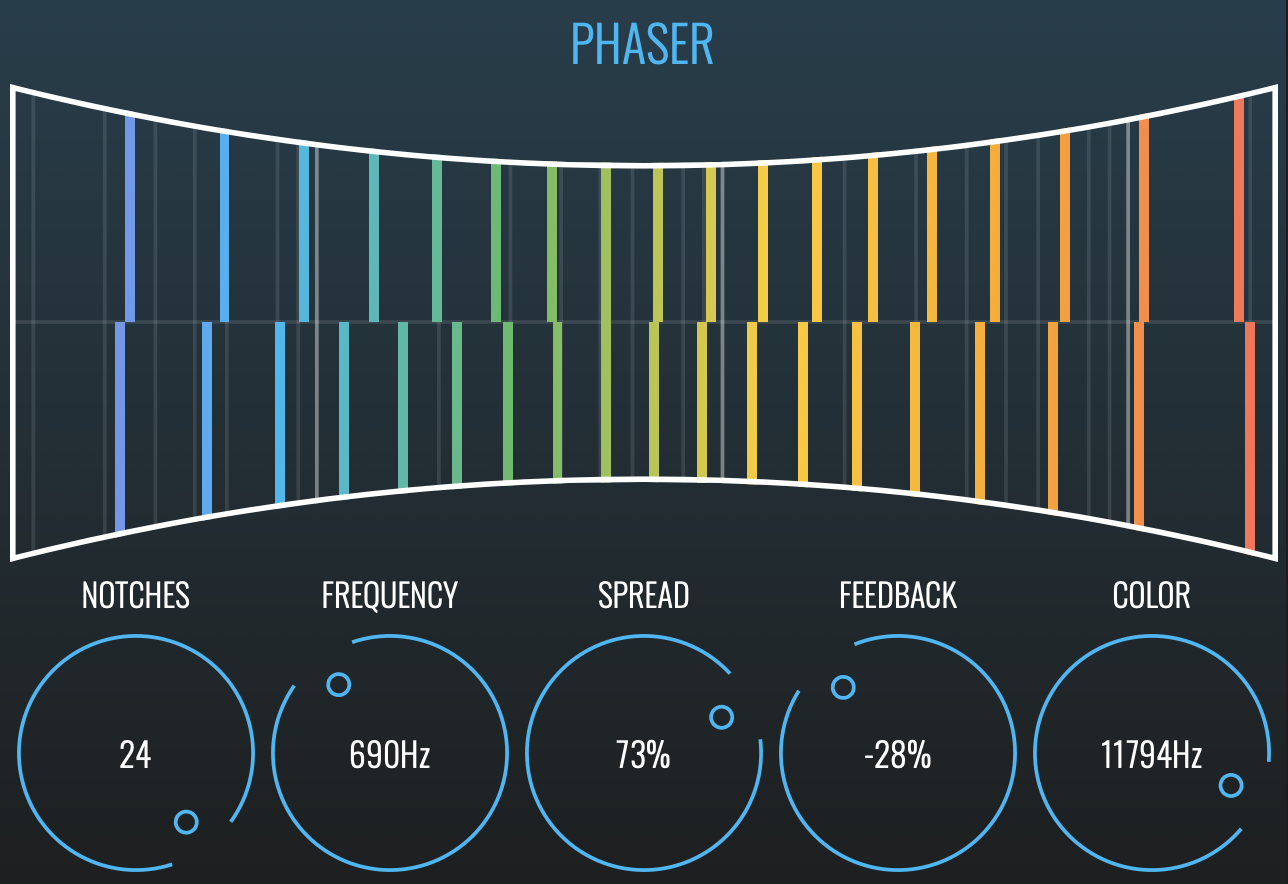
LFO that modulates the center frequency of the phaser
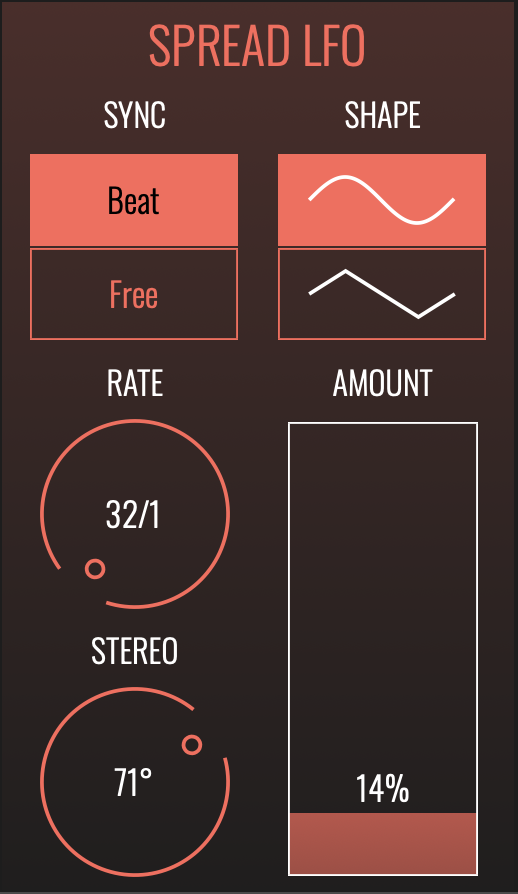
SYNC: Select BEAT mode to synchronise the LFO to your DAW’s timing and tempo. Use FREE mode to have the LFO run freely at a specific rate.
RATE: Sets the time taken for the LFO to complete one cycle. When Sync is in BEAT mode, the Rate is set as a fraction of a beat. When Sync is in FREE mode, the Rate is set in Hz (I.E. number of cycles per second).
SHAPE: Select whether the LFO will use a sine wave (upper button) or triangle wave (lower button).
AMOUNT: Sets the magnitude, or strength, of the LFO’s effect on the phaser’s centre frequency or spread.
STEREO: Creates a phase offset between the left and right channels of the LFO’s waveform. When set to 0°, both channels modulate together in lock-step. Increasing or decreasing the Phase introduces an ever greater offset between the channels until, at 180°, they are fully inverted from each other (that is, the left channel will be rising whilst the right channel is falling, and vice-versa).