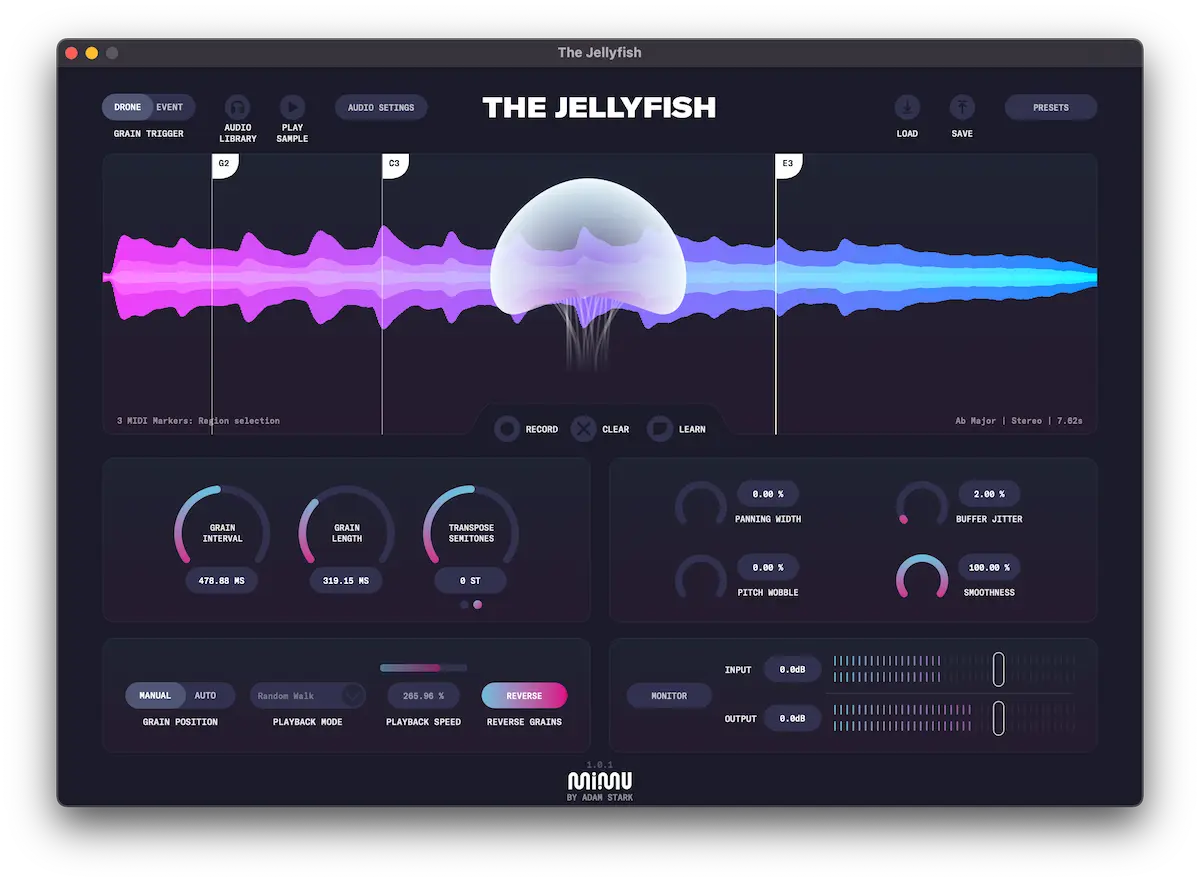
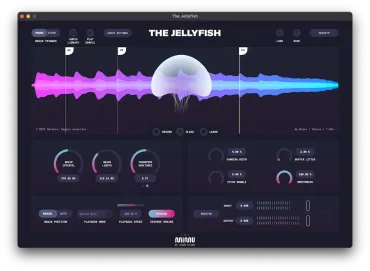
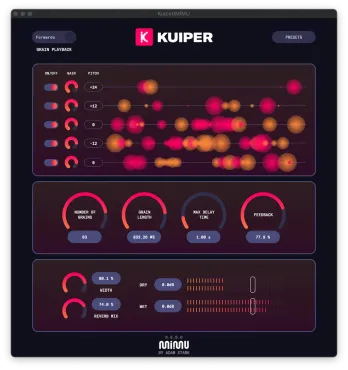
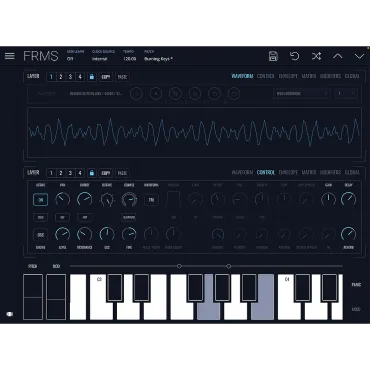
Turn everyday audio into extraordinary soundscapes. The Jellyfish is MiMU’s flagship live-input granular synthesis instrument and sound design engine — built to let you record your voice or instrument live, drag and drop your favourite samples, and transform them immediately into playable MIDI instruments, evolving drones, and rhythmic pulses.
Originally conceived alongside Grammy-winning artist Imogen Heap to give MiMU Gloves performers an organic, real-time granular canvas on stage, The Jellyfish brings tactile, visual granular synthesis into any studio setup — whether controlled with a mouse, MIDI keyboard, MPE/MIDI controller, or gesture hardware.
Live Audio Recording & Instant Sample Manipulation
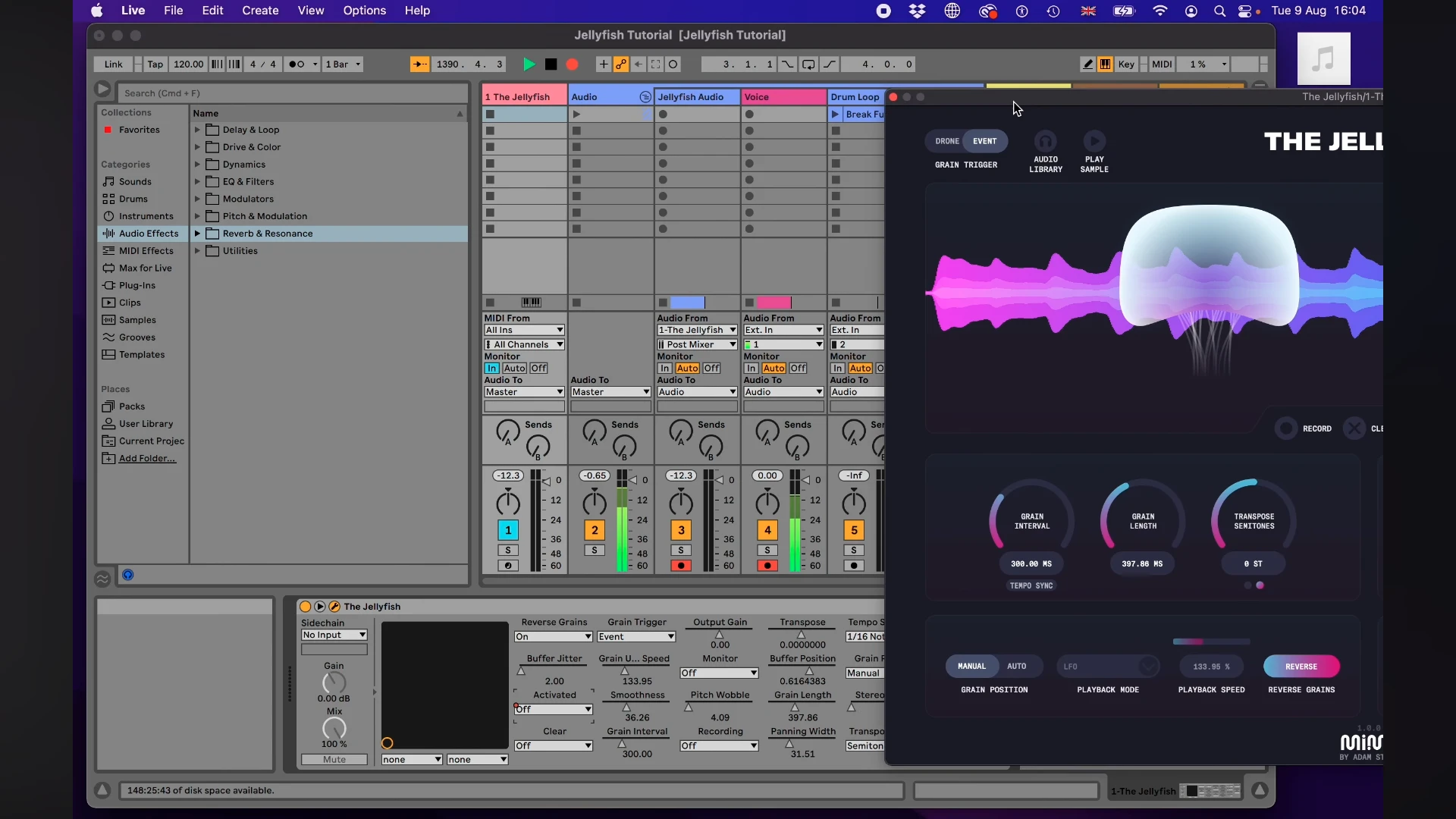
Unlike traditional static sample-based granular synths, The Jellyfish can capture live audio input in real time (via DAW sidechain/audio routing or standalone microphone/instrument input). Sing a vocal phrase, bow a cello, or strum a guitar chord directly into the waveform buffer and immediately sculpt it into shimmering pads, glitching rhythms, or cinematic textures — or browse the built-in Audio Library and factory presets.
Interactive Waveform & Autonomous Movement Modes
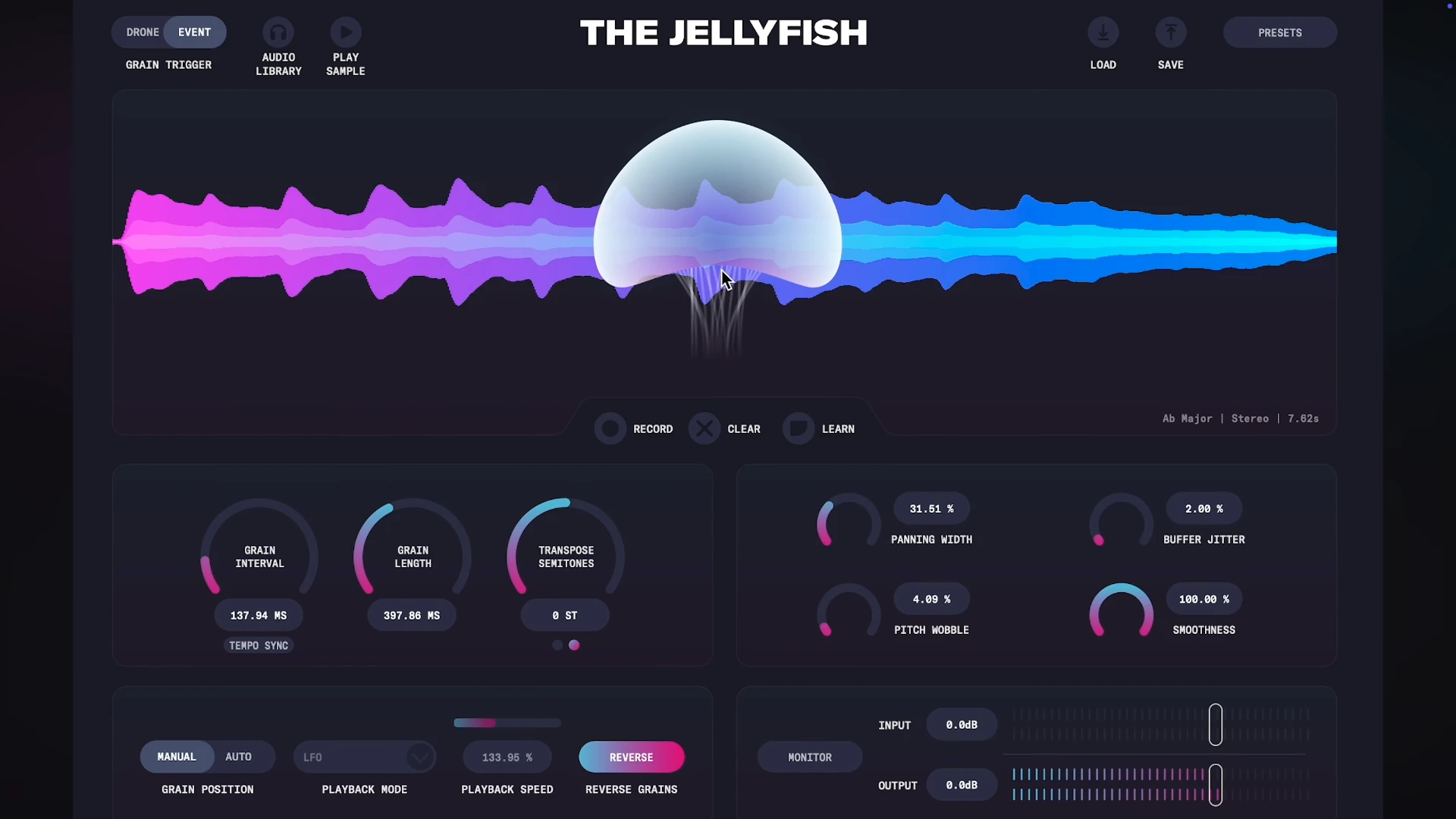
- Drone vs. Event Modes: Switch between continuous autonomous soundscape generation (Drone Mode) or interactive MIDI/mouse-triggered playback (Event Mode).
- Manual & Auto Jellyfish Scrubbing: Grab and drag the glowing Jellyfish across the waveform manually, or engage Auto Grain Position with 5 movement behaviours: Loop Forwards, Loop Backwards, Random Walk, Random Jump, and Sine LFO with variable Playback Speed.
- Precision Grain Sculpting: Control Grain Interval (10ms–1,000ms or DAW Tempo Sync metric subdivisions), Grain Length (1ms–1,000ms), and Semitone or Microtonal Transposition.
- Organic Motion & Texture Controls: Dial in stereo Panning Width (0–100%), Buffer Jitter (randomised grain position spread), Pitch Wobble (subtle chorus-like detuning to wild pitch modulation), Grain Smoothness (sharp percussive transients to velvety slow attacks), and Reverse Grains.
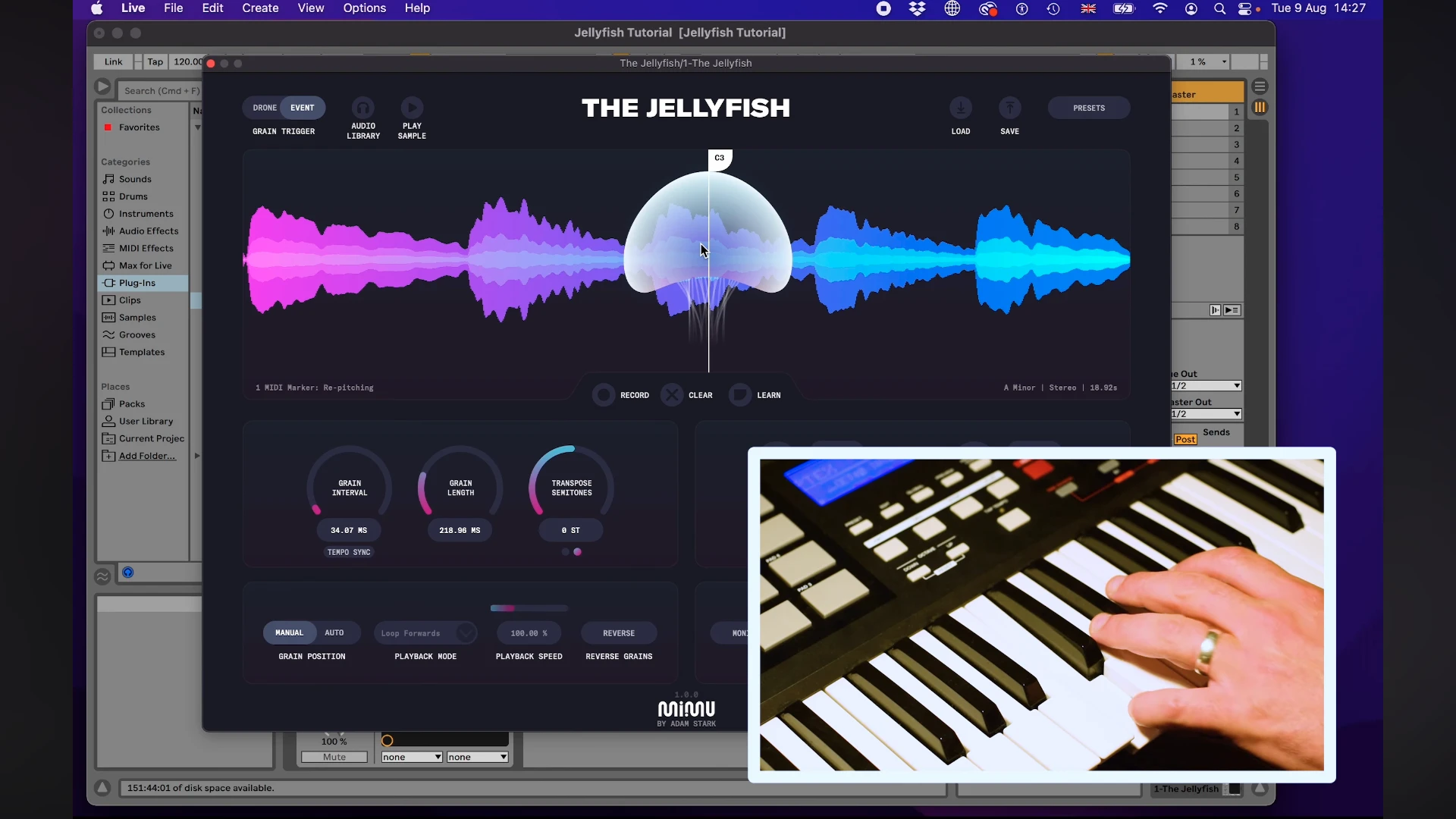
- Playable MIDI Markers: Enter Learn Mode to drop MIDI note markers directly onto the waveform. Use a Single MIDI Marker to chromatically re-pitch a grain region across your keyboard, or place 2+ MIDI Markers to trigger distinct waveform slices and textures from different keys.