Sign in to Loot Audio
Access your downloads, purchases and more
Access your downloads, purchases and more

Pulse is a revolutionary new downloader offering blazing fast speeds and powerful control over your libraries. Loot Audio uses Pulse to power some of our downloads and to make managing your libraries more efficient for you.
After your purchase we will send you a unique code (you will also find the code in your account). Use the code with Pulse to power your download and installation. More information about Pulse can be found here.
What are Credits?
You earn Credits every time you purchase a product from Loot Audio. 3% of your order is added to your account in the form of Credits.
Use Credits for money off future orders or convert them to Sample Credits to download samples from the Sounds section of the site.
The Most Detailed Convolution Reverb
$336.00
Earn 885







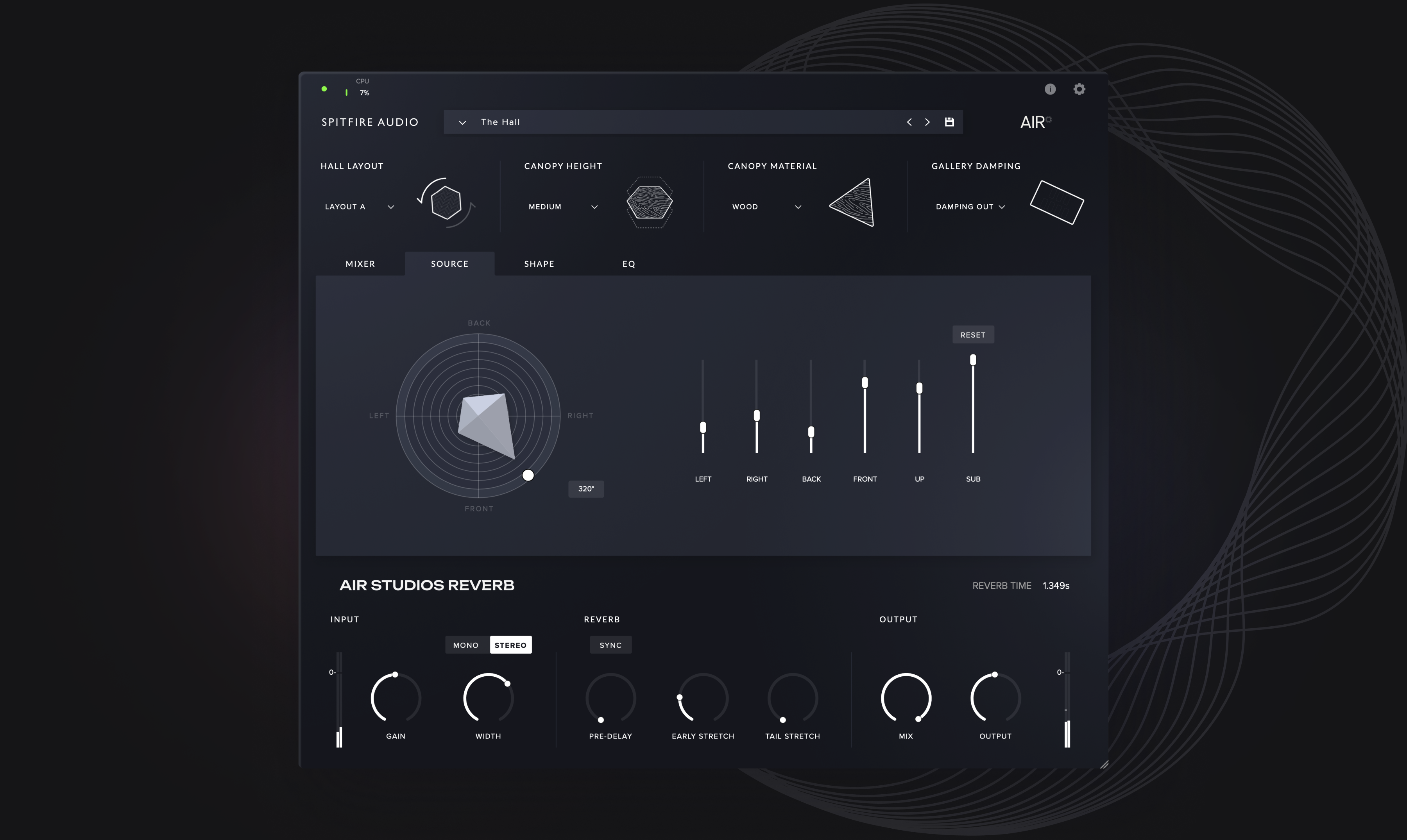
Modify physical attributes within the hall to control the reverb tone and decay. Settings include:
BOTTOM BAR
Input: Set the intensity of the input signal and the size of the ensemble, with gain control, mono/stereo switch & width of the source/ensemble.
Reverb: Augment the sound with artificial pre-delay, and quick access to early and trail stretch controls.
Output: Final tweaks to the balance between Dry & Wet signals and the output gain
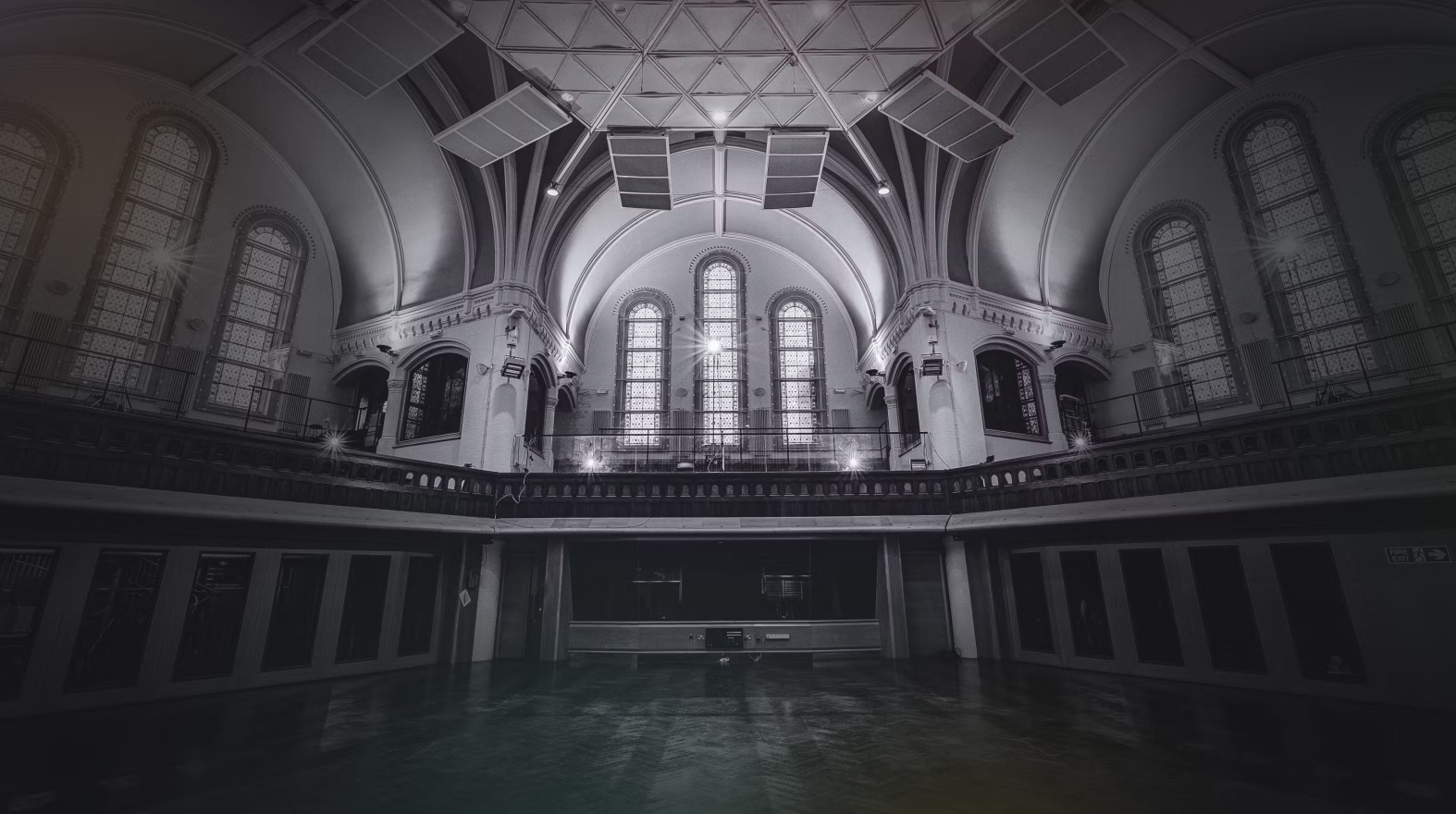
Drag and drop your sounds and musicians anywhere in the legendary Lyndhurst Hall. Choose your sound to be either mono or stereo.
Adjust your microphone signals to a variety of settings including tree, outriggers, binaural, ambient, gallery wide and gallery far.
Modify the performers’ radiation in the room, and which way the source is facing. The controls operate all within the rotation control.
Augment the reverb at various points in its overall decay time. Examples may be turning the Hall into that of a chamber, or alternatively creating huge wash reverb for synths.
Use the 5 band graphical EQ to either shape the input signal going into the Hall, or the Hall reverb itself by placing it pre or post.
Search for specific instruments as well as some presets created by Spitfire Audio and industry leading engineers
In AIR Studios’ “Lyndhurst Hall”, musicians traditionally face the control room, which creates a distinct reverb character. However, a lesser-known yet iconic sound is achieved with musicians facing the organ — a setup that’s synonymous with Hans Zimmer scores recorded at AIR.
To recreate both of these signature sounds within AIR Reverb, our team mirrored microphone placements on the hall floor. Combined with dedicated speaker positioning, this allows you to position your virtual sound source facing either direction and capture the essence of these legendary recordings.
After two years of meticulous research and development, Spitfire Audio proudly presents AIR Studios Reverb – a revolutionary convolution reverb that breaks new ground in sonic authenticity.
AIR Studios Reverb goes beyond traditional impulse responses, leveraging Spitfire Audio's proprietary Virtual Positioning Technology (VPT). This groundbreaking feature allows you to position your sound source anywhere within the legendary AIR Studios, capturing the precise ambiance of its unique acoustic spaces.
Spitfire Audio has taken the concept of Impulse Response (IR) capturing to an unprecedented level, recording over 67,000 IRs to be able to recreate a plethora of positions and configurations in the hall.
Mac OS 11 to OS 14
Minimum:
2.8GHz i5 minimum (quad-core), 8GB RAM.
Recommended:
2.8GHz i7 (six-core), 16GB RAM.
Apple Silicon computers are supported and
64 bit DAW required.
(32 bit DAWs not supported)
DAW/Host needs to be supported on the given OS by the manufacturer.
Windows 10 - Windows 11(latest Service Pack, 64-bit)
Minimum:
Intel Core 2.8GHz i5 (quad-core) or AMD
Ryzen 5, 8GB RAM
Recommended:
Intel 2.8GHz i7 (six-core) or AMD R7 2700,
16GB RAM
DAW/Host needs to be supported on the given OS by the manufacturer.
Download Size: 9.73GB
Disk space required during install: 10GB
Dedicated plugin (AU, VST2, VST3, AAX)