Sign in to Loot Audio
Access your downloads, purchases and more
Access your downloads, purchases and more

Pulse is a revolutionary new downloader offering blazing fast speeds and powerful control over your libraries. Loot Audio uses Pulse to power some of our downloads and to make managing your libraries more efficient for you.
After your purchase we will send you a unique code (you will also find the code in your account). Use the code with Pulse to power your download and installation. More information about Pulse can be found here.
What are Credits?
You earn Credits every time you purchase a product from Loot Audio. 3% of your order is added to your account in the form of Credits.
Use Credits for money off future orders or convert them to Sample Credits to download samples from the Sounds section of the site.
The easiest way to add scratches to your recording projects.
$100.00
Earn 270







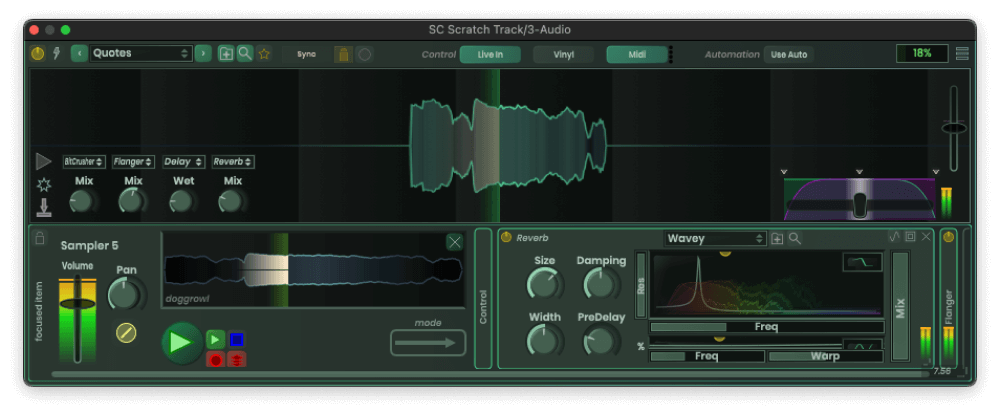
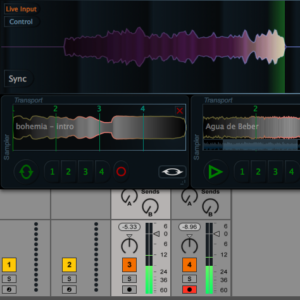
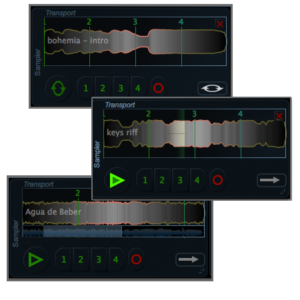
Scratch track is the cheapest, simplest, most versatile way to use your timecoded vinyl in any DAW or audio plugin host. That makes this plugin the easiest way to add scratching to your recording projects, period.
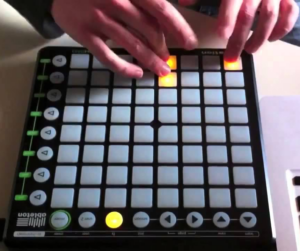
Like all our plugins, this one comes with it’s own midi learn. Simply right click on any of the buttons or sliders (including the crossfade) to map a midi signal to that control.
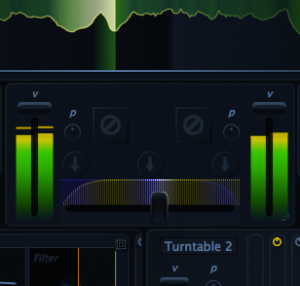
The only plugin out there with a professional level crossfade. This plugin lets you adjust the curve of the crossfader, and responds with super low latency to incoming midi signals, so you can finally use a midi controller for serious scratching.
Mac
Formats:
Windows
Formats:
On Mac, the installer will add the plugin to the system folder for VST plugins (/Library/Audio/Plug-Ins/VST) and will install the AudioUnit to the AU directory (/Library/Audio/Plug-Ins/Components). The standard directories are scanned by most DAWs as they start up, so the plugin should appear immediately in your host software. It is capable of running in 32 or 64 bit hosts.
On Windows, the installer is a zip file. When unzipped, you will find several versions of the VST plugin (64 bit). Copy the plugin to the location of your choice. You then need to make sure that your 64 bit host software is scanning that location for the plugin to show up.