WaveLab is widely known in the audio industry as a professional mastering application, but it is so much more. WaveLab’s powerful features can be used for many other audio-related tasks. Read on to discover the many applications where WaveLab excels...
The Mastering Standard
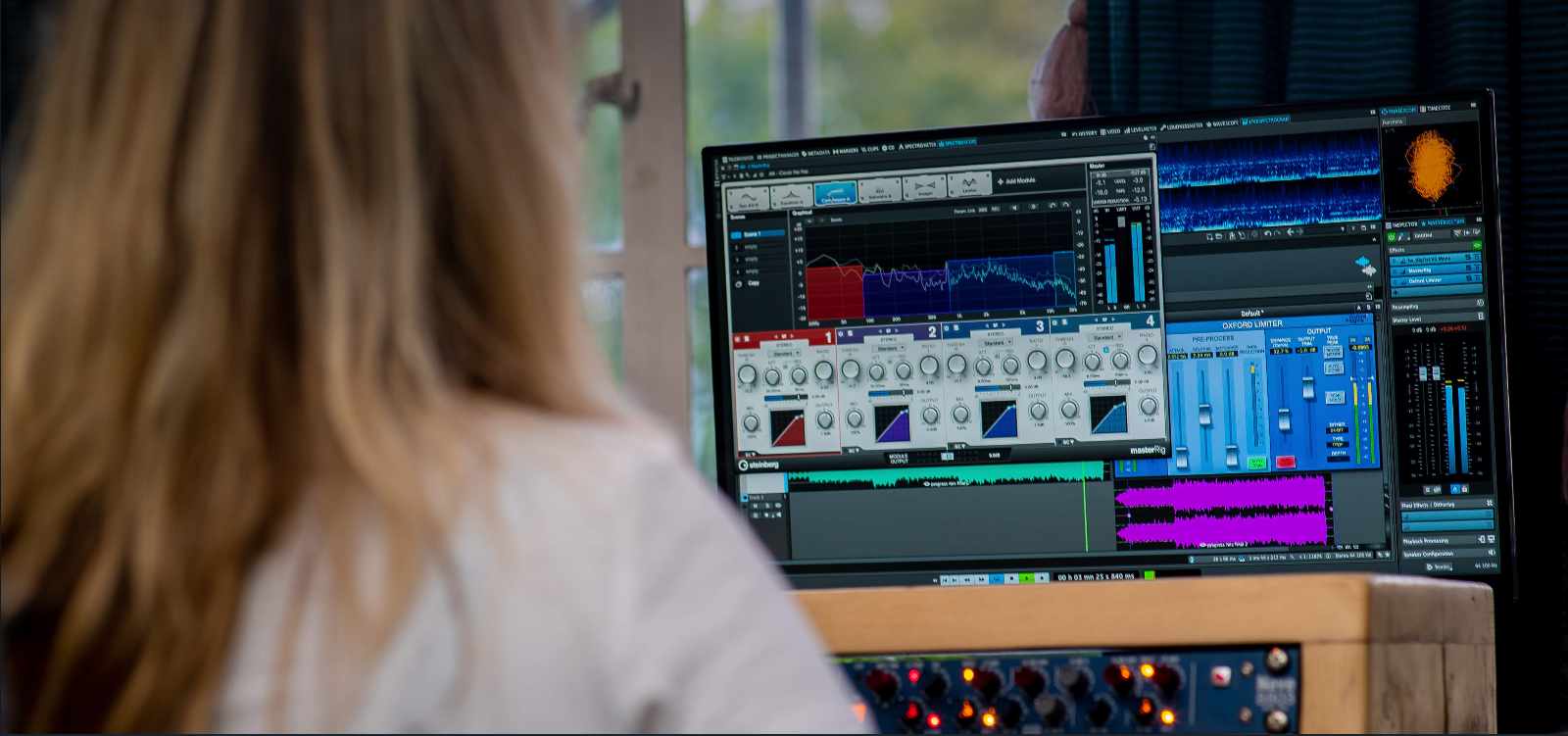
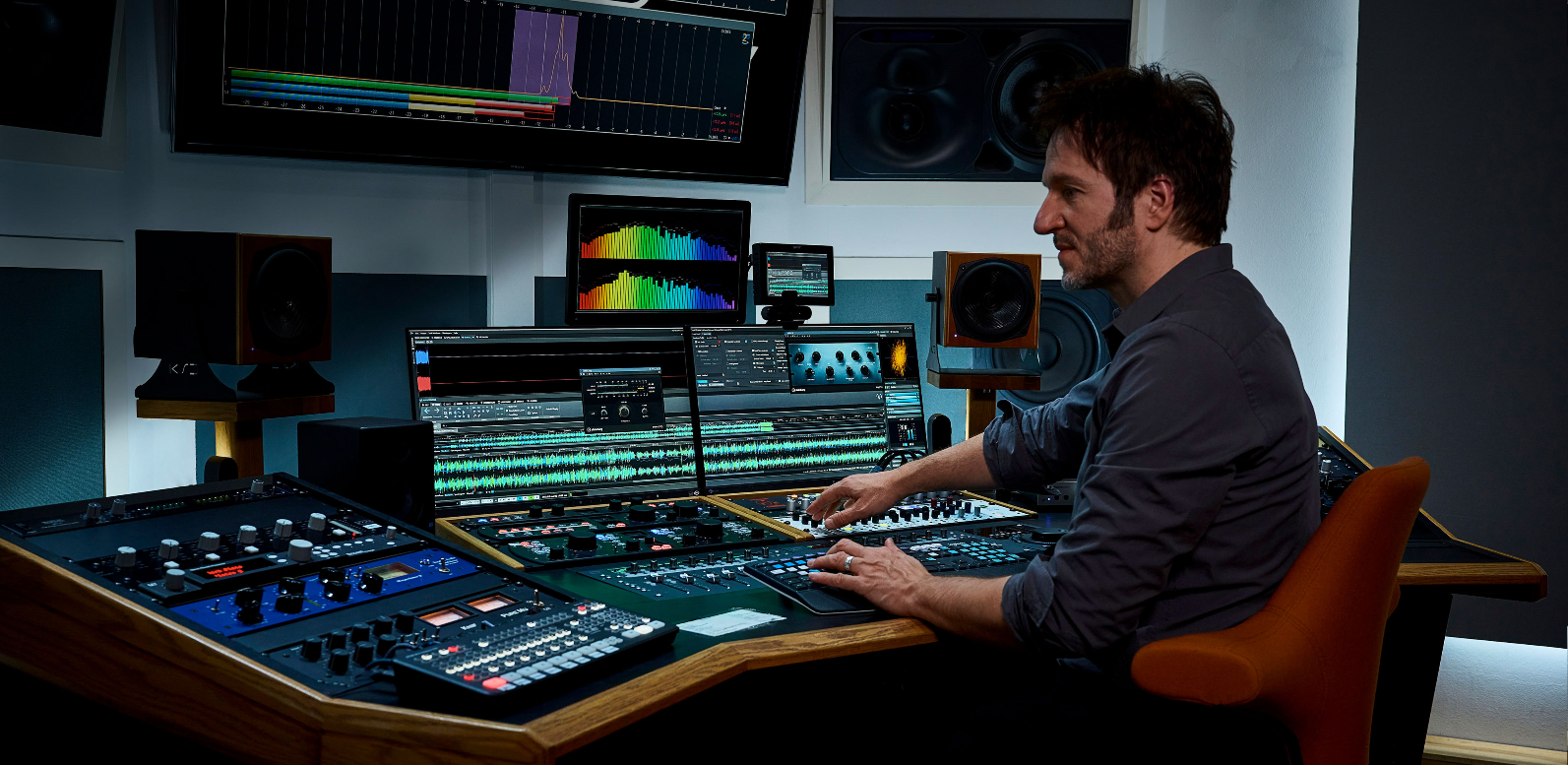
WaveLab is the ultimate solution for professional audio mastering, its modern user interface and intuitive workflows making it fast and simple to achieve great results. It features dedicated workspaces — such as the Audio Editor for sample-level editing and refinement of single audio files and the Audio Montage for finalizing full albums — and offers a complete Dolby Atmos mastering workflow, where a single ADM can be mastered or an entire Atmos album compiled from multiple ADM files. It includes a wide range of real-time plug-in effects and processes, which can be implemented per clip, per track or across a whole album. Support for third-party VST 3 plug-ins and round trip signal routing also means that favorite effects and hardware devices are easy to include at any step in the mastering chain. With precise metering tools and audio analysis functions, including loudness control, along with metadata editing and management, masters produced with WaveLab satisfy the requirements for any format or distribution platform.
Audio Editing
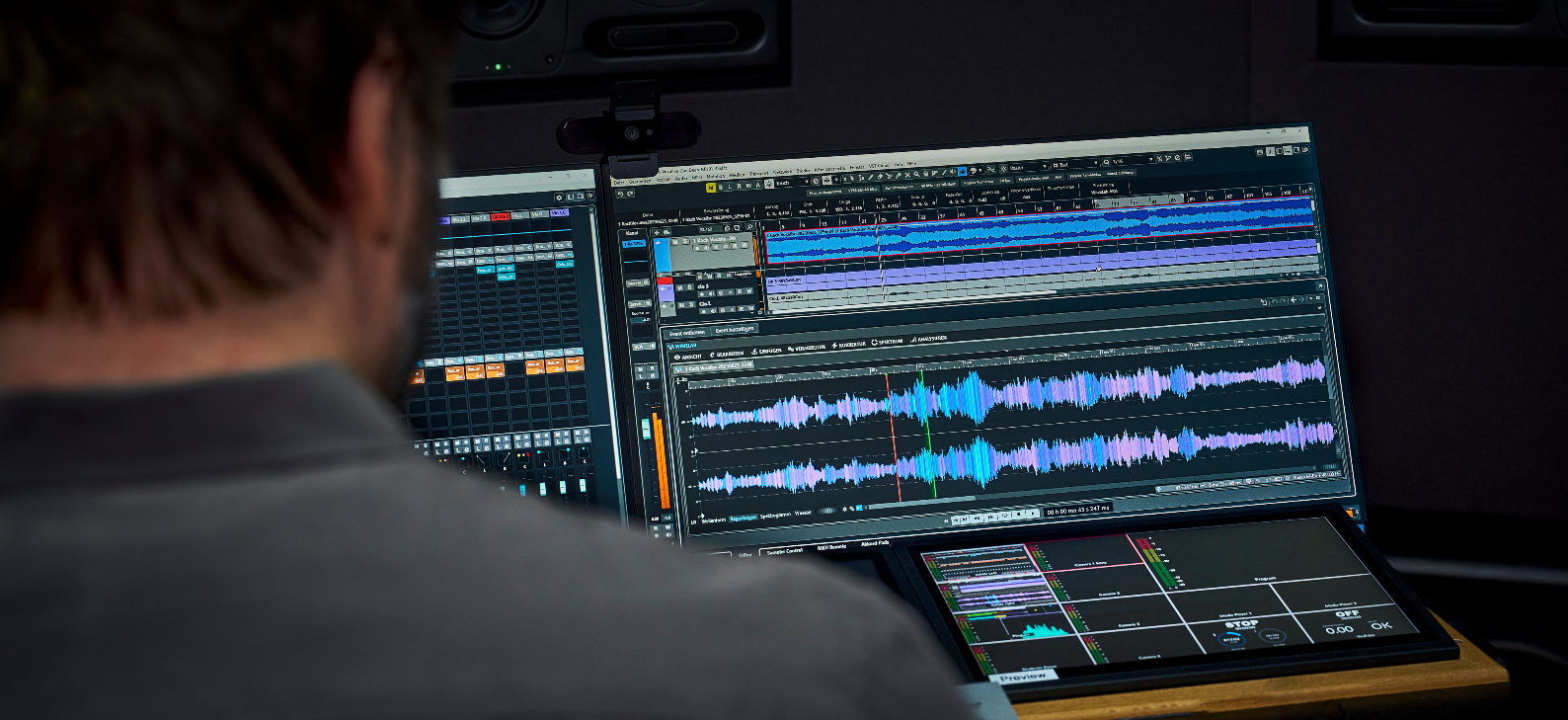
WaveLab offers a wide variety of surgical sound shaping functions, using either destructive or non-destructive editing, allowing the most appropriate choice for any project. Precision tools include level, time and pitch processing, high-resolution spectral editing, audio inpainting, mid/side processing (left, right or both channels), and much more, all assisted by a range of visualization options. With a large selection of included plug-ins, third-party VST plug-ins, and even external editing software and hardware effects devices can be integrated into the WaveLab workflow. Meanwhile, ARA support means all of WaveLab’s advanced editing tools can be used within projects in any compatible DAW.
Audio Analysis
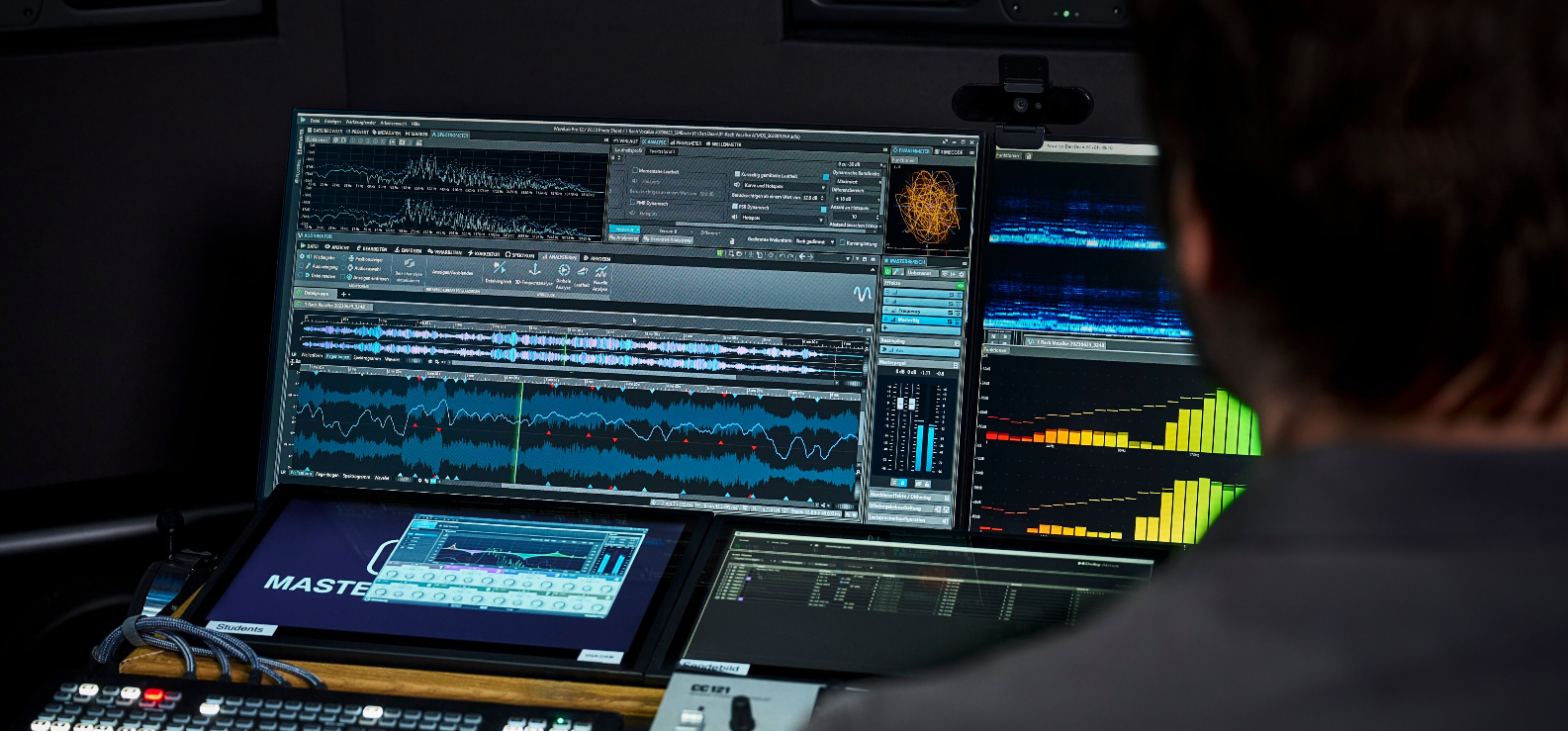
WaveLab features the most advanced audio analysis tools available. The SuperVision plug-in is a fully customizable multi-display analyzer which works alongside WaveLab’s comprehensive range of meters — including peak level, loudness errors, phase, spectrogram, wavelet display, and more — to ensure there is always an accurate view of the sound you are working with. But WaveLab goes much further, with deep analysis tools to “see into” sounds. These are of vital help in allowing you to forensically analyze, process and extract important information from audio recordings.
Audio Restoration
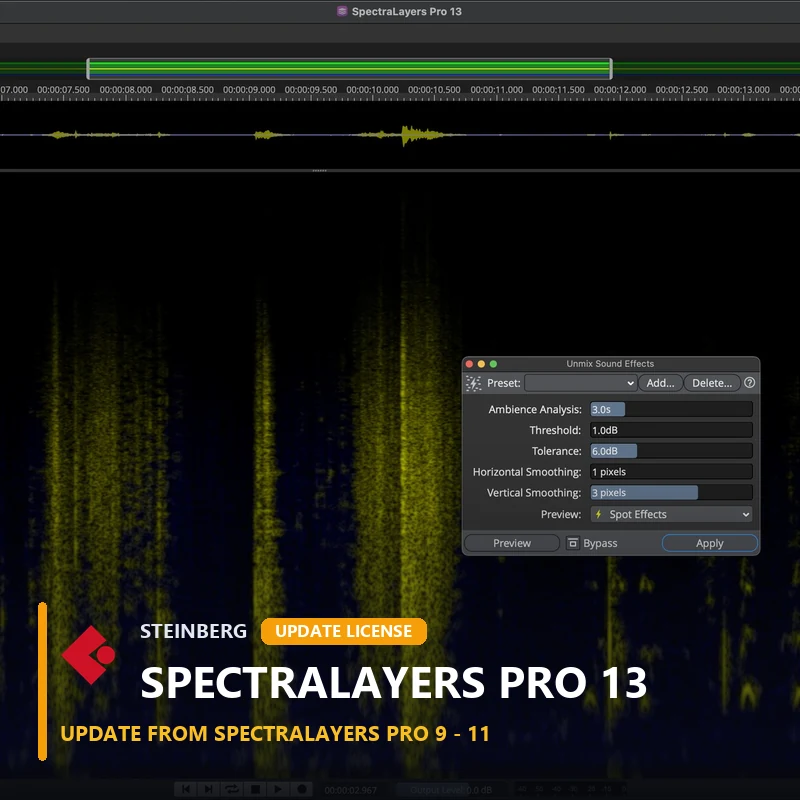
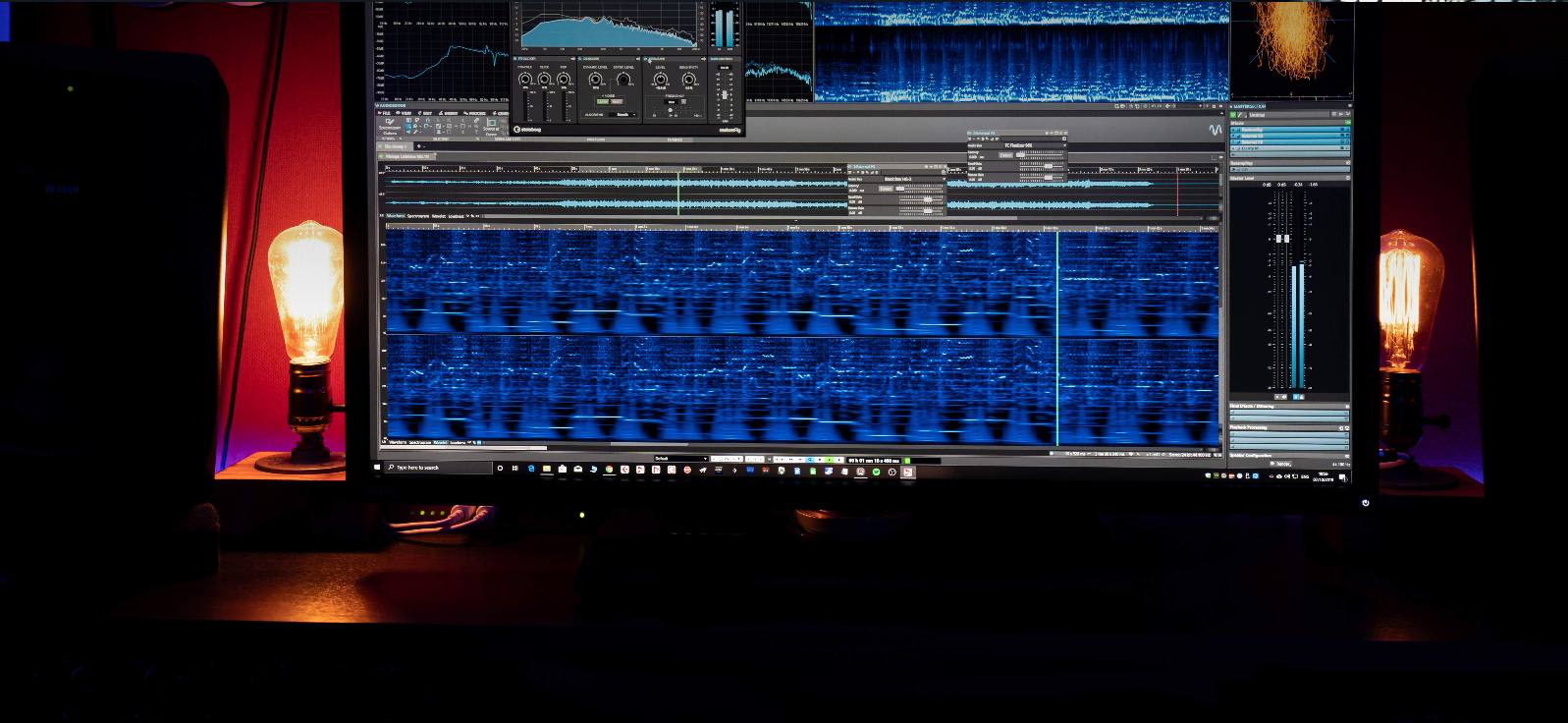
WaveLab’s high-end audio restoration tools are renowned for their ability to improve old and imperfect recordings. It includes the RestoRig restoration plug-in suite for removing a wide array of unwanted noise and artefacts, while spectral editing allows very specific parts of the audio spectrum to be targeted. A huge array of plug-ins come as standard, with the ability to host third-party plug-ins. It is also possible to incorporate external audio editors like SpectraLayers for specific editing tasks, while external hardware effects devices can also be integrated — all helping to make improving audio quality fast and intuitive.
Batch Processing
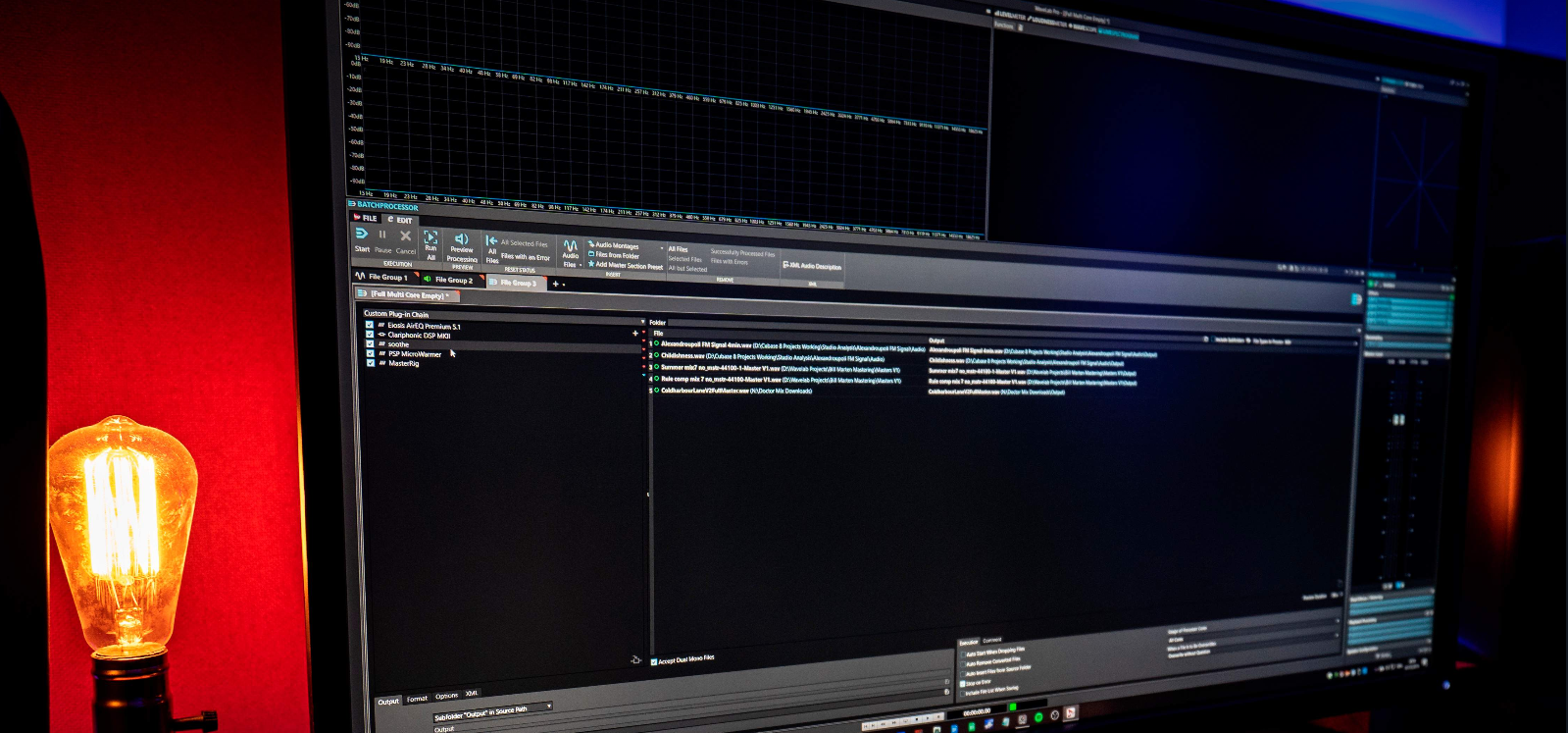
WaveLab has an entire workspace dedicated to advanced batch processing, which can be a huge time-saver. With a vast array of plug-in effects and high-quality processors, different plug-in collections can be created and files rendered in different formats with a single command. Create desktop watch folders with predefined processes, formats, plug-ins, and other kinds of audio file handling; then drag multiple files into the folder for automated processing. This is the best way to create professional sound libraries, knowing that all files will have the same characteristics such as level, format, pitch, length, and more.
Metadata editing
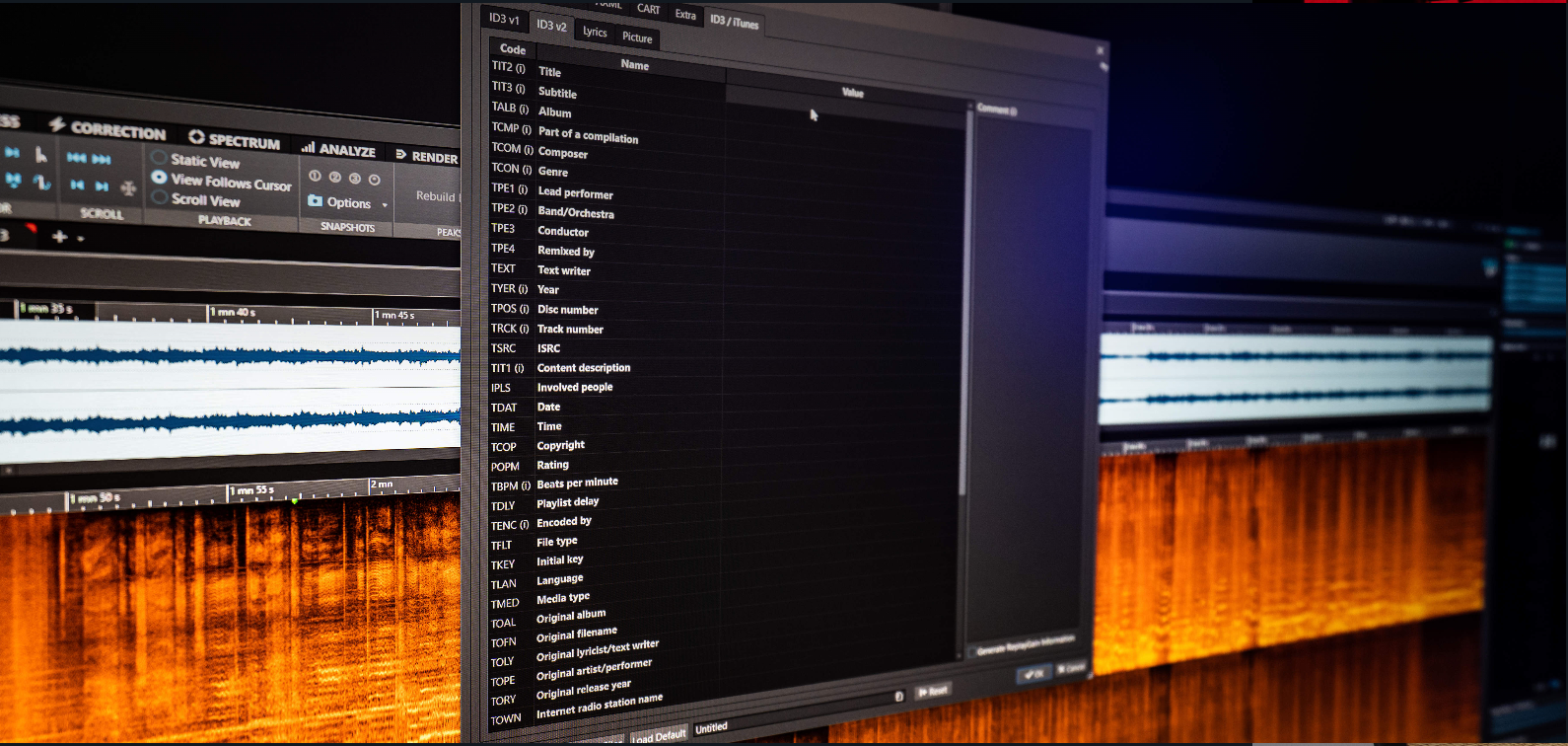
Comprehensive, flexible metadata editing capabilities are a feature of WaveLab, which can be implemented regardless of use case, source material or outcome. As well as the full range of metadata codes — including ID3 v1 (for MP3 files) and v2, which conform with iTunes standards — lyrics and pictures can be added to the metadata of each file. WaveLab comes with metadata presets that can be edited and used to create user presets. These can then be saved and applied to audio files, using batch processing to save time.
Recording and Podcasting
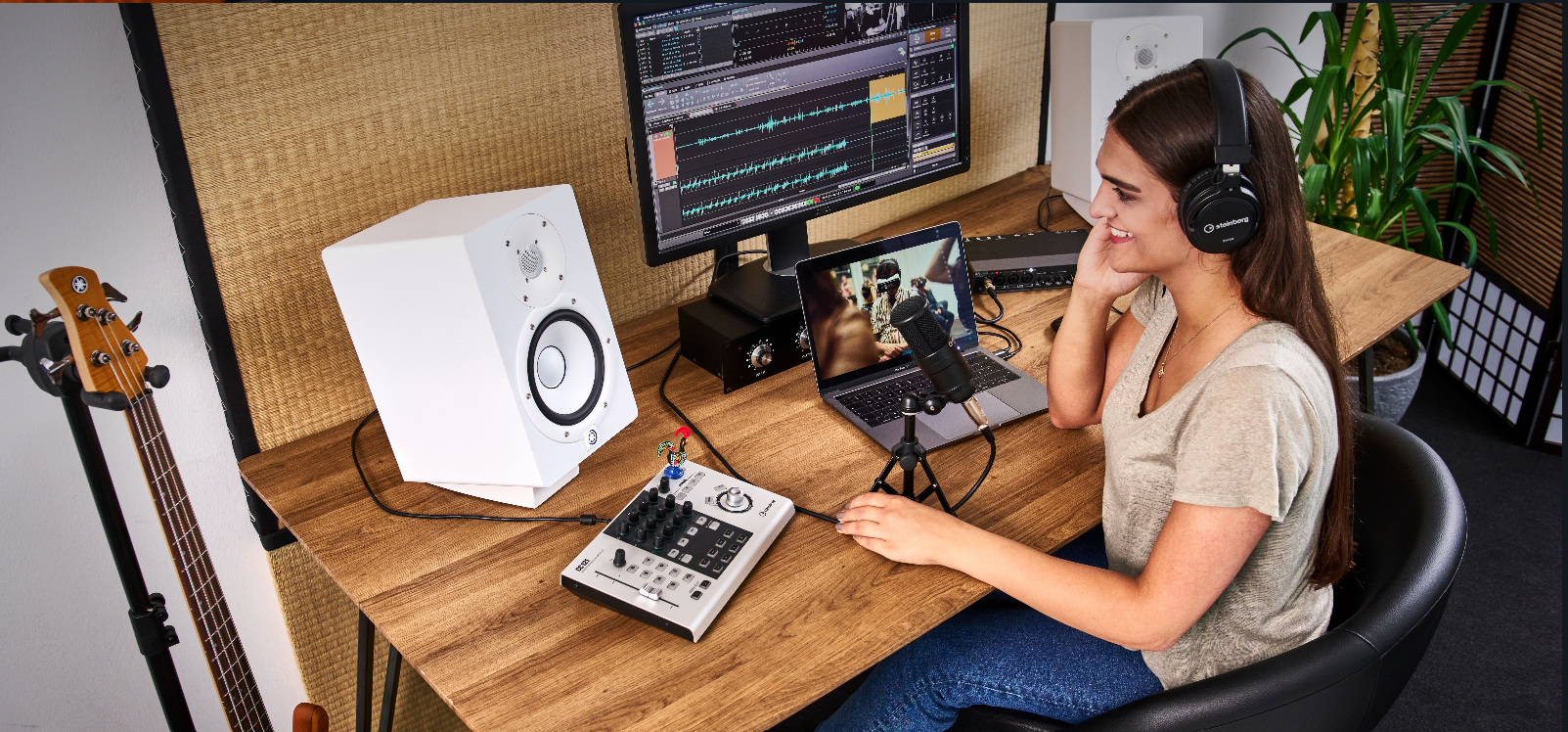
WaveLab supports both stereo and multitrack recording, making it the ideal tool for a wide range of recording situations. Any location sound, including interviews, can be recorded and prepared for broadcast or online publishing within the application, WaveLab also includes a dedicated podcast workspace for recording, organizing episodes and preparation for publishing. All the powerful, intuitive podcasting features from WaveLab Cast are included in WaveLab Pro. These include simple device setup, one-knob sound enhancement and refinement, episode management, and direct upload to podcast distribution services such as Spreaker, Podbean, and Soundcloud.
Sound Design and Sampling
WaveLab is a fantastic tool for sound designers, not only because of its industry-leading audio analysis, editing, and restoration functions, but because its advanced processing tools are perfect for capturing samples and creating loops, ensuring audio files are in peak condition before importing them into a sampler or soft synth. Sounds can either be recorded manually or automatically by enabling WaveLab’s sound/silence detection parameters. It can also automatically create individual files by splitting recordings into multi-samples. With many parameters for splitting, editing, naming, looping, and more, samples can be created quickly, easily, and without getting in the way of creativity.