Theme

Forthcoming Events

No forthcoming events scheduled.


Expired Events

October Deals Ended: 31 Oct 2026
6th Birthday Sale Ended: 08 Oct 2026

Live Event

Active

Black Friday 2026

Our biggest sale of the year. Scoring for film, designing next-generation sounds, or mixing your next release? Explore deep discounts across thousands of premium plugins, virtual instruments, and sample libraries.

Ends In
10d 05h 56m 50s
VIEW ALL DEALS

0

0

Change country:

We use cookies

We and selected 3rd parties use cookies or similar technologies as specified in our Cookie Policy

You can consent to the use of such technologies by using the "Accept" button

Manage cookies

Essential
Essential cookies required for business process and to make the website usable by enabling basic functions. (always active)
Marketing
Marketing cookies are used to serve personalised ads and analyse performance.

The Shape of Music

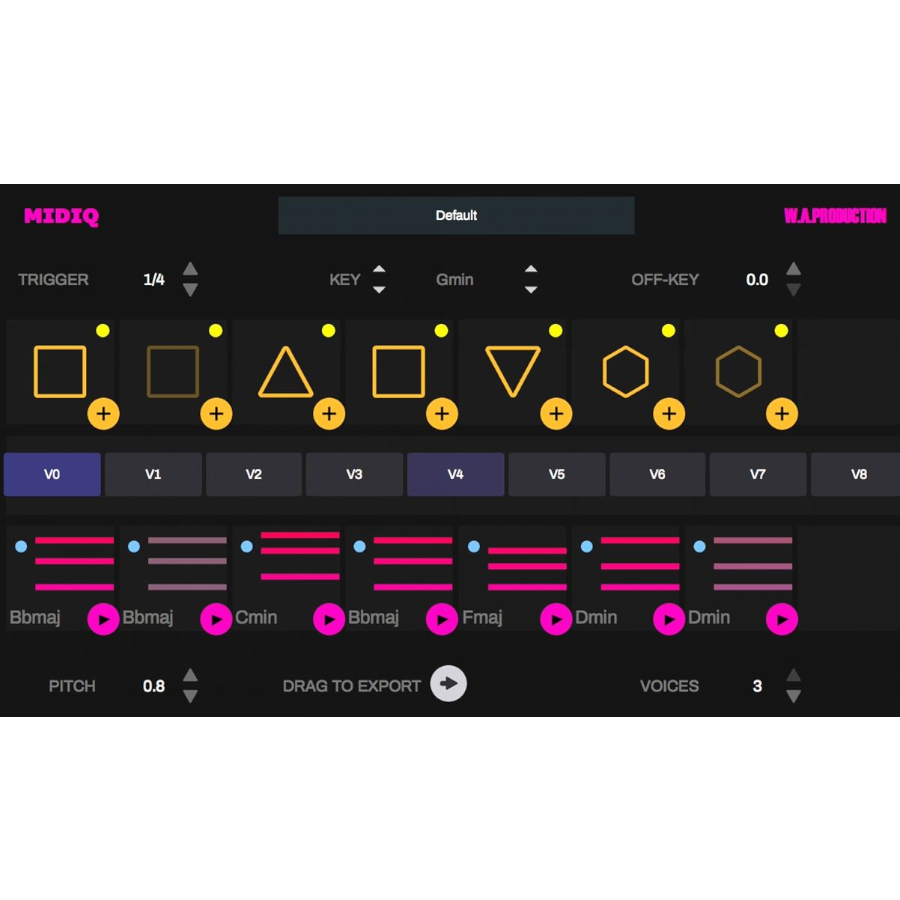
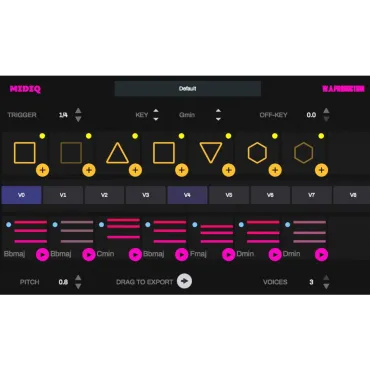
W.A. Production - MIDIQ - Main GUI
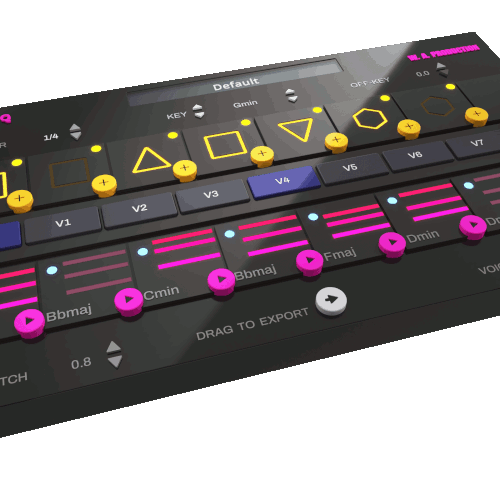
W.A. Production - MIDIQ - OVERVIEW
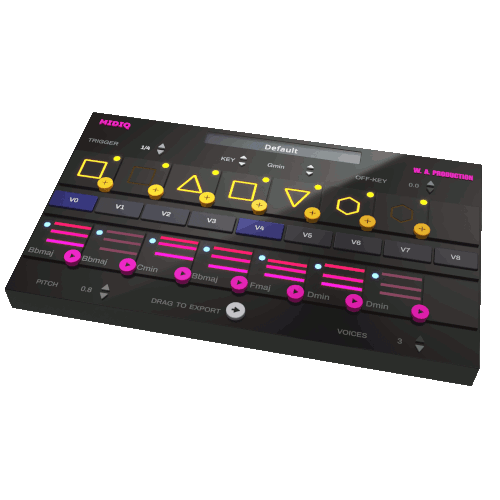
W.A. Production - MIDIQ - CREATE CHORDS
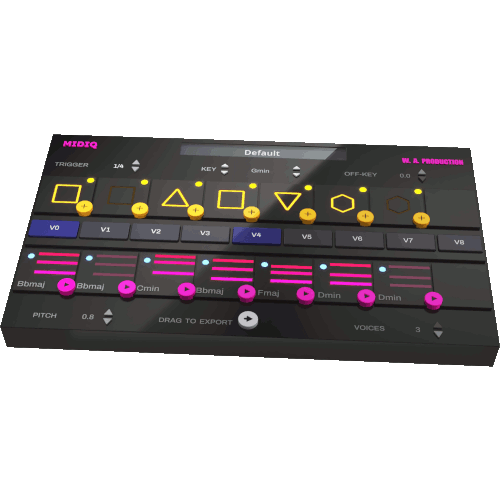
W.A. Production - MIDIQ - EXPLORE SEQUENCES
♫ AUDIO DEMOS (1 TRACK)
SAVE 60%

$23.60

$59.00

Save $35.40
★ Earn 64 Credits ($0.84 cashback)

0

SYSTEM & OS COMPATIBILITY
OS Support
macOS Win 7+
Plugin Formats ✓ VST • AU
Delivery Method ⚡ Direct Download
Disk Space 4 MB
🎁 Free Bonus Gift with £15+ orders: choose from Aura, Blox Reverb, DP-06+, Things: Flip EQ at checkout.

✓ Instant Digital Delivery
✓ Official Partner License
✓ Safe & Secure Checkout
✓ Dedicated Customer Support
Guaranteed Safe & Secure Checkout
Visa Mastercard American Express Apple Pay Google Pay Klarna
IN-DEPTH LOOK

Product Overview

Sometimes we sit down in the studio and we’re just fresh out of ideas. That’s when we reach for MIDIQ to kickstart concepts for chord sequences, harmonies and bass lines. MIDIQ is an innovative MIDI sequence generator for both studio and live applications, featuring a unique and highly interactive user interface.

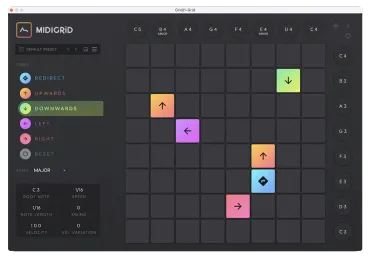
Generating near-limitless chord sequence possibilities, MIDIQ uses a simple pattern language for the definition of repeating chords. The layout resembles a slot machine so the interface is very visual. In fact, you don’t need any knowledge of music theory to get some great results from MIDIQ.

CAPABILITIES & CONTENT

Key Features

  • Innovative user interface featuring a pattern definition area for chords
  • Individual adjustments of MIDI velocity and muting of a generated chord
  • Powered by intelligent algorithms for chord sequence generation
  • Simplified piano roll display
  • Factory Presets
  • Drag to export

OVERVIEW

W.A. Production - MIDIQ - OVERVIEW

Whenever you add or change a pattern symbol, the algorithm generates a chord for this position and also creates a set of eight alternative chord sequences for the current pattern of symbols. A click on one of the chord boxes is enough to switch to a new variant. Truly inspiring stuff.

Preset data is automatically saved in DAW sessions and can be exported for import into other sessions. Equally, copy-and-paste, drag-and-drop and drag-to-host functionalities are all included for ultimate flexibility.

It doesn't stop there... experiment with feeding a chord progression into an arpeggiator, running several plug-in instances in parallel, generating polyrhythmic patterns and finding interesting chord progressions between two or more chords.

CREATE CHORDS

W.A. Production - MIDIQ - CREATE CHORDS

MIDIQ runs in any DAW with MIDI routing support. Place the plug-in on the generator track or use multiple instances of the plug-in assigned to different tracks (e.g. to layer the output for creation of very unusual, highly polyphonic progressions or to generate polyrhythmic loops). Use the copy-and-paste functionality to copy parameters from one plug-in to another. Preset data is automatically saved in DAW sessions, so nothing gets lost. A simplified piano roll display shows the generated chord sequence. Chords from the piano roll can be dragged to the host sequencer.

EDIT CHORDS

Click on a chord to manually change the chord symbols as desired. Whenever you specify a chord, the corresponding pattern element is replaced by a lock symbol, and the music intelligence algorithms create a new, matching chord progression. By clicking on the unlock button, the pattern element returns to its previous state.

EXPLORE SEQUENCES

W.A. Production - MIDIQ - EXPLORE SEQUENCES

Hit "Play" just as you do in a DAW. The chord sequence is played back in a loop, and the current loop position is displayed by yellow and blue boxes around the pattern and chord symbols, respectively. Click on one of the chord boxes to explore alternative chord sequences for the current pattern of symbols. The new variant of the sequence will be played back with the next loop onset and the time until the next onset is displayed by a yellow countdown bar. Click on the button again to restore the main sequence.

TRIGGER CHORDS

Use your keyboard or an external MIDI keyboard to trigger chords in your progression manually. Duration and volume of your input are used to create rhythmic and dynamic variations of the generated chord progressions. It is also possible to record a MIDI sequence in your DAW and use it as a trigger for the generated chords in MIDIQ.

SMART CO-PURCHASE UPSELL

Frequently Bought Together

MIDIQ
MIDIQ
$23.60 $59.00
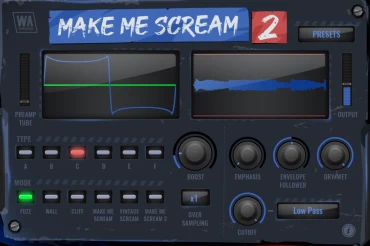
Make Me Scream 2
Make Me Scream 2
$27.60 $69.00
Total for Both: $51.20
VERSION HISTORY

Changelog

v 1.0.0_b2

11/07/22

v 1.0.0_b2 - Update 28th December 2021

  • Offline authorization is no longer supported
MIDIQ $23.60 $59.00

Discover More

View All Events

BROWSE ALL

Happening Now

View Black Friday 2026

SHOP LIVE EVENT
Your Playlist CLEAR
Your playlist is currently empty. Visit a product page and add some tracks to your playlist
Audio Player
0:00
0:00