Preset Mutation
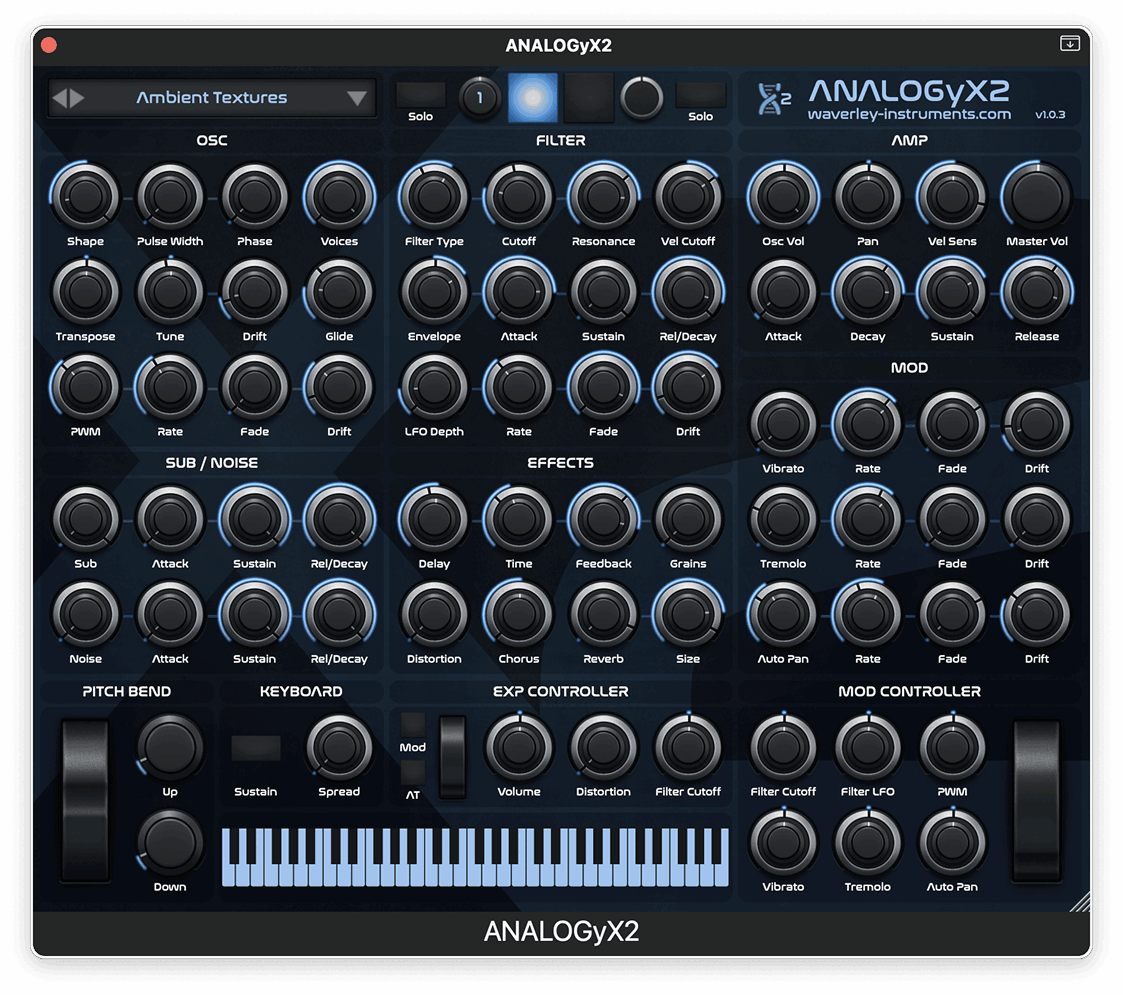
The preset mutation button is represented by the “X2” DNA graphic in the top right of the view. Preset mutation is a way of randomly generating new presets from existing ones. Unlike most preset randomisation, ANALOGyX2 doesn’t simply randomise every parameter. Instead, it looks at your existing presets and randomly selects related parameters from each section for both instruments.
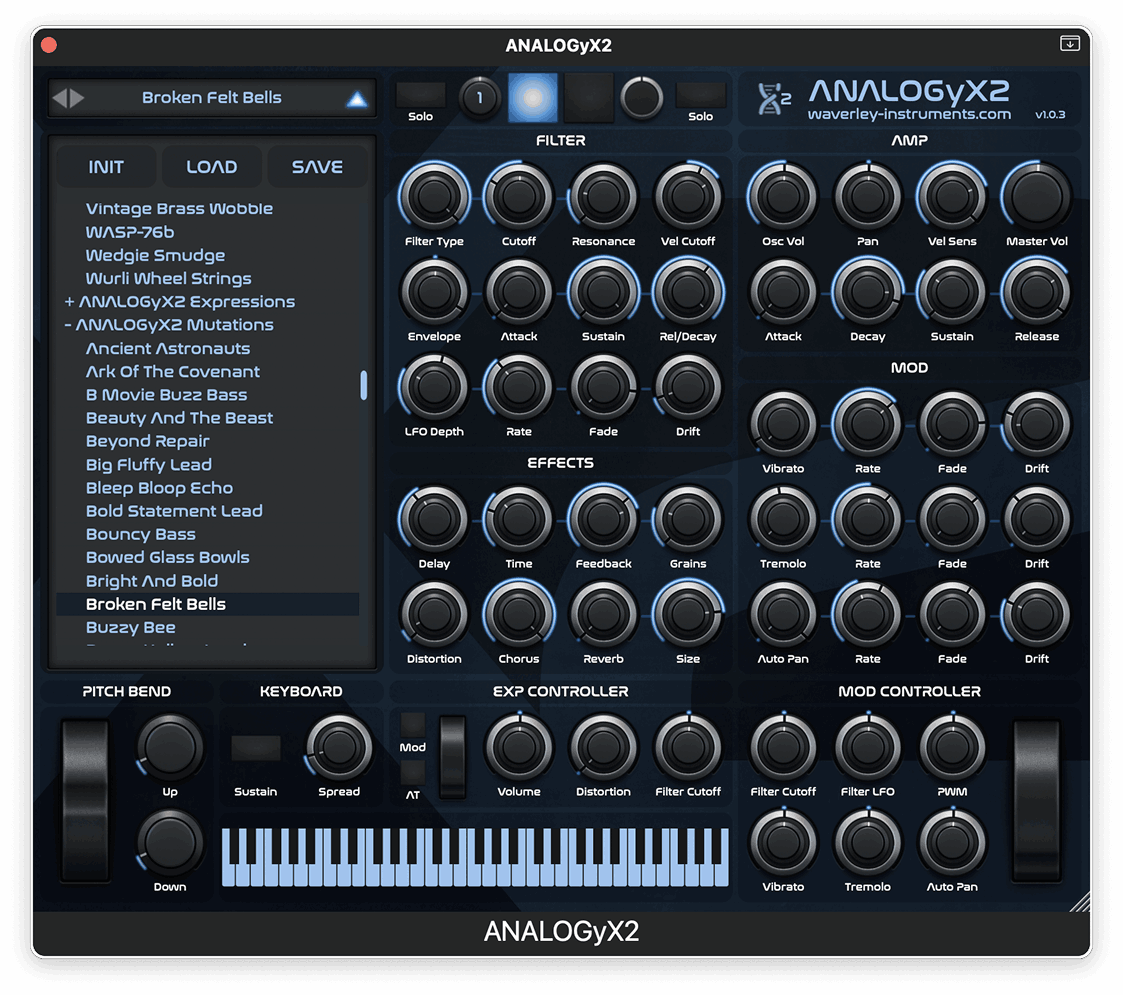
Over 350 presets included to get you started
Drift
You may notice that many parameter sections have an associated drift control. This applies to all LFOs and also oscillator tuning. Under the hood there is a dedicated drift LFO running with a random pattern best described as “drifting” hence its name! Increasing the amount of drift on the UI will increase the effect of the drift LFO applied to the corresponding parameter
OSC
- Shape
- Pulse Width
- Phase
- Voices
- Transpose
- Tune
- Drift
- Glide
- PWM
- Rate
- Fade
- Drift
FILTER
- Filter Type
- Cutoff
- Resonance
- Vel Cutoff
- Envelope
- Attack
- Sustain
- Rel/Decay
- LFO Depth
- Rate
- Fade
- Drift
AMP
- Osc Vol
- Pan
- Vel Sens
- Master Vol
- Attack
- Decay
- Sustain
- Release
Master Limiter
At the very end of the ANALOGyX2 signal chain is a low-CPU safety limiter to keep output levels in check. With the Master Vol at the default setting of -6dB you typically won’t hear the effect of the limiter, but in some cases, the combination of high distortion, filter resonance and lots of sustained notes, the “pumping” effect of the limiter might be noticeable. In this case, we recommend you back off the Master Vol in ANALOGyX2 and increase the channel gain in your DAW.
EFFECTS
- Delay
- Grains
- Distortion
- Chorus
- Reverb
Please see the user guide for full controls and features.