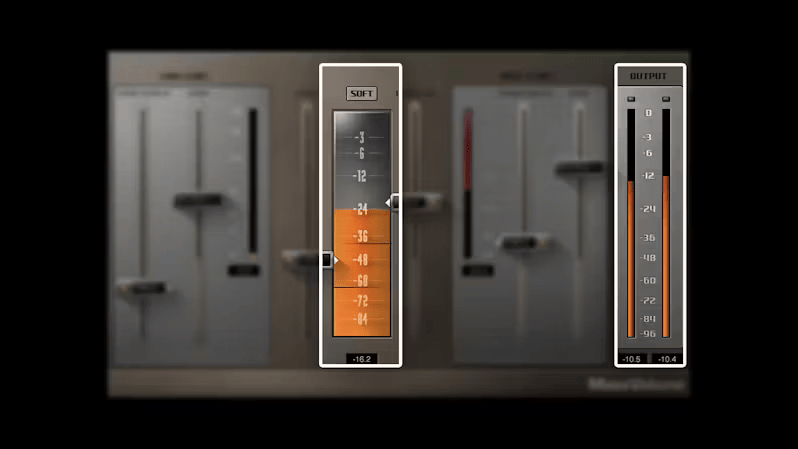
🚨 Free product included with qualifying orders 🚨🚨 Free product included with qualifying orders 🚨🚨 Free product included with qualifying orders 🚨🚨 Free product included with qualifying orders 🚨🚨 Free product included with qualifying orders 🚨🚨 Free product included with qualifying orders 🚨🚨 Free product included with qualifying orders 🚨🚨 Free product included with qualifying orders 🚨🚨 Free product included with qualifying orders 🚨🚨 Free product included with qualifying orders 🚨
Theme

Forthcoming Events

No forthcoming events scheduled.


Expired Events

Summer Sale Ended: 14 Jul 2026
May 2026 Deals Ended: 31 May 2026

Live Event

Active

Heatwave Sale 2026

Feel The Heat! From industry-leading plugins and Kontakt instruments to essential sample packs and cinematic sound design libraries.

Ends In
17d 20h 05m 43s
VIEW ALL DEALS

0

0

Change country:

We use cookies

We and selected 3rd parties use cookies or similar technologies as specified in our Cookie Policy

You can consent to the use of such technologies by using the "Accept" button

Manage cookies

Essential
Essential cookies required for business process and to make the website usable by enabling basic functions. (always active)
Marketing
Marketing cookies are used to serve personalised ads and analyse performance.

Plugin

Plugin Effects

Waves

MaxxVolume

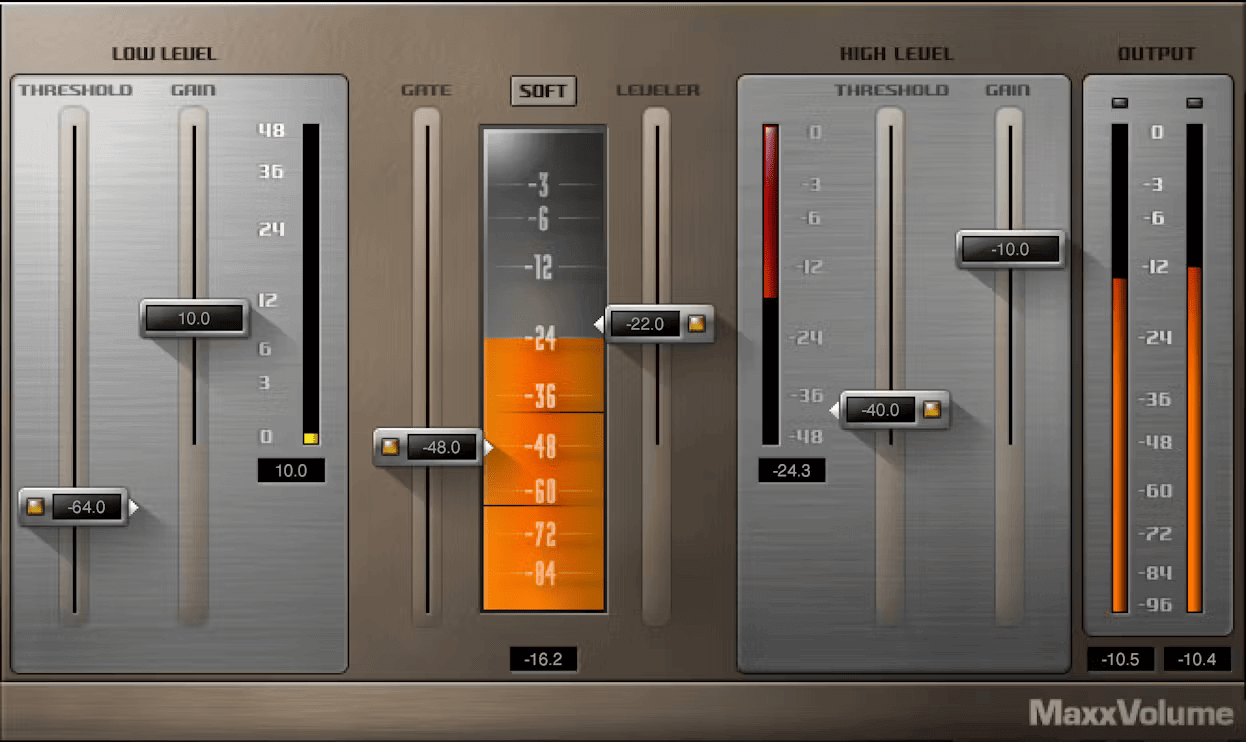
4 dynamic processors combined for fast control.
Waves - MaxxVolume Plugins & FX Software GUI Artwork
Waves - MaxxVolume Screenshot 2
Waves - MaxxVolume Screenshot 3
Waves - MaxxVolume Screenshot 4
Waves - MaxxVolume Screenshot 5
Waves - MaxxVolume Screenshot 6

$34.99

Earn 78

Digital Download

0

Instant Access Direct download
100% Genuine Official license
Flexible Payments PayPal, Card or Wallet
Support Here to help
Guaranteed Safe & Secure Checkout
Visa Mastercard American Express Apple Pay Google Pay Klarna

Product Overview

Four Creative Dynamics Solutions for Fast, Musical Dynamic Control

MaxxVolume’s quartet of dynamics processors is the key to maximum sonic impact. The Low-Level Compressor brings up detailed sounds, like room tone or a voice’s human qualities. To increase intensity, the High-Level Compressor tames excessive dynamics and unwanted peaks.

Leveler maintains consistent levels for voice, instruments, and soundtracks, while the Gate keeps out bothersome low-level noise. No other plugin covers as many facets of dynamics control.

  • All-in-one, easy-to-use dynamics processing toolkit
  • Solve dynamics issues involving both low and high levels
  • Leveling amp provides the “glue” needed for bus compression
  • Equally well-suited to individual tracks, buses, or masters
  • Comprehensive metering gives helpful visual confirmation
  • Each processor has its own mini-interface for easy tweaking

More than Just Louder—Better

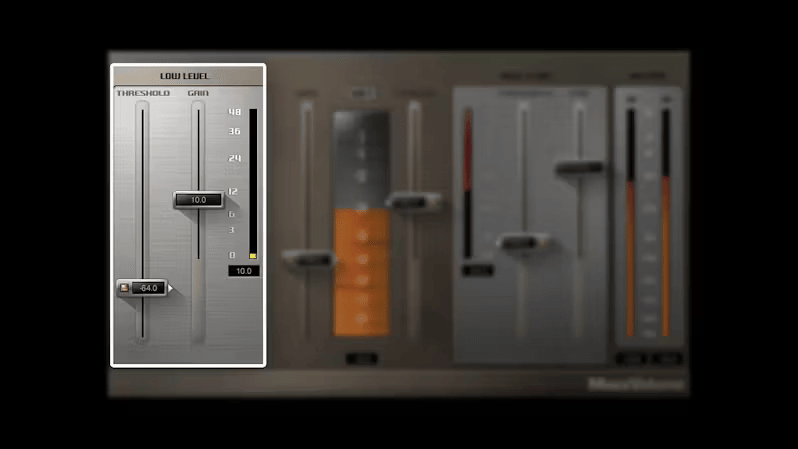
Bring Out Dynamic Detail

Waves - MaxxVolume - Bring Out Dynamic Detail

The Low-Level Compressor emphasizes the lower-level details in any audio, like the body tone of a piano or guitar, room sound with drums, the intimate character of vocals—even backgrounds in field recordings.

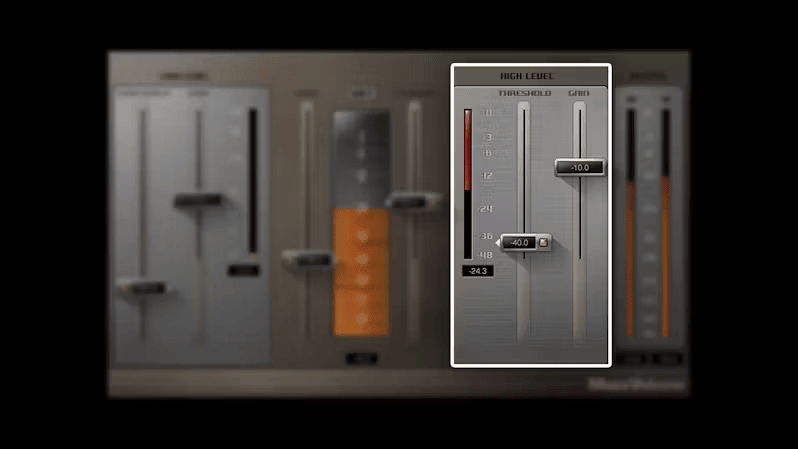
Pull Back the Peaks

Waves - MaxxVolume - Pull Back the Peaks

The High-Level Compressor, based on the time-tested Renaissance Vox, uses traditional compression techniques to tame excessive peaks. It’s perfect for when you want sounds to stand out instead of jump out.

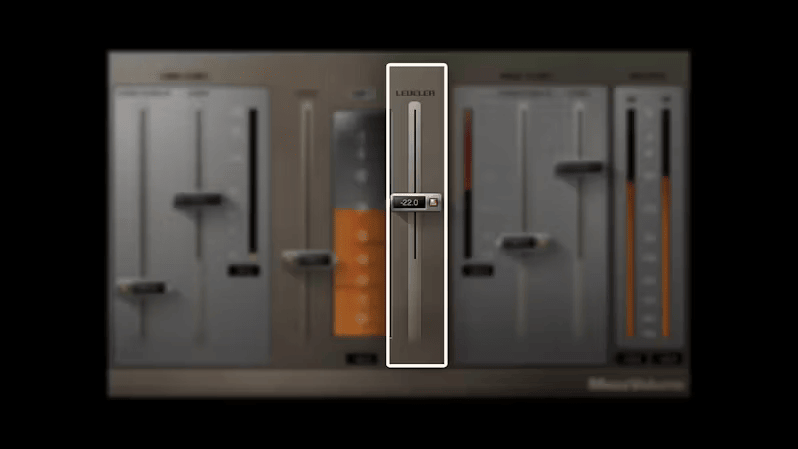
Level the Playing Field

Waves - MaxxVolume - Level the Playing Field

The Leveler resurrects leveling amps for musical purposes. Originally used to keep a consistent level for broadcast, the Leveler evens out different levels—great for buses, masters, and vocalists who lack mic technique.

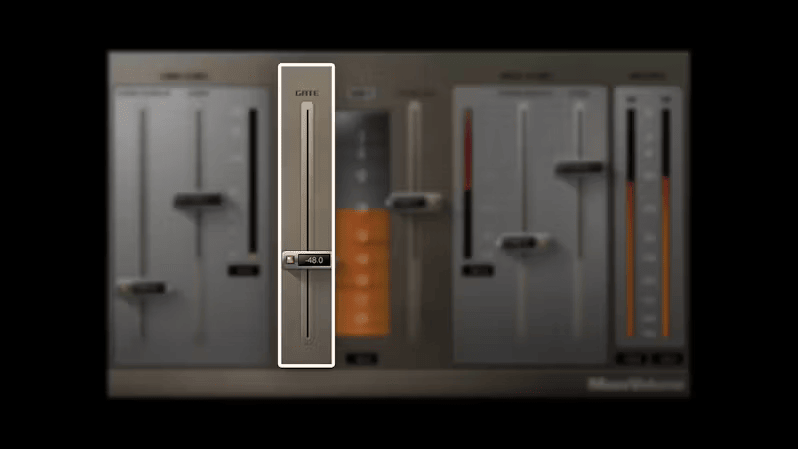
Gate Away the Noise

Waves - MaxxVolume - Gate Away the Noise

Bringing up low-level sounds you want can also bring up low-level sounds you don’t want—like hum, hiss, and room rumble. The Gate provides gentle downward expansion, which avoids gating’s sometimes abrupt effect.

Simplify Your Workflow

Waves - MaxxVolume - Simplify Your Workflow

With MaxxVolume, you needn’t assemble a chain of multiple dynamics processors to obtain your desired results. Even better, the straightforward user interface, with extensive metering, makes tweaking fast and easy.

Additional Information

 MaxxVolume (V15) - System Requirements

  • Mac
  • CPU
    Intel or Silicon Architecture
    See notes regarding Apple Silicon based processors

    Memory
    Minimum: 8 GB RAM (16 GB recommended)
    16 GB free disk space on the system drive

    Operating System
    macOS Monterey 12, Ventura 13, Sonoma 14

    Screen Resolution
    Minimum: 1024x768
    Recommended: 1280x1024 / 1600x1024
    USB displays are not supported as the primary display.

  • Windows
  • CPU
    X64 compatible Intel or AMD CPU

    Memory
    Minimum: 8 GB RAM (16 GB recommended)
    16 GB free disk space on the system drive

    Operating System
    Windows 10 64 bit
    Windows 11

    Screen Resolution
    Minimum: 1024x768
    Recommended: 1280x1024 / 1600x1024

Categories:

Compressor Multi Effects Gates

Formats:

Plugin

Tags:

Effects Plugin Sound Design

Discover More

View All Events

BROWSE ALL

Happening Now

View Heatwave Sale 2026

SHOP LIVE EVENT
Your Playlist CLEAR
Your playlist is currently empty. Visit a product page and add some tracks to your playlist
Audio Player

0:00
0:00