Sign in to Loot Audio
Access your downloads, purchases and more
Access your downloads, purchases and more

Pulse is a revolutionary new downloader offering blazing fast speeds and powerful control over your libraries. Loot Audio uses Pulse to power some of our downloads and to make managing your libraries more efficient for you.
After your purchase we will send you a unique code (you will also find the code in your account). Use the code with Pulse to power your download and installation. More information about Pulse can be found here.
What are Credits?
You earn Credits every time you purchase a product from Loot Audio. 3% of your order is added to your account in the form of Credits.
Use Credits for money off future orders or convert them to Sample Credits to download samples from the Sounds section of the site.
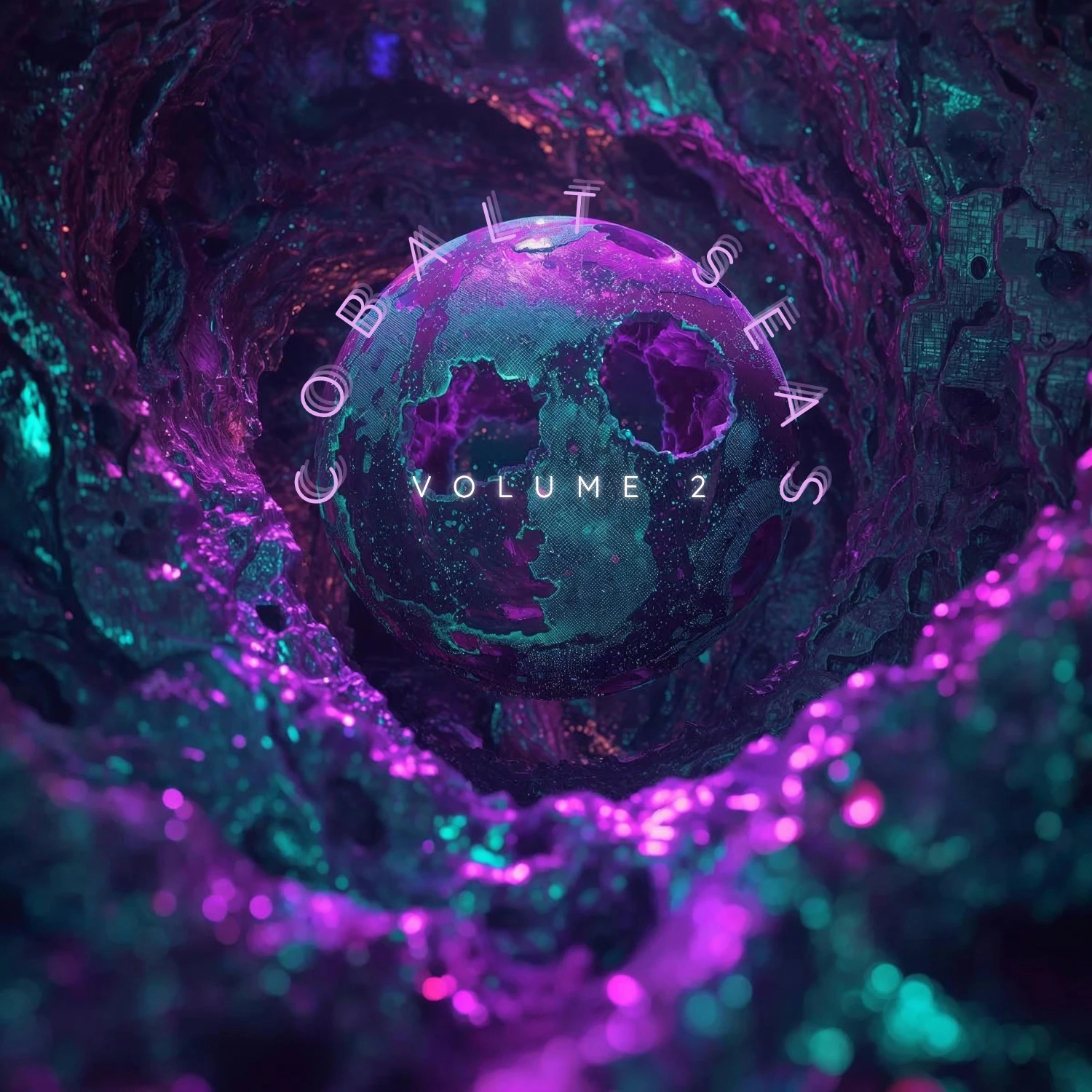
Rhythmic energy and driving low-end for the Cobalt 8.
$15.00
Earn 42







50 Total Presets: A complete, highly playable sound bank.
16 Lead Arps: Complex, evolving, and kinetic melodic sequences.
10 Basses: Thick, driving patches to anchor your low end.
10 Leads: Expressive, cutting mono and poly tones designed to stand out in a mix.
4 Bass Arps: Rhythmic, sequenced foundations.
5 SFX: Gnarly, sizzling textures and atmospheric impacts.
3 Percussions & 1 Percussion Arp: Unique synthetic hits and rhythmic grooves.
1 Ocean Init: The signature Ocean Swift blank canvas to kick off your own sound design.
Importing presets on the Cobalt 8 is easy and explained on the Cobalt 8 manual on page 75. It is possible to load single or multiple presets, to any desirable slots.
Connect the Cobalt 8 to the computer
Launch the MODALapp in standalone or as a DAW plugin
From the MODALapp preset browser select the preset or range of presets you would like to overwrite on load
Right click and select import
From the dialog, select the preset or range of presets you would like to load