Sign in to Loot Audio
Access your downloads, purchases and more
Access your downloads, purchases and more

Pulse is a revolutionary new downloader offering blazing fast speeds and powerful control over your libraries. Loot Audio uses Pulse to power some of our downloads and to make managing your libraries more efficient for you.
After your purchase we will send you a unique code (you will also find the code in your account). Use the code with Pulse to power your download and installation. More information about Pulse can be found here.
Additional Discounts
Own any In Motion Audio product - +2%
Own 1 product from this bundle - +20%
Own 2 products from this bundle - +40%
Own 3 products from this bundle - +60%
Own 4 products from this bundle - +80%
What are Credits?
You earn Credits every time you purchase a product from Loot Audio. 3% of your order is added to your account in the form of Credits.
Use Credits for money off future orders or convert them to Sample Credits to download samples from the Sounds section of the site.
The Drag and Drop Bundle

$54.12
$77.12
Earn 120








Simple Kontakt Instrument For Creating Instant Arps.
We made this specifically for music based samples such as a pad or a note from an instrument, so you can drop a sample into the Kontakt Instrument, to which it instantly pitches the note across the keyboard and allows you to ARP that sample.
The ARP has some simple parameters/features such as Filters, Resonance, ADSR to adapt the sample further.
V2: We've recently added the option to Loop or One Shot the sample you upload
We came up with this idea whilst creating our sample pack Infinite (which you can get The ARP FREE with).

Create interesting and unique looping textures utilising samples you already have.
(included are some FREE samples to use with Degrade)
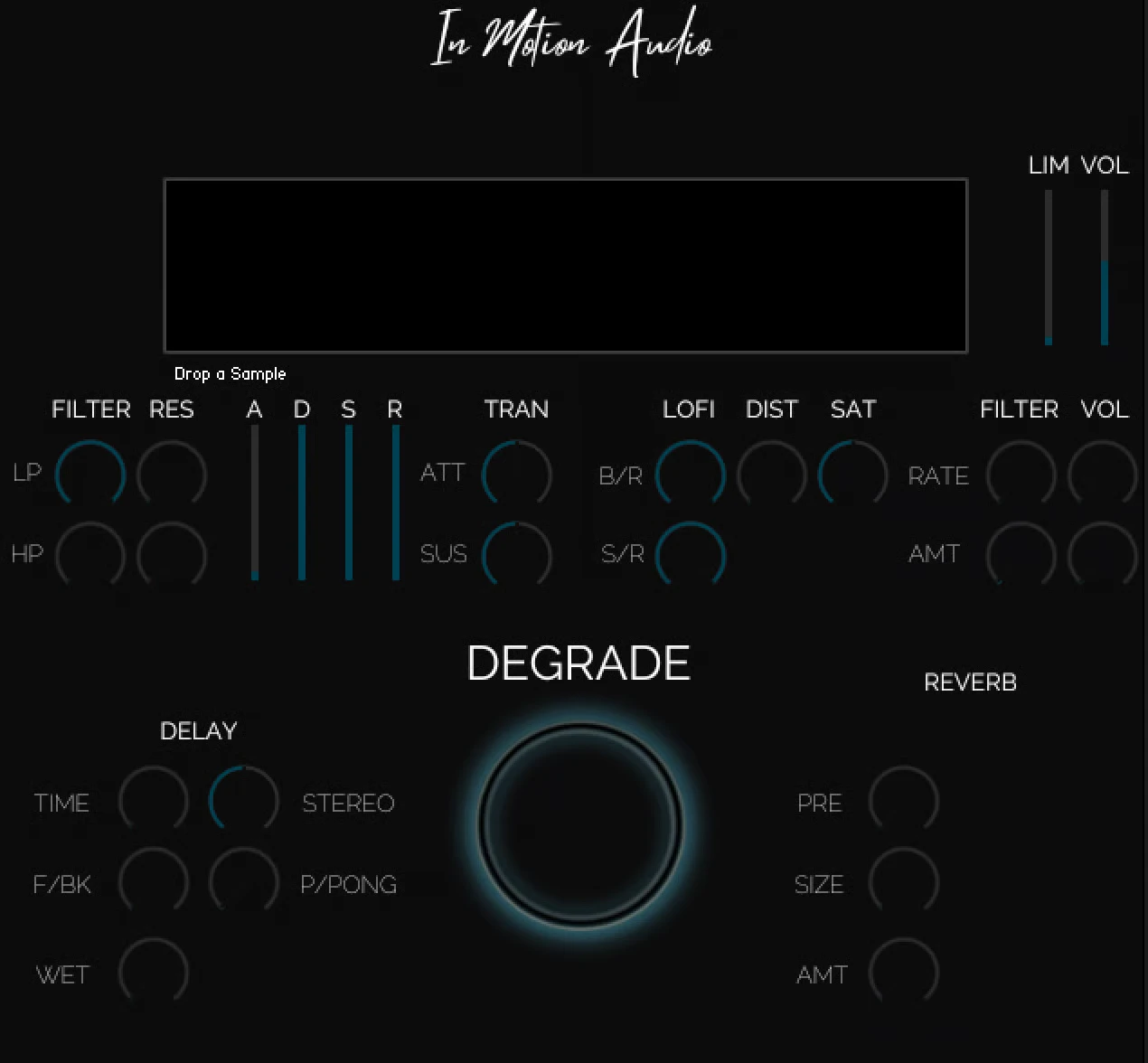
Degrade was created to make interesting and unique looping textures utilising samples you already have.
Drag and Drop any audio on to the GUI, press the key (which automatically loops) and then Degrade it. The Degrade button changes the pitch and speed of the sample and essentially degrades the audio making some cool and unique textures. Works perfectly for Film, TV, Games and for composition to give your project a unqiue textural background.
We've added some cool features such as:
EQ: High Pass/low Pass and Resonance
ADSR: To adapt the shape
Transient Master: Which allows you to reduce or increase the attack/sustain of the sample
LOFI: Bit/Sample Rate
Distortion/Saturation: To give grit and harmonics
LFO: Filter and Volume to add movement
FX: Delay, Reverb and Stereo Width
Limit: to compress/increase the volume of the sample
Volume: To increase the level of the sample
Degrade: Time and Speed
All the above comes with automation, so you can automate each parameter.
You can then use MIDI to place this created sound into your’e project and or then bounce this sound out via MIDI in your project to create a new audio sample.
Once finished you can delete the audio and re-add a new sample and start the design process all over again.
Product Specifications:
Installed 905.9 MB
Kontakt 6.8.0 full required

Specifically created to get more out of your footstep samples.
The Footstep Designer was specifically created to get more out of your footstep samples while working on TV/Film and Games.
We came across a few issues where we liked a footstep but we only had one in a sample or only one really good one to work with, The Foostep Designer allowed us to maximise that one sample quickly.
The Footstep Designer allows you to drag and drop any footstep audio on to the GUI, The Footstep Designer automatically detects the Pitch and then maps the sample to the entire keyboard giving you different pitches of that said sample, giving you instant variety of that one footstep.
The Footstep Designer is also set up in Time Machine Pro keeping all your samples at the same speed no matter where you press on the keyboard.
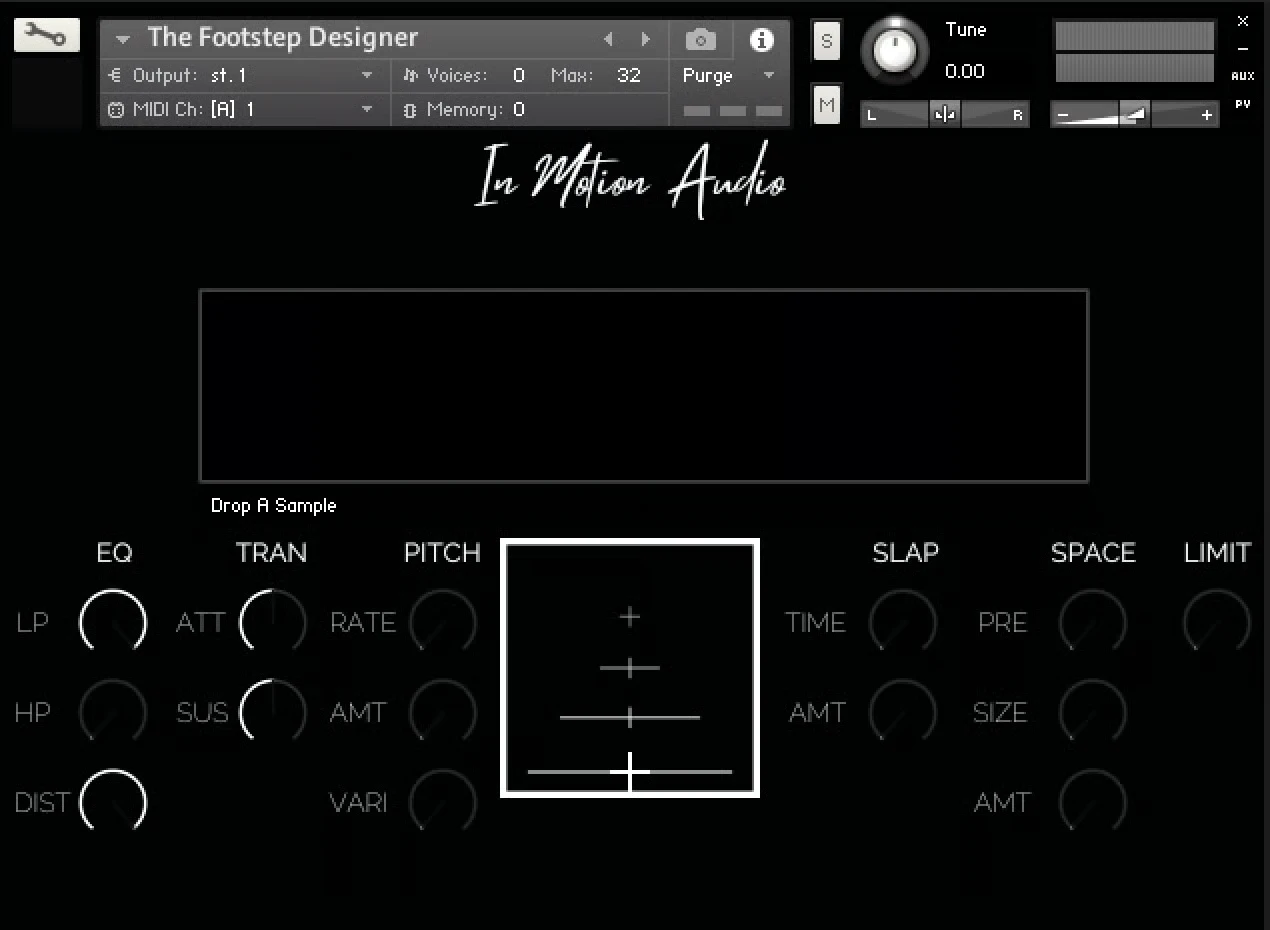
We've added some cool features such as:
EQ: High Pass/low Pass
EQ: Distance feature which helps to give more distance perspective
Transient Master: Which allows you to reduce or increase the attack/sustain of the sample
Pitch: Pitch is attached to a random modulator so instead of pressing the different keys to get different pitches you can press the one key instead, the rate and amount will determine how much the modulator is effected and the vari will give more variety to the pitches. Giving you more options.
XY: Which allows you to Pan/Volume change to help with a functional way of adapting your sample to picture.
FX: Slap and Space allowing you to place these footsteps into space
Limit: to compress/increase the volume of the sample
All the above comes with automation, so you can automate each parameter which can be handy for the XY Pad to get the correct direction/volume within your DAW.
You can then use MIDI to place this created sound into your’e project and or then bounce this sound out via MIDI in your project to create a new audio sample.
Once finished you can delete the audio and re-add a new sample and start the design process all over again.
Product Specifications:
Installed 2.3 MB
Kontakt 6.8.0 full required
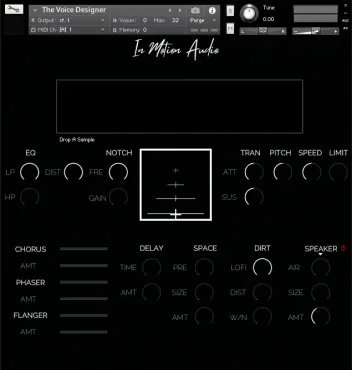
Readapt and redesign dialogue or voice samples.
The Voice Designer was specifically created to readapt and redesign dialogue or voice samples when working on TV/Film
The Voice Designer allows you to drag and drop any audio on to the GUI, The Voice Designer automatically detects the Pitch and then maps the sample to the entire keyboard giving you different pitches of that said sample. The Voice Designer is also set up in Time Machine Pro keeping all your samples at the same speed no matter where you press on the keyboard.
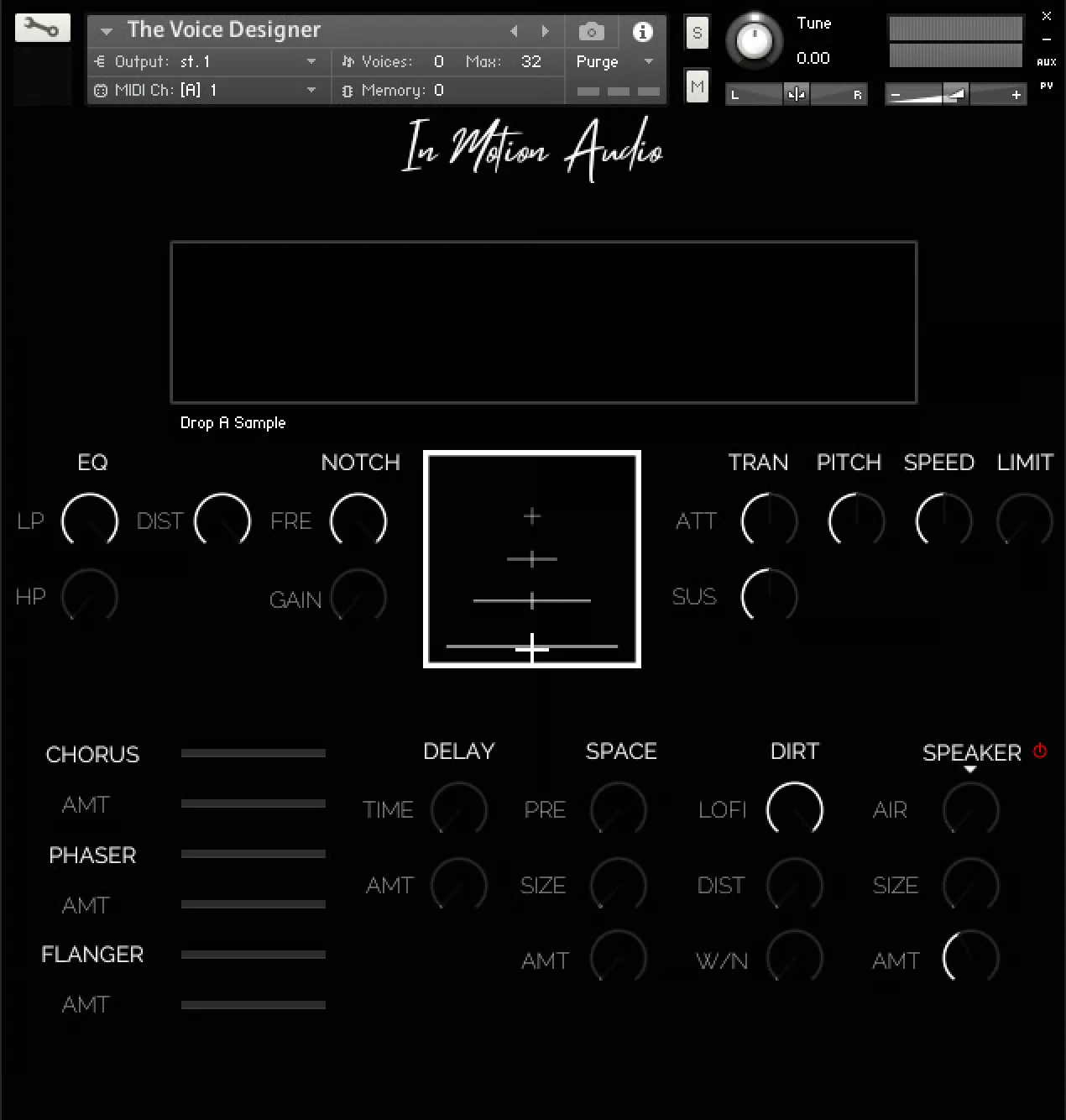
We've added some cool features such as:
EQ: High Pass/low Pass
EQ: Distance feature which helps to give more distance perspective
Notch EQ: giving you the ability to notch higher frequencies to add a more Futz like sound
Transient Master: Which allows you to reduce or increase the attack/sustain of the sample
Pitch: Which will change the pitch of the sample if required
Speed: Which will change the speed of the sample if required
Limit: to compress/increase the volume of the sample
FX: Chorus, Phase, Flan, Delay, Space, Lofi and Distortion to change the over all characteristics of the sound
WN: White noise to give an effect if recreating vintage/retro style voice overs
Speaker: Allows you to run the sample through a variety of cabs enhancing the style for such things as speakers or tannoys
XY: Which allows you to Pan/Volume change to help with a functional way of adapting your sample to picture.
All the above comes with automation, so you can automate each parameter which can be handy for the XY Pad to get the correct direction/volume within your DAW.
You can then use MIDI to place this created sound into your’e project and or then bounce this sound out via MIDI in your project to create a new audio sample.
Once finished you can delete the audio and re-add a new sample and start the design process all over again.
Kontakt 6.8.0 full required
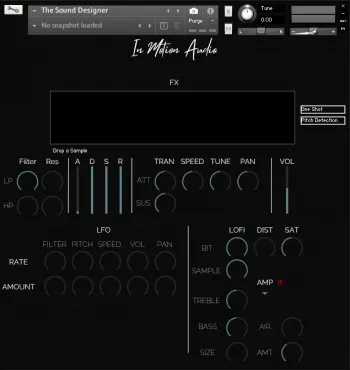
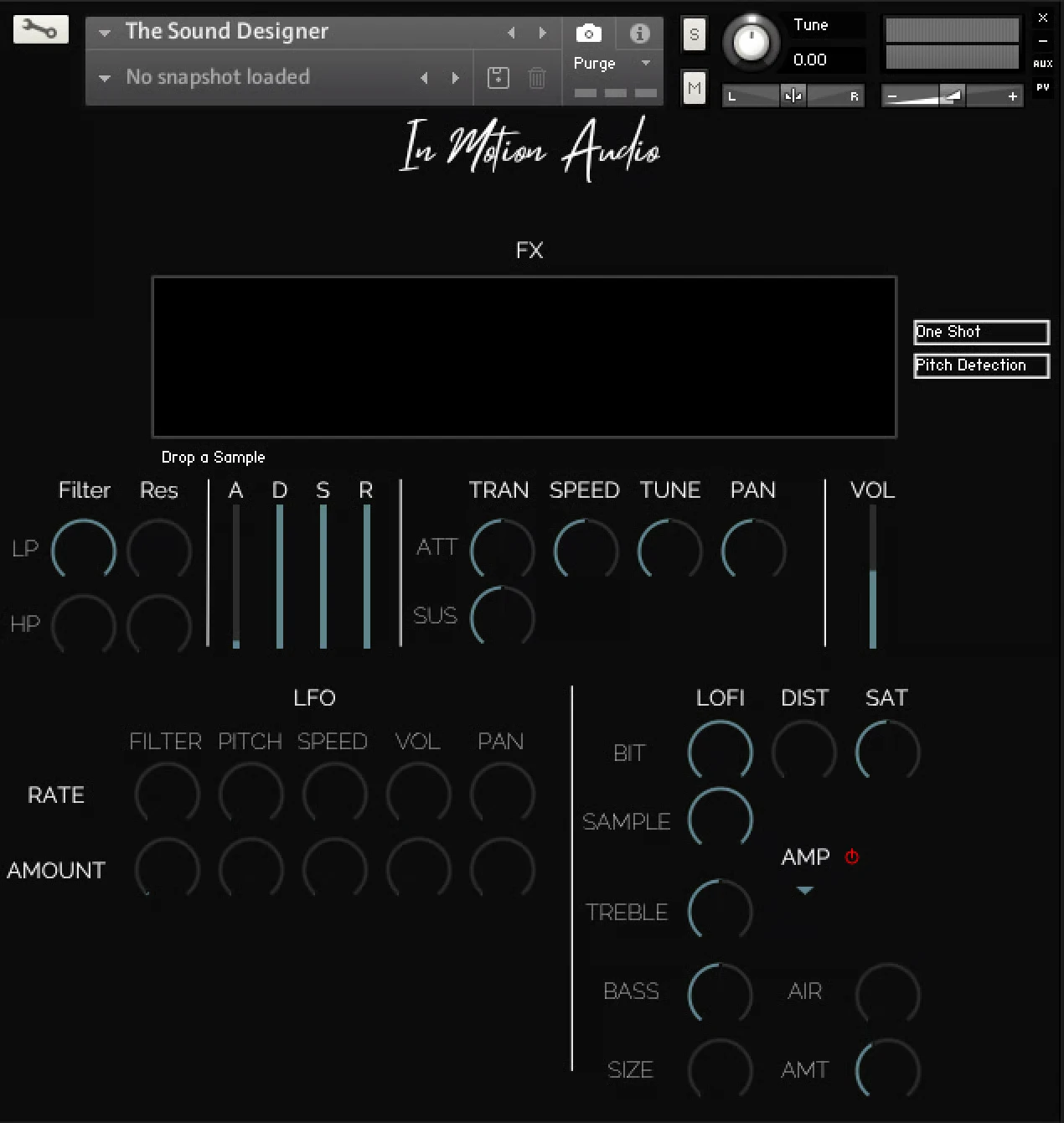
Readapt and redesign your existing samples.
The Sound Designer was created to readapt and redesign samples we already had.
The Sound Designer allows you to drag and drop any audio on to the GUI, The Sound Designer automatically detects the Pitch and then maps the sample to the entire keyboard giving you different pitches of that said sample, you can then use that sample as a one shot or loop it. The Sound Desinger is also set up in Time Machine Pro keeping all your samples at the same speed no matter where you press on the keyboard.
You can then design the sound anyway you like by using the controls on the Main and FX page
You can then use MIDI to place this created sound into your’e project and or then bounce this sound out via MIDI in your project to create an audio sample.
Once finished you can delete the audio and re-add a new sample and start the design process all over again.
FREE: This download comes with a FREE 5GB pack of samples to use with the engine!
Kontakt 6.8.0 full required