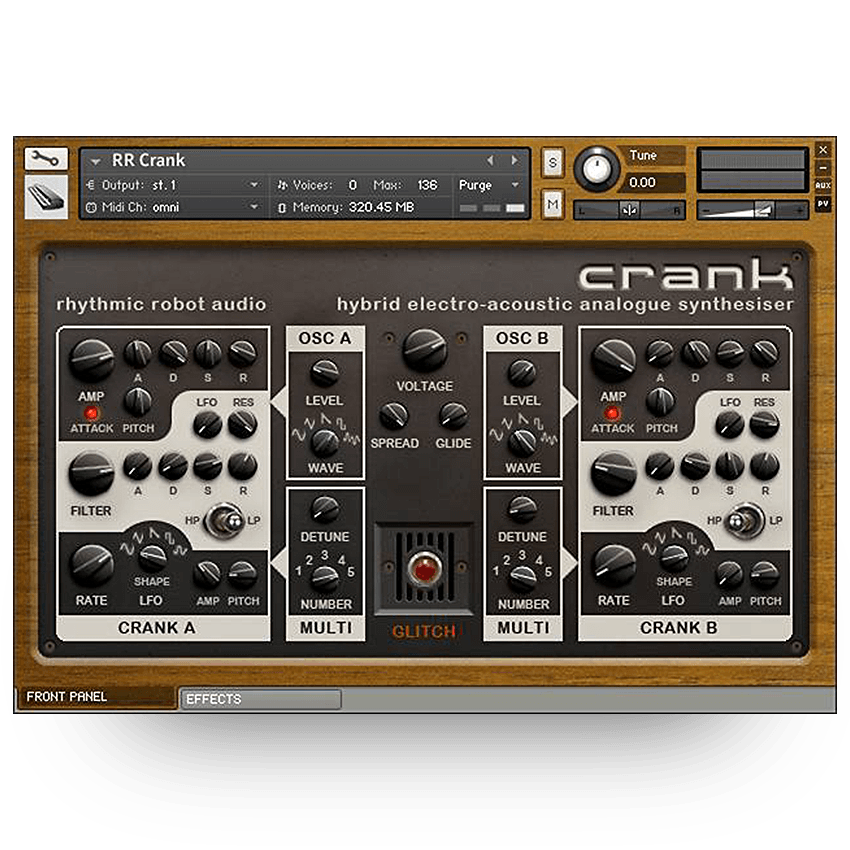
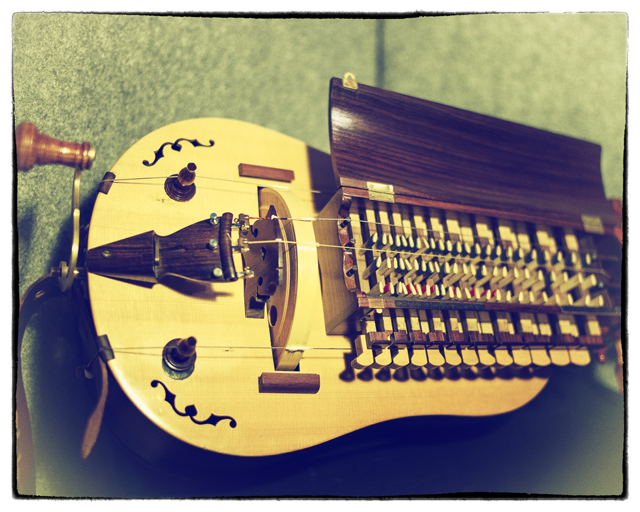
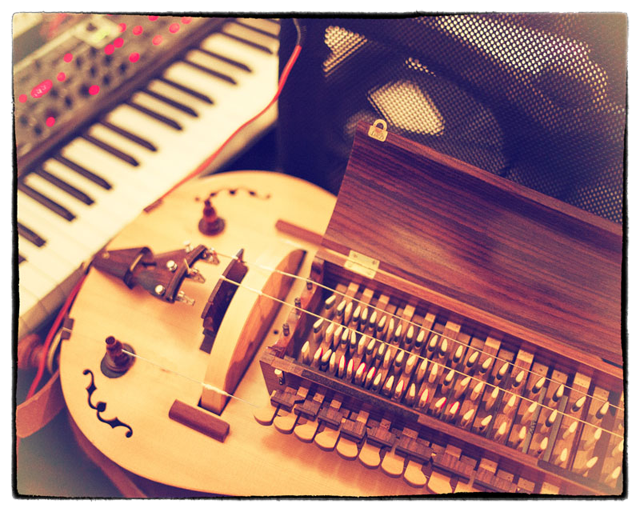
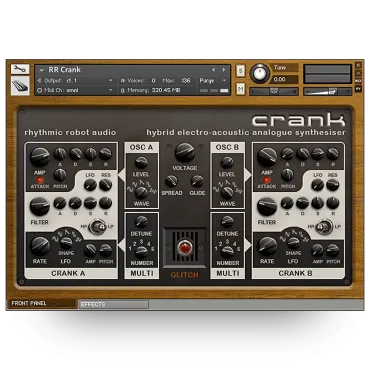
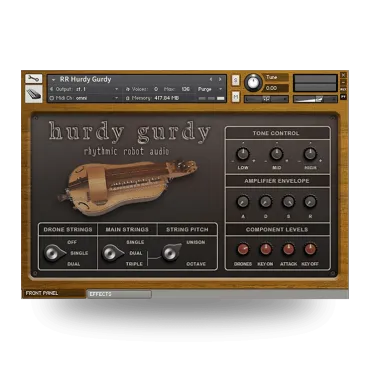
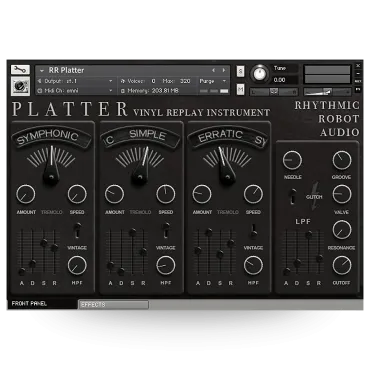
Crank has a powerful dual-layer architecture, with the main Crank waveforms sampled chromatically from our friend Ana’s hurdy-gurdy. These samples are each over a minute long, and their start points are randomised, so no two notes sound the same. Also, you can choose to add in the characteristic and characterful attack ‘squeal’ or ‘chirp’ caused by the initial contact of the key peg with the string, by clicking the little red Attack LED. With this on, you get a more authentic acoustic sound; with it off, you get a smoother attack and can use the ADSR controls to modify it further. (You can even have a slow ADSR attack and the little attack chirp, for a strange hybrid effect!)
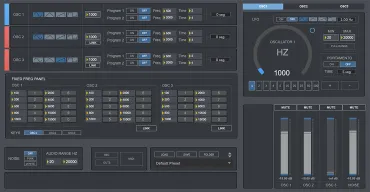
On the left of the panel is one pairing of Crank waveform and analogue Oscillator; on the right, another, almost identical one. (There are two small differences between them: they employ different styles of low-pass filter – one Moog-style, one Prophet-style – and the Noise waveform for Osc A is standard white noise, whereas for Osc B it’s a vinyl crackling instead. We just like to mix things up.) The Crank waveform can be multiplied via the Multi control, giving you instant density and depth with precise control over detuning… although the Crank waveforms themselves are pretty erratic, so they’ll be naturally detuned in any case.
The analogue Oscillator offers some more familiar waves to complement the acoustic nature of the Crank: you get typical Triangle, Sawtooth and Square wave, plus a Sine pitched one octave below the Crank for a nice bit of sub-boost. The twin Noise waves live here too, and can really add some old-fashioned grit to the sound. High- or Low-pass Filter and LFO controls round out the feature set for each bank, and of course the banks can be individually tuned (say, to octaves, or fifths) for even more versatility.