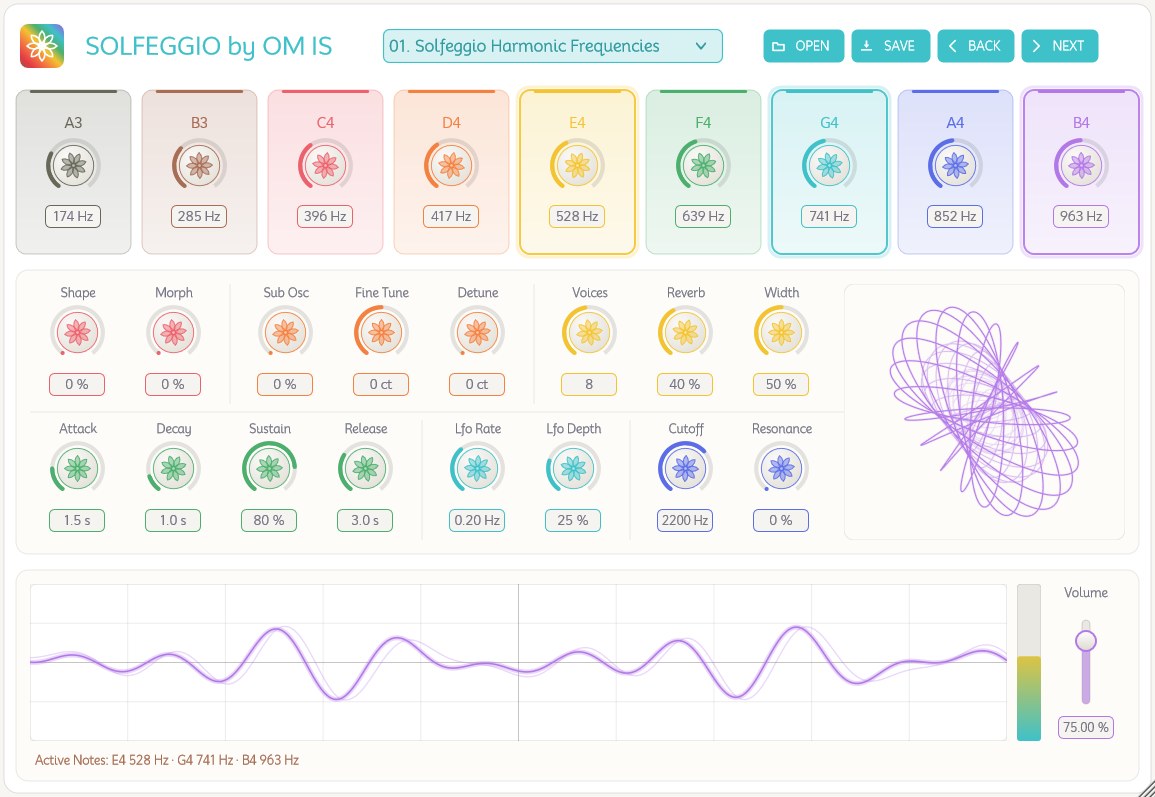
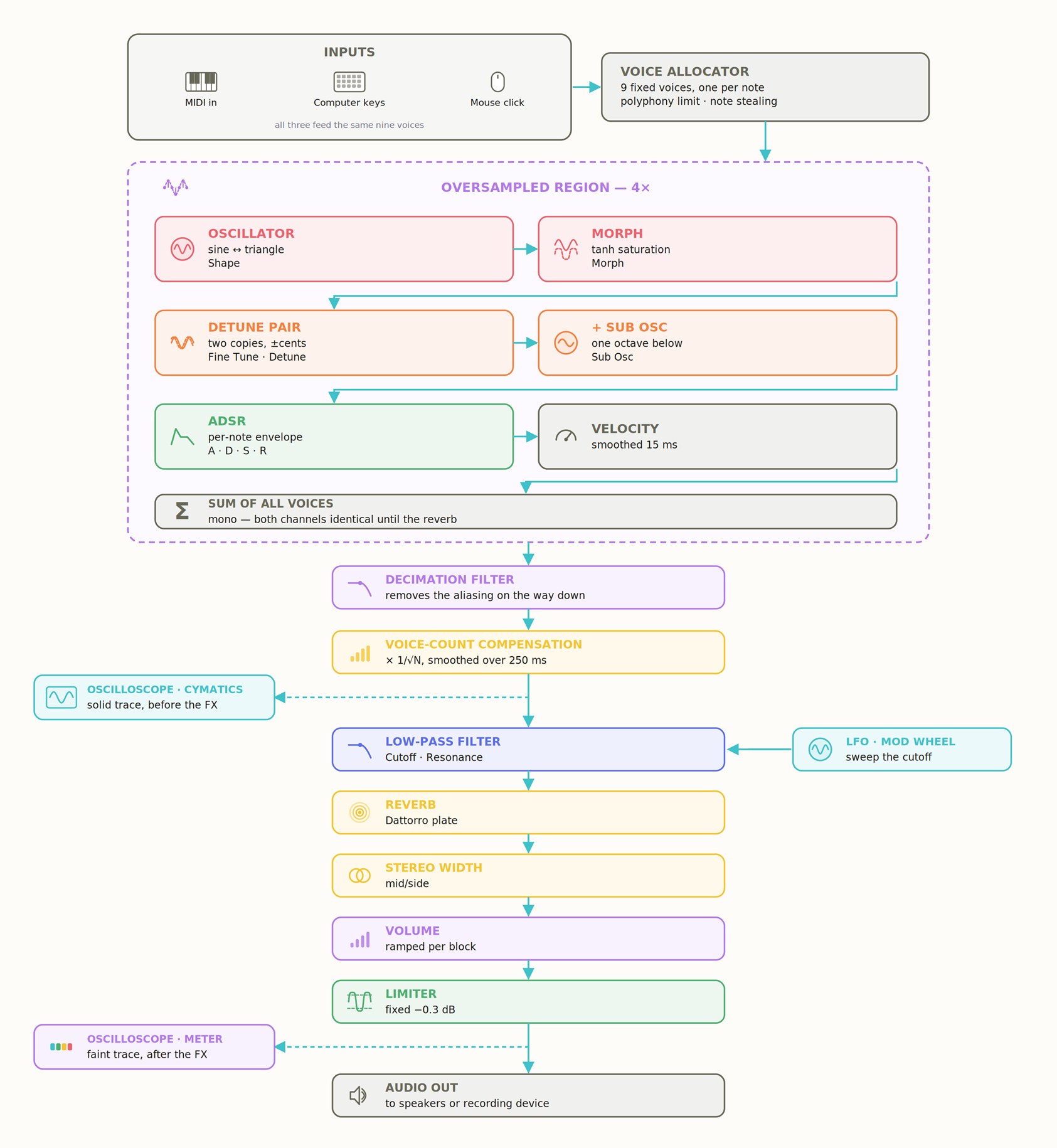
The frequencies can be triggered from a MIDI keyboard, from the computer keyboard, or directly with the mouse. All three feed the same voices, so they behave identically and can be mixed freely.
With MIDI keys. Play the note listed in the table above and its card sounds — A3 through B4, using the convention where middle C (C4) is note 60. Keys outside that range are ignored, since only these nine notes exist. MIDI velocity is respected: how hard you play sets the level of the note.
With the mouse on the note card. Click and hold anywhere on a card to sound that note; release to let it go. The pointer turns into a hand over the area that responds, so you can see what is clickable. The knob and its value box are excluded — clicking those adjusts the frequency instead of playing, which is what lets you tune a note without triggering it. Clicking the note name plays the note.
With the computer keyboard. Two rows are mapped to the same nine notes, so whichever hand position suits you works:
Unlike the mouse this is polyphonic — hold several keys and you get a chord, subject to the Voices limit.
The plugin window has to have focus for its keys to reach it. Two consequences: notes never trigger while you are working in another window, and typing a frequency into a value box types normally instead of playing.
While the plugin window holds focus it also takes key presses the host would otherwise use — spacebar for transport, for instance. Click elsewhere in the host to give those back.
Every held note lights up. Play a chord and all of its cards are highlighted at once, whichever way you played them. The highlight follows the keys, not the sound: it clears the moment you let go, even though a long release keeps the note ringing for seconds afterwards.
Two differences worth knowing:
- The mouse plays one note at a time, since there is only one pointer. For chords use MIDI or the computer keyboard.
- Mouse and computer-keyboard notes use a fixed medium velocity, so they always sound at the same level. Only MIDI carries real velocity.