Drum Designer — Modern Drum Workshop
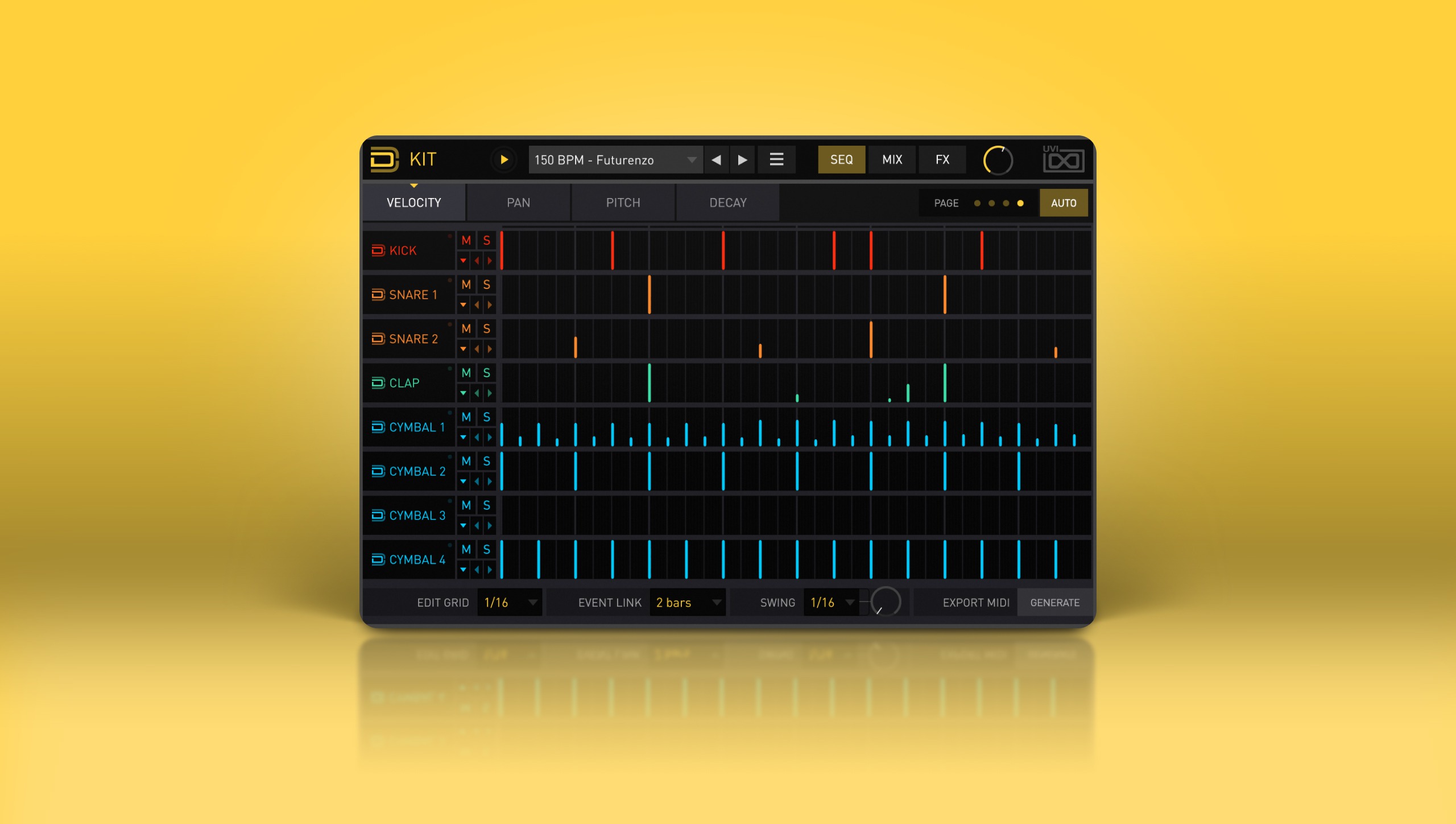
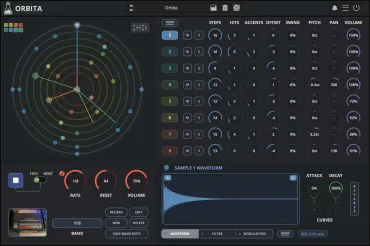
Created for producers and sound designer of any genre, Drum Designer provides innovative tools allowing you to shape, pitch and tweak drum sounds in ways that would have been previously impossible or prohibitively time consuming. Born from a deep analysis of drum production techniques, Drum Designer delivers 4 specialised instruments along with a dedicated 8 part sequencer, a massive collection of 5,700+ samples, 2,500+ meticulously created drum presets, 398 kits, and more.
Drum Designer has been developed to offer deep sound-shaping controls. Unlike sample packs which can be disappointing to manipulate, Drum Designer unlocks your drums, giving you the ability to surgically alter the individual components of each sound. Craft tight and hard-hitting kits with absolute control, easily match existing sounds to your track, instantly create variations, modulate any detail, and design wild new textures.
Drum Designer breaks down individual hits into discrete slices and layers, giving you the best of both raw synthesis and sample-based approaches to drum design. A massive collection of thousands of 'component' samples are combined together within 4 expressive drum engines: Kick, Snare, Clap and Cymbal, utilizing custom 3D wavetables and samples, filtering and DSP to help you create the next wave of signature beats.
Each drum engine in Drum Designer is a powerful instrument giving focused control over every component in its respective drum sound. Detailed editors for each component are provided along with a global editor and a robust effects page with Transient Designer, Soft Clip, Stereo Width, EQ and Convolver modules.
Splitting the kick sound into Body and Tone sections, Kick Designer lets you select individual sounds for each component, adjust their pitch, gain, pan, keytracking, and LP and HP filters independently. You can change the phase of the tone so it aligns perfectly and even lengthen the tone component duration, unlike traditional sample packs. Use the Tone Amp editor to draw your own custom envelopes and then smooth it to taste.
Start with the Body and Tone components found in the Kick Designer and add 2 discrete Noise layers each with the same level of control. The noise components are each capable of creating room sounds, ramps and tight attacks to emphasize the transient. Use the Tone editor to create unique envelopes for Amp and Pitch, and change the wave shape, phase and width.