With such a great reception to the original plugin, we’ve upgraded CHORDS PRO + NOTES with many new features:
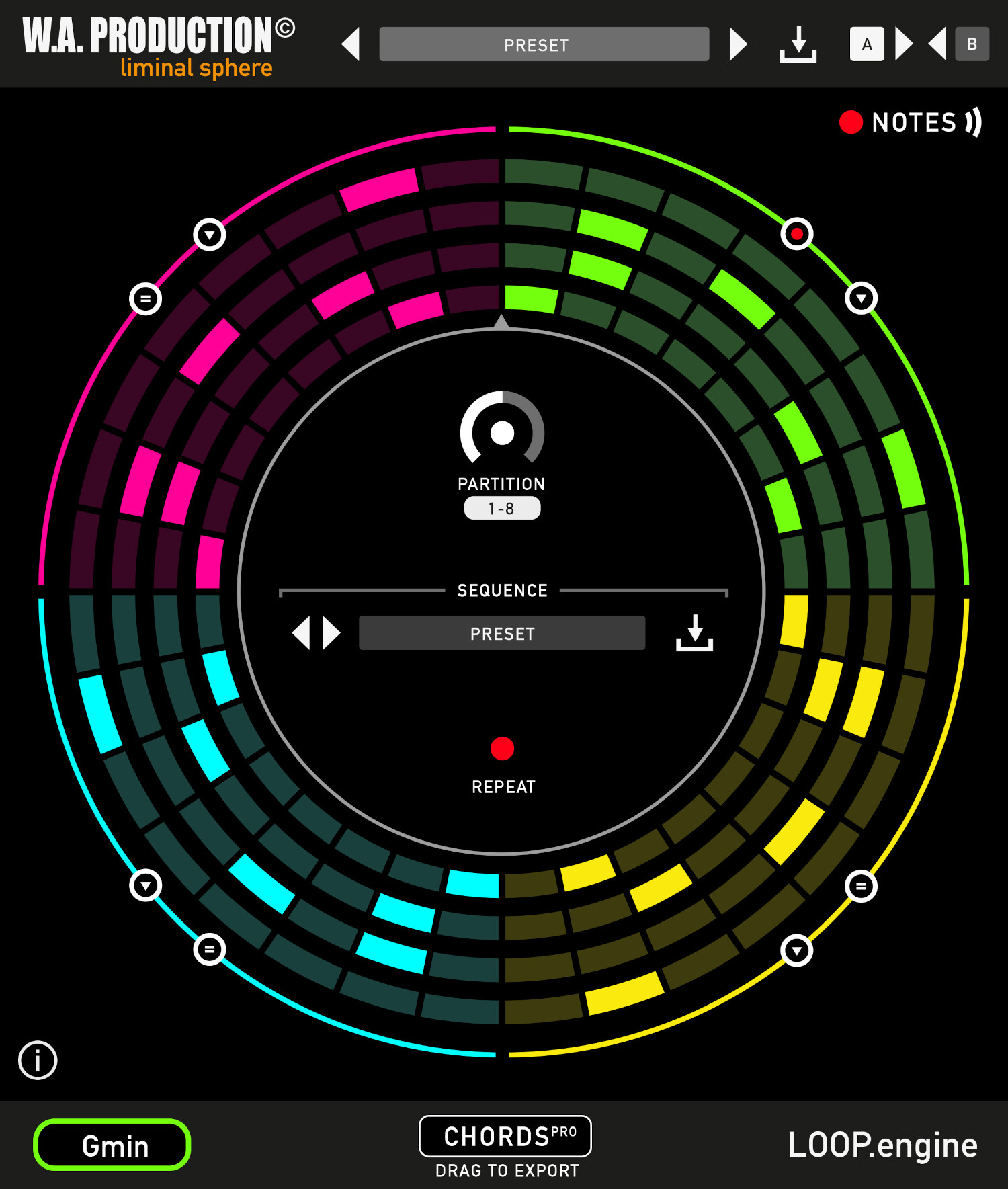
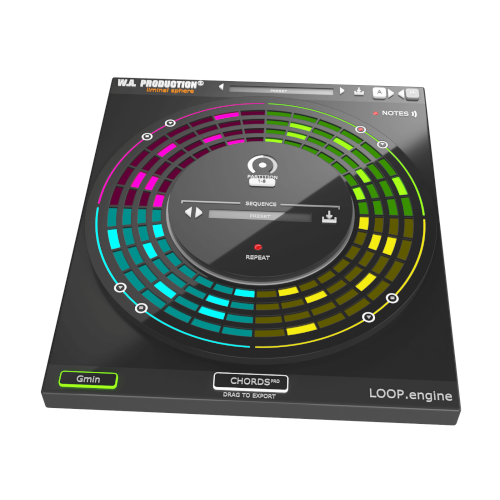
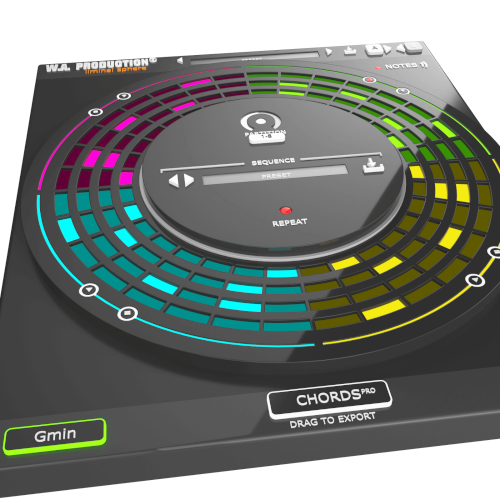
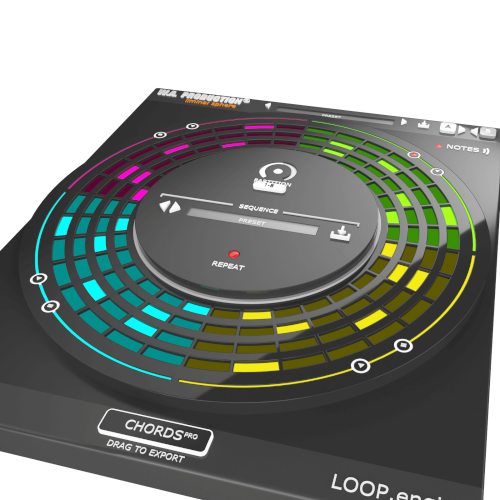
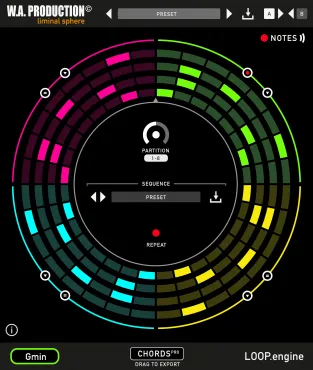
The most notable functions relate to the new “Notes” mode, an entirely separate interface page. This is a note-pattern editor embedded into the framework of the chord playback. So as well as playing 4 notes simultaneously for each chord, Notes mode can partition each chord into up to 8 segments with independent control over each note of each partition. This makes it easy to program piano melodies, plucked arps, trance-gate chords and much more. Along with the preset sequences, there are Copy / Paste controls and Repeat functions to help you program quickly.
GLOBAL CHORDS
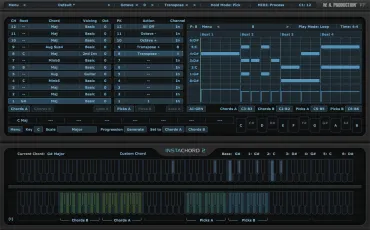
Use the global controls to adjust chord inversions, length, speed and root key of the entire playback, making on-the-fly adjustments to your entire riff a simple process. To get into the detail, click a segment for more granular control over chord shapes (including major / minor variations), individual inversions and velocity.
CREATE & COMPARE
Use the A/B comparison toggle to lock-in a favorite sequence, whilst experimenting on another version of it. Hit the “create” button to intelligently randomize one or more chords in a sequence, based on the starting chords of your riff. CHORDS PRO contains 30 different chord types, with musical-sounding progressions for natural transitions.
SIMPLE SEGMENTS
With up to 8 chord segments, each with up to 8 partitions, you can choose to trigger between one and four notes per chord. Then choose how to play these notes. The playback syncs to the host BPM of your DAW, always remaining locked in time. You can add and subtract segments with ease and change a range of parameters, independently for each segment.