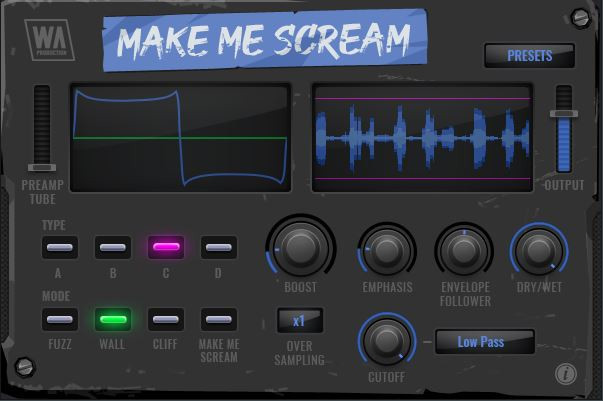
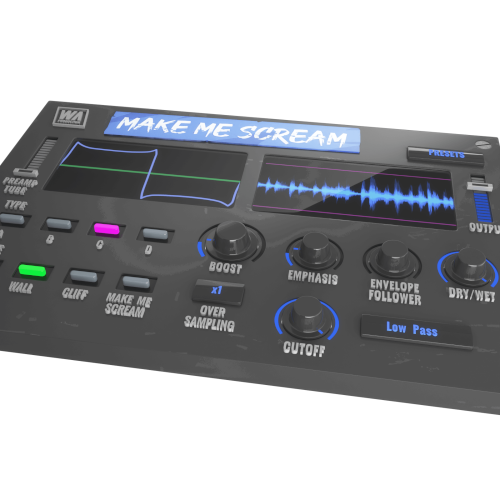
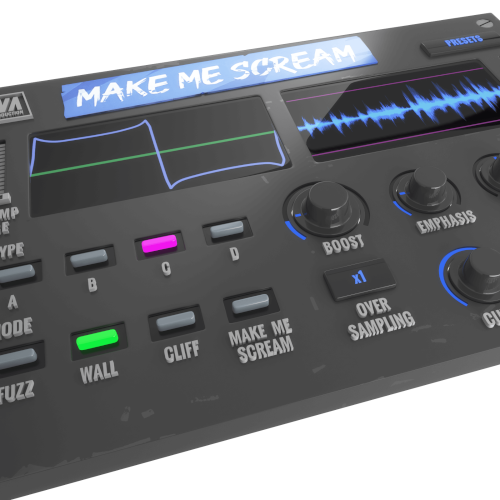
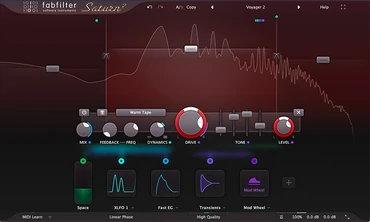
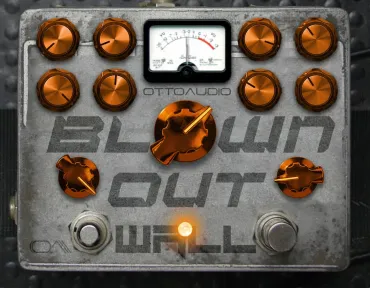
With a range of different distortion types, Make Me Scream can handle tasks from subtle saturation and excitement to batter-the-door-down distortion. The 4 modes are; Analog tube saturation, Soft clipping saturation, Regular distortion & Folded sinus distortion. Each of these 4 types of processing will produce a different character and it’s easy to see which mode you’re currently using with the handy interface graphics.
4 TIMBRE MODES
Depending on which distortion type and mode you use, you’ll hear the audio mangled in different ways. The 4 mode buttons allow access to different styles of processing, with each effecting the signal frequencies in their own way. These modes are named; Fuzz, Wall, Cliff and Make Me Scream (of course). Fuzz is a balanced mode, Wall creates a more muted tone that concentrates on bass, Cliff emphasises the mid range frequencies and Make Me Scream mode brings out the higher frequencies.
PREAMP TUBE & BOOST
Prior to the signal entering the distortion module, you can add analog tube saturation with the Preamp Tube slider. Then feed the signal level into the distortion unit as carefully or as recklessly as you like by using the Boost dial. This increases the gain on the incoming signal by up to +40db.
FILTERING, EMPHASIS & ENVELOPE FOLLOWER
The smart filter controls allow you to shape your distortion far more musically than more vanilla distortion plugins. Set the filter to High, Low or Band pass modes and then set the Filter Cutoff to your taste. For example, you might only want to emphasise the highest frequencies on a whole track, or maybe just the lowest frequencies for a snarling bass line. The Emphasis dial sets the level of frequency boost, for a more pronounced effect around the cutoff frequency that you’ve chosen. The Envelope Follower dial makes the plugin react to the transients of the signal, creating a rhythmic and musical auto-wah feel.