Sign in to Loot Audio
Access your downloads, purchases and more
Access your downloads, purchases and more

Pulse is a revolutionary new downloader offering blazing fast speeds and powerful control over your libraries. Loot Audio uses Pulse to power some of our downloads and to make managing your libraries more efficient for you.
After your purchase we will send you a unique code (you will also find the code in your account). Use the code with Pulse to power your download and installation. More information about Pulse can be found here.
What are Credits?
You earn Credits every time you purchase a product from Loot Audio. 3% of your order is added to your account in the form of Credits.
Use Credits for money off future orders or convert them to Sample Credits to download samples from the Sounds section of the site.
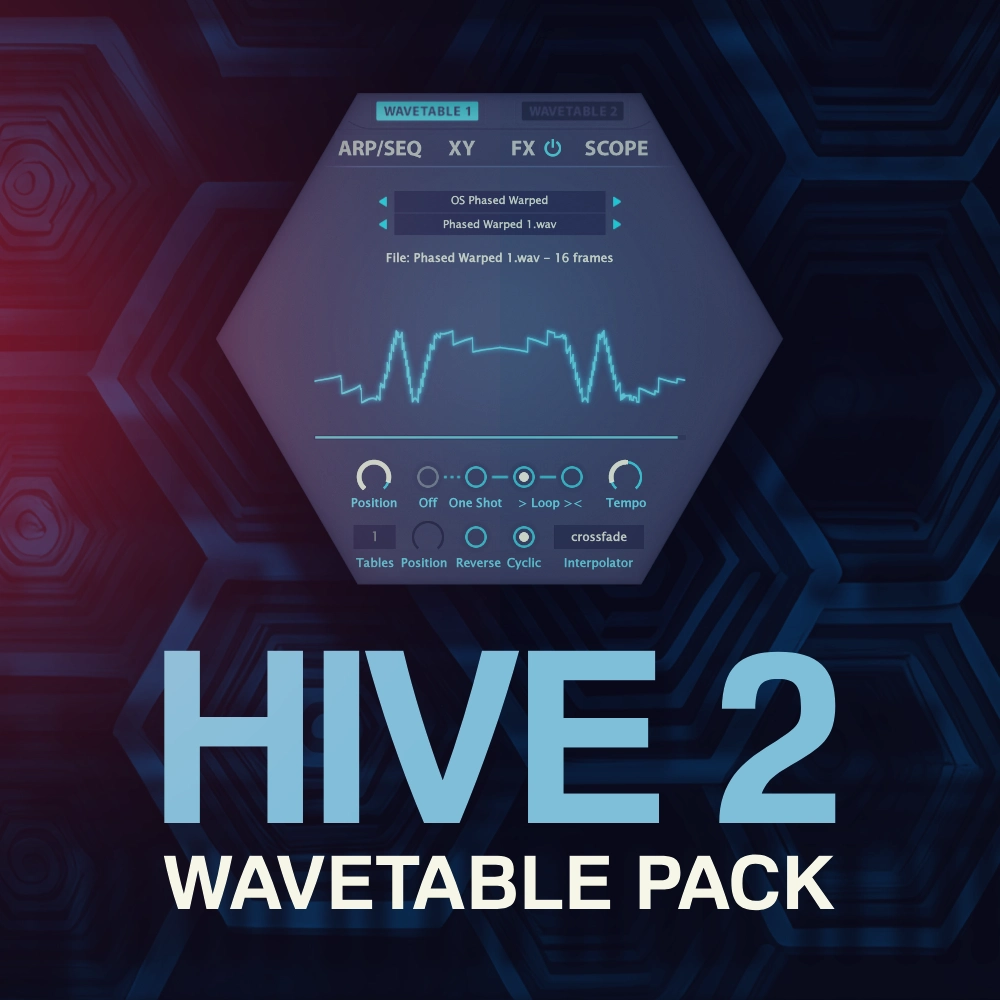
500 creative morphing wavetables.
$10.00
Earn 27







500 Wavetables (.wav format)
20 different folders and directions
160MB total
1) Open Hive 2, on the center hexagonal menu click “Wavetable 1” and set OSC 1 to “Wavetable”, this will open the wavetable menu.
2) Click on the first top bar that says “Click here to” and choose “Open In Explorer/Open In Finder”, this will open the Hive Data folder.
3) Open the “Wavetables” folder, now copy and paste/drag all our folders provided in the download to this location.
4) Go back to Hive 2, access the wavetable menu once again and click on the first top bar that says “Click here to” and choose “Refresh Wavetables”.
5.0/5.0
(Average of 1 review)
Sort By: