Theme

Forthcoming Events

No forthcoming events scheduled.


Expired Events

October Deals Ended: 31 Oct 2026
6th Birthday Sale Ended: 08 Oct 2026

Live Event

Active

Black Friday 2026

Our biggest sale of the year. Scoring for film, designing next-generation sounds, or mixing your next release? Explore deep discounts across thousands of premium plugins, virtual instruments, and sample libraries.

Ends In
10d 05h 39m 19s
VIEW ALL DEALS

0

0

Change country:

We use cookies

We and selected 3rd parties use cookies or similar technologies as specified in our Cookie Policy

You can consent to the use of such technologies by using the "Accept" button

Manage cookies

Essential
Essential cookies required for business process and to make the website usable by enabling basic functions. (always active)
Marketing
Marketing cookies are used to serve personalised ads and analyse performance.

Presets

TAL-NoiseMaker

Ocean Swift

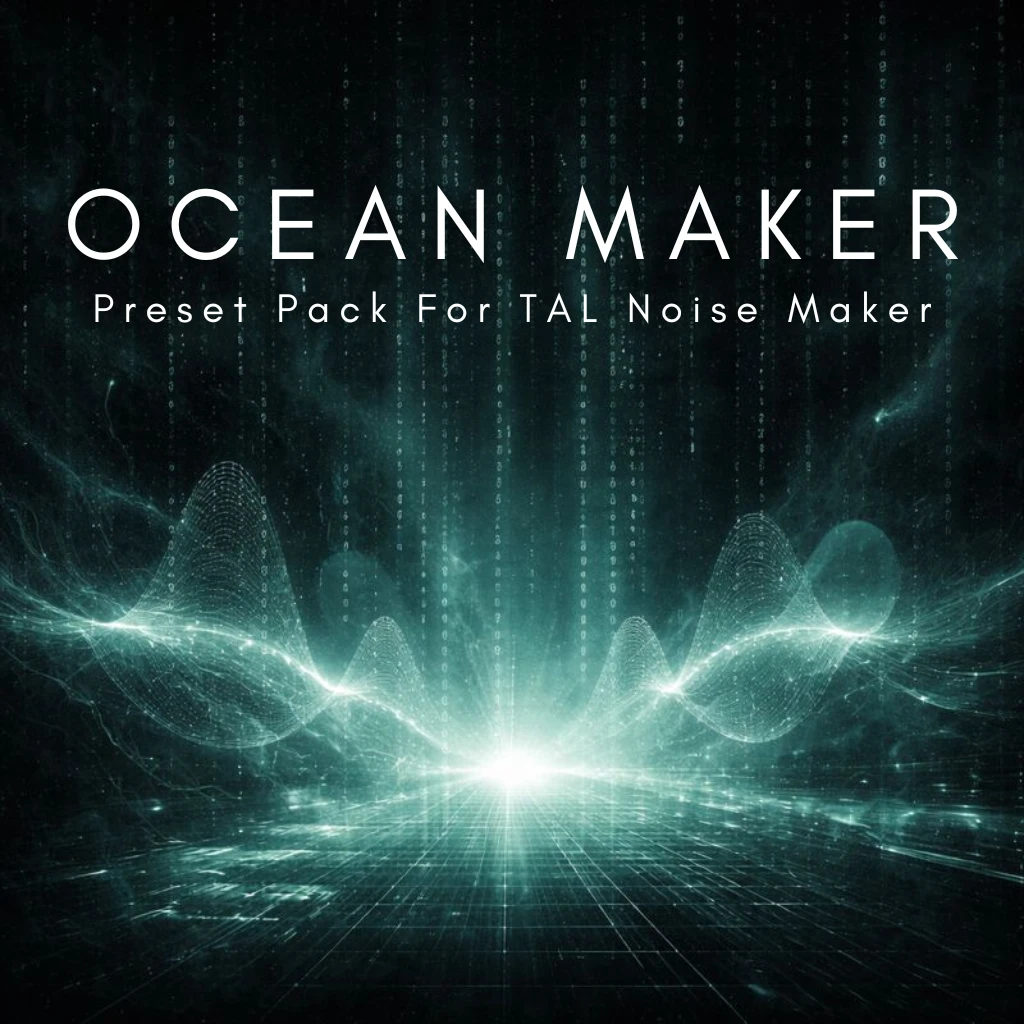
Ocean Maker - TAL Noise Maker

102 presets lean into classic vintage analog style tones. 

Ocean Swift - Ocean Maker - TAL Noise Maker - Main GUI

$12.99

★ Earn 36 Credits ($0.47 cashback)

0

SYSTEM & OS COMPATIBILITY
OS Support
macOS Windows
Synth Host Required TAL-NoiseMaker
Delivery Method ⚡ Direct Download
Disk Space 3.5 MB
🎁 Free Bonus Gift with £15+ orders: choose from Aura, Blox Reverb, DP-06+, Things: Flip EQ at checkout.

✓ Instant Digital Delivery
✓ Official Partner License
✓ Safe & Secure Checkout
✓ Dedicated Customer Support
Guaranteed Safe & Secure Checkout
Visa Mastercard American Express Apple Pay Google Pay Klarna
IN-DEPTH LOOK

Product Overview

This preset pack explores the hidden strengths of the free TAL Noise Maker – a deceptively simple synth that reveals far more character than its interface suggests.

Ocean Maker’s 102 presets lean into classic vintage analog style tones, while pushing beyond them using Noise Maker’s own quirks and synthesis options. The result is a practical, musically grounded set of sounds that feel familiar, yet eclectic.

Every preset features full NKS integration, despite Noise Maker not being natively NKS-ready. Presets are carefully tagged, include audio previews, and are mapped with performance-focused controller layouts that expose the synth’s entire parameter set in a coherent, playable way. This turns Noise Maker into a far more immediate and expressive instrument inside the NKS workflow.

PACKAGE CONTENTS

What's Included?

  • 102 presets for TAL Noise Maker delivered in .noisemakerpreset and .nksf formats
  • Analog inspired pads, leads, keys, basses, drums, and FX
  • Designed to emphasize Noise Maker’s gritty synthesis character
  • Full NKS support: deep tagging, previews, and complete intuitive controller mapping

DETAILS

102 Inspiring Noise Maker Presets

Ocean Maker includes a range of pads, mono and poly leads, keys, basses, drum elements, and FX shots, designed to sit comfortably in electronic, synthwave, cinematic, and modern production contexts.

This pack highlights what Noise Maker does well, smoothing its rough edges, and presents presets capable, flexible sound sources that reward hands-on control. A focused, musical collection that brings clarity, depth, and workflow cohesion to an underrated free synth.

Gritty. Hand On. NKS Ready.

Every preset features full NKS integration, despite Noise Maker not being natively NKS-ready. 

Presets are carefully tagged, include audio previews, and are mapped with performance-focused controller layouts that expose the synth’s entire parameter set in a coherent, playable way. This turns Noise Maker into a far more immediate and expressive instrument inside the NKS workflow.

INSTALLATION

Synth presets

  • Open TAL Noise Maker in your DAW.

  • In the top presets bar, click on the preset name and select “Show Presets Folder…”.

  • From inside the downloaded product “Synth Presets” sub folder, copy the “Ocean Maker” folder exactly as it is to the Noise Maker presets folder so that it resides next to the “Factory Presets” folder.

NKS Presets

  • From inside the downloaded product “NKS Presets” sub folder, copy the “TAL-NoiseMaker” folder exactly as it is to the Native Instruments user content folder. By default, the Native Instruments folder itself is located in the computer’s main documents folder. You may need to rescan the user content in Maschine/KK in order for the presets to appear in the browser.

SMART CO-PURCHASE UPSELL

Frequently Bought Together

Ocean Maker - TAL Noise Maker
$12.99
AI Echoes: Voices of Scripture
$12.00
Total for Both: $24.99
Ocean Maker - TAL Noise Maker $12.99

Discover More

View All Events

BROWSE ALL

Happening Now

View Black Friday 2026

SHOP LIVE EVENT
Your Playlist CLEAR
Your playlist is currently empty. Visit a product page and add some tracks to your playlist
Audio Player
0:00
0:00