
Sign in to Loot Audio
Access your downloads, purchases and more
Access your downloads, purchases and more

Pulse is a revolutionary new downloader offering blazing fast speeds and powerful control over your libraries. Loot Audio uses Pulse to power some of our downloads and to make managing your libraries more efficient for you.
After your purchase we will send you a unique code (you will also find the code in your account). Use the code with Pulse to power your download and installation. More information about Pulse can be found here.
What are Credits?
You earn Credits every time you purchase a product from Loot Audio. 3% of your order is added to your account in the form of Credits.
Use Credits for money off future orders or convert them to Sample Credits to download samples from the Sounds section of the site.
Virtual Space Reverb
$79.00
Earn 216







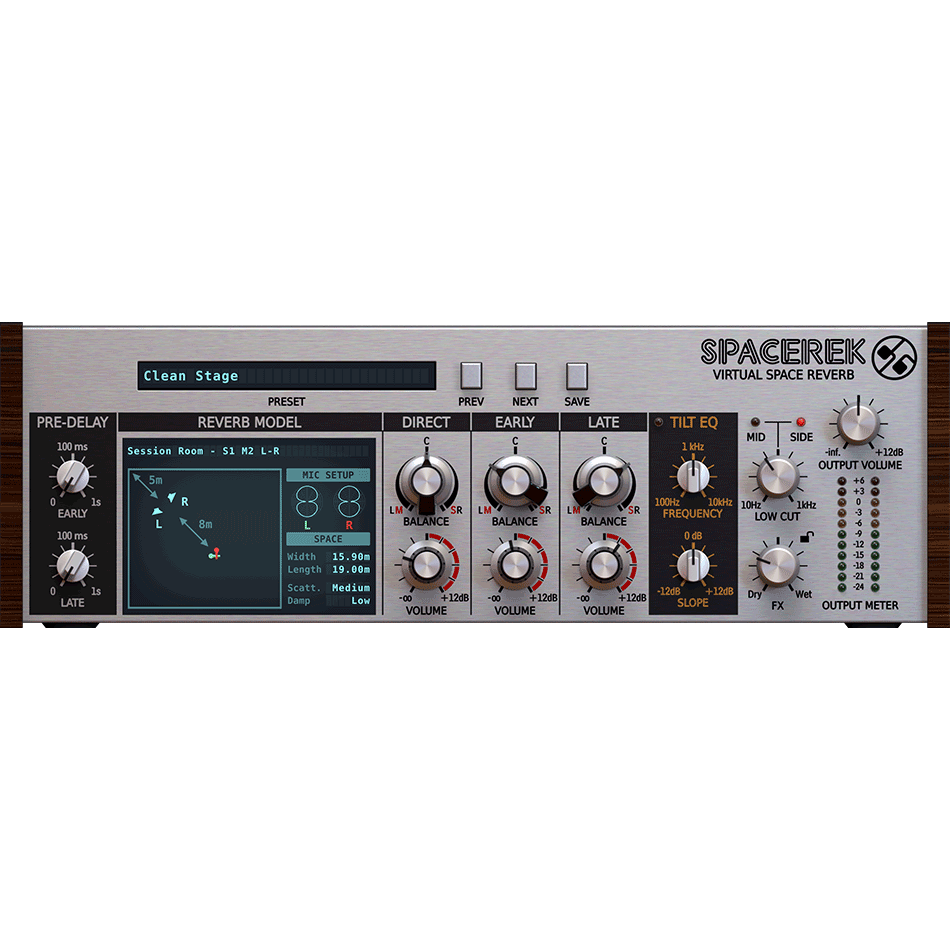
The hybrid algorithm at the heart of Spacerek fuses modelled virtual spaces to a dynamic delay network, generating reverb tails with supremely realistic early reflections, dense, colourful late reflections, and separately adjustable ER and LR pre-delay times. Dozens of emulated room types take in halls, towers, chambers, tunnels and much more, and each one integrates a variety of preset stereo microphone and speaker setups.
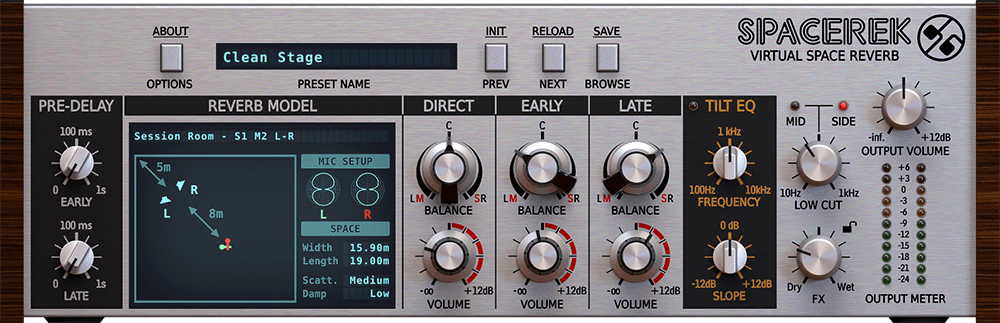
Spacerek also makes balancing the Direct signal, Early reflections and Late reflections easy with its three-channel mixer; while the highly musical Tilt EQ and Low Cut filter modules provide effortless shaping of the overall tail. And as each Reverb Model is pre-configured for left-right or mid-side stereo operation, tweaking width and spatialisation is a snap.
Spacerek doesn’t put the squeeze on your system, either – indeed, when you hear it, you can’t fail to be impressed by its CPU-friendliness (compared with typical audio simulation techniques).
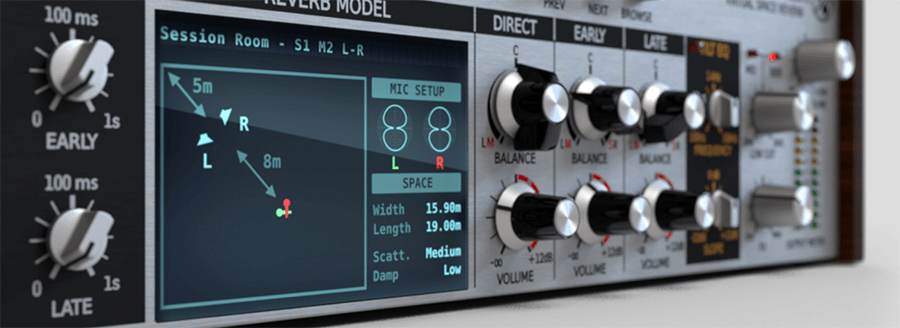
Spacerek’s early reflections are generated by our proprietary Virtual Space Reverb engine, which simulates a diverse array of real-world spaces with painstaking accuracy. Each Reverb Model defines not only the acoustic properties of the space it represents, but also the positioning of the stereo speakers and microphones used to send the source signal through that space, for even greater environmental realism and versatility.
The late reflections are built up by a responsive dynamic delay network, which blends seamlessly with the Virtual Space Reverb’s early reflections to create an incredibly natural sounding reverb tail. Independent Early and Late reflection Pre-Delay controls allow up to 1 second of start time offset to be applied to each, adjustable in nanoseconds, microseconds and milliseconds. And despite the quality and complexity of the acoustic modelling involved, Spacerek’s innovative, optimised hybrid design keeps CPU usage lower than you might expect.
Spacerek’s expansive roster of modelled rooms lets you summon up vivid virtual stages of many kinds – from booths, chambers and halls to tunnels, chapels and towers – and switch between them at a click. Each room takes in multiple microphone and speaker configurations, too, for a total of 114 different Reverb Models, covering all your mixing and sound design bases.
Spacerek’s three component signals – Direct, Early reflections and Late reflections – come together in a straightforward mixer. Quickly and easily set levels and stereo positioning, the latter in left-right or mid-side mode, depending on the selected Reverb Model.
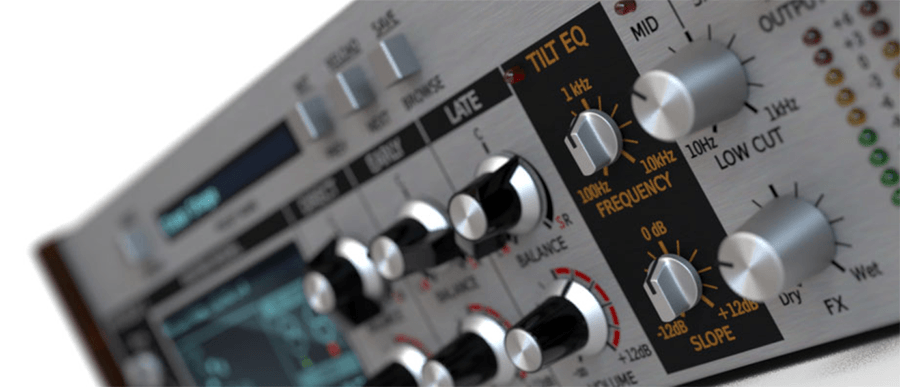
Two stages of musical frequency shaping enable tonal customistation of the tail, for applying those crucial finishing touches to your reverb. The Tilt EQ provides instant boosting of lows or highs, while the Low Cut filter is ideal for clearing mud and rumble out of the mid and/or side signals.
Windows PC
Mac OS X
V1.2.0
13/02/23
# Added
- VST3 plugin format

  NOTE (Windows): Installed alone, it won't simply replace VST2 in
  existing projects. You have to install VST2 too, to be able to
  open them.

- Native ARM M1 support (macOS)
- Additional GUI sizes
- HiDPI monitors support
- MIDI assignability for Prev/Next (Main Presets)

# Fixed
- Problem with not displaying newly saved preset on the list

# Changed
- Slightly improved GUI layout
- Preset export/import via drag'n'drop
- Code maintenance
V1.2.1
13/02/23
# Fixed
- Issues with native ARM M1 support (macOS)
- No sound in FL Studio (VST3)
V1.2.2
13/02/23
# Added
- AAX Arm64 support (macOS)
- MacOS 13 (Ventura) support
- User-defined plug-in default state
- Option to choose plug-in format(s) to install (macOS)

# Changed
- Options moved under gear icon in the top-left corner
- Parameter's value tooltip (replacing status bar)
- Redesigned preset browser
- Code maintenance
- Min requirements for MacOS versions increased to 10.13


