Smart Presets
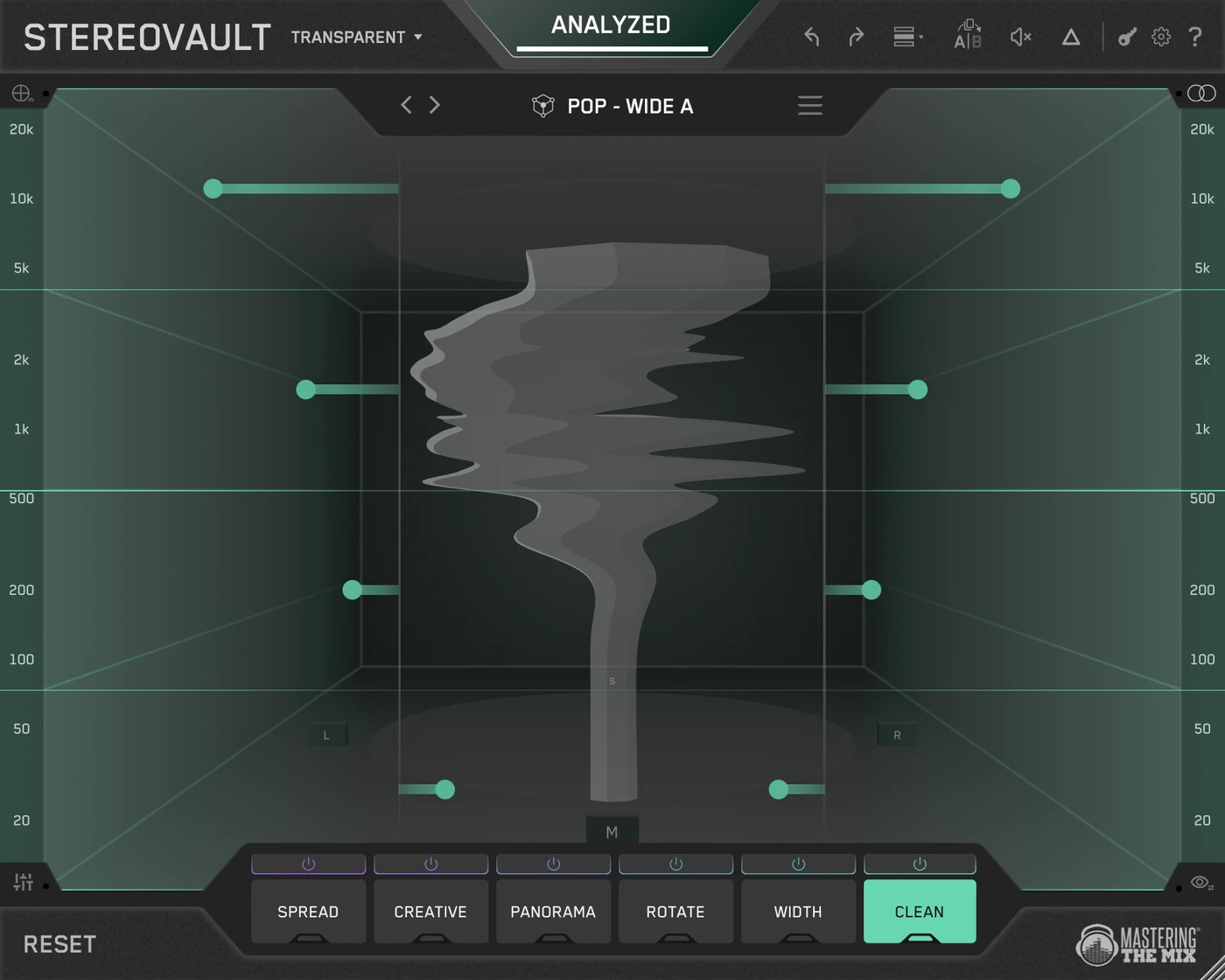
STEREOVAULT analyzes your audio and suggests instrument (mix, music, bass, drums, vocals) and genre-specific stereo width settings across Focused, Balanced, Wide, and Super Wide options.
Level Match
After analysis, adjustments are loudness-compensated so users can hear the true stereo change rather than being influenced by a volume increase.
Reference Track Import
Users can import a reference track and STEREOVAULT will generate a width preset based on the stereo profile of that reference.
Stereo Visualiser
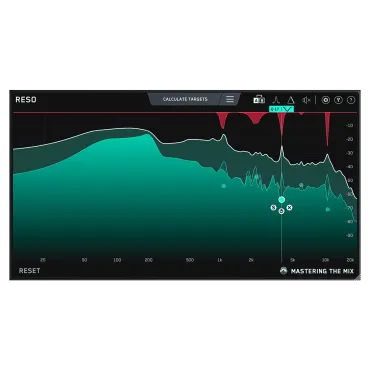
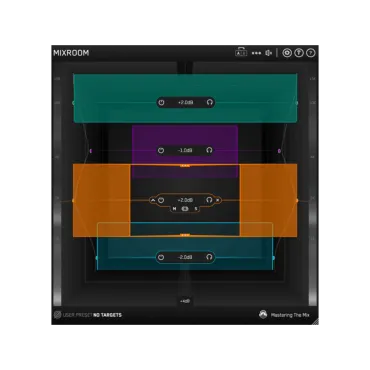
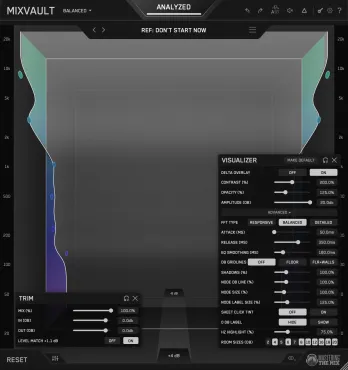
A real-time frequency-spectrum display shows what the stereo image is doing across the full range. The 2D view gives clear width feedback, while the 3D mode maps Mid and Side energy into a room-like view for more intuitive stereo placement. The display goes red to show frequency-specific phase warnings.
Transparent Mode
A mastering-grade workflow designed for clean stereo processing on full mixes and masters, using ultra-clean crossover filters and a shared band layout across tabs.
Flexible Mode
A more creative workflow that allows moveable bands per tab, making it ideal for mixing, sound design, and detailed stereo shaping on individual tracks and stems.
Six Processing Tabs
STEREOVAULT includes Spread, Creative, Panorama, Width, Rotate, and Clean, giving users a complete stereo toolkit rather than a single broad widening control.
Spread Tab
Includes Pristine for clean M/S-based widening, Diffuse for smooth allpass-based width, and Vintage for Orban-style pseudo-stereo width on mono or narrow material.
Creative Tab
Includes Stretch, Flux, Chorus, Haas, and Space for more characterful stereo movement, depth, and width effects.
Panorama Tab
Allows frequency-specific panning and stereo rebalancing, helping users place different parts of a sound across the stereo field with more precision.
Width Tab
Lets users redistribute Mid and Side energy using Blend and Balance modes, giving control over the centre and edges of the stereo image.
Rotate Tab
Repositions stereo energy within the field, either across the full signal, Mid only, or Side only, creating separation without traditional panning.
Clean Tab
Provides transparent Side EQ or Mid EQ, allowing users to boost or cut stereo energy per band while maintaining excellent mono compatibility.
Up To 6 Frequency Bands
The Band Editor and QuickSplit workflow make it fast to create up to six bands for independent stereo processing across the frequency spectrum.