Sign in to Loot Audio
Access your downloads, purchases and more
Access your downloads, purchases and more

Pulse is a revolutionary new downloader offering blazing fast speeds and powerful control over your libraries. Loot Audio uses Pulse to power some of our downloads and to make managing your libraries more efficient for you.
After your purchase we will send you a unique code (you will also find the code in your account). Use the code with Pulse to power your download and installation. More information about Pulse can be found here.
What are Credits?
You earn Credits every time you purchase a product from Loot Audio. 3% of your order is added to your account in the form of Credits.
Use Credits for money off future orders or convert them to Sample Credits to download samples from the Sounds section of the site.
Advanced Audio Clarity
$29.90
Earn 81







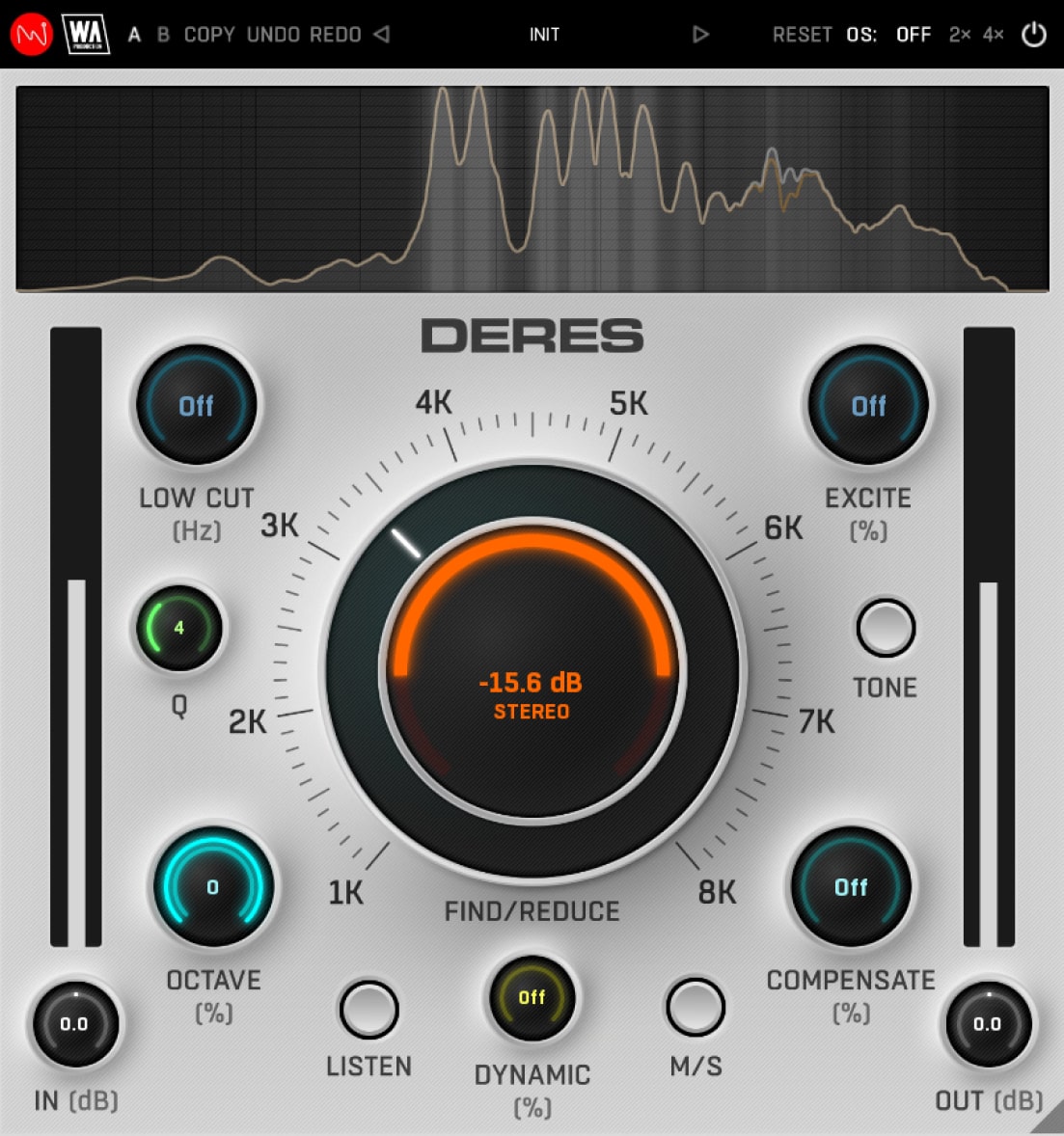
Carving out bothersome frequencies cleans up the signal but can sometimes make the audio sound a little flat. DERES compensates for that with a suite of useful functions: Use the Tone button to adjust the tonal balance of supporting instruments such as pads and strings by applying convolution response and removing unnecessary frequencies. Boosting frequencies neighbouring those cleared by resonance removal, the Compensate knob adds a touch of brightness to counteract any perceived darkness in the processed signal. Utilize the Excite control to infuse air into all sounds post-resonance removal, elevating presence and sparkle to rejuvenate any lost energy. Add in a Mid/Side mode and low cut filtering and you’ll find DERES is a formidable asset for a wide range of resonance reduction tasks.
A normal surgical EQ will only be effective on one tight frequency slice, whereas DERES can process all the multiple harmonics of your chosen frequency. Use the Octave knob to quickly reduce the relative components of the main frequency so you catch all those problem peaks. Normal static mode will cut resonances in a linear way. Alternatively, you can add in an advanced dynamic mode, for more musical processing that only steps in when you really need it.
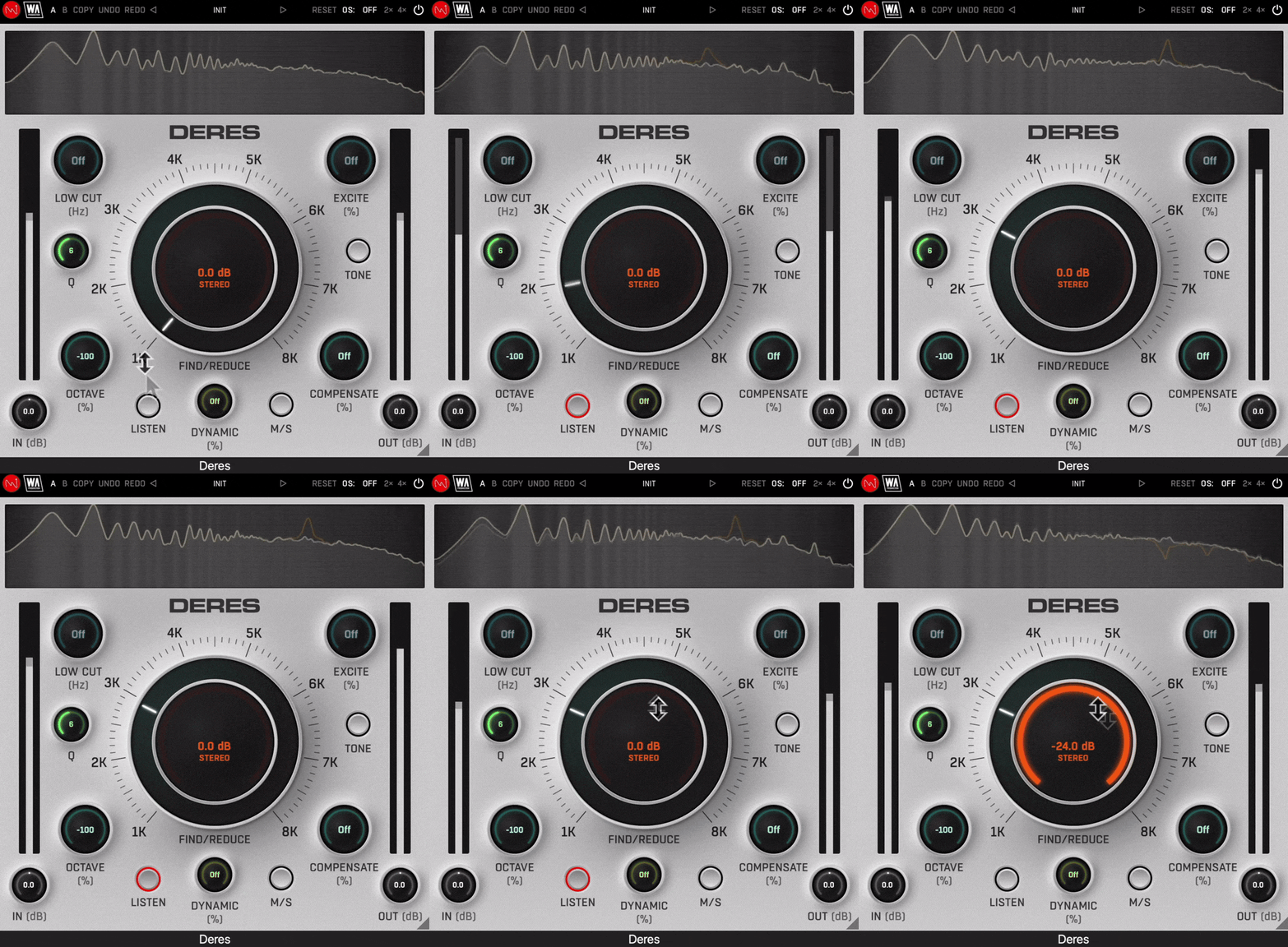
The dedicated Listen button should be your first gadget in the DERES toolbag, allowing you to isolate irritating resonances with ease by exaggerating the frequencies. Sweep the 1-8 kHz range with the Find knob to easily identify unusual peaks that sound overly muddy or harsh. Then dial in the Reduce parameter to apply the processing, resulting in a cleaner signal. Tweak the Q value to widen or narrow the factor, catching more or less of the surrounding frequencies.
DERES includes a huge number of factory presets, covering everything from subtle surgical correction, to more broad-strokes transformations. Use the provided parameters as starting points to clean-up any type of audio, bringing the best out of your sounds and productions.
W. A. Production are real-life producers making creative plugins to help you achieve studio quality processing quickly and easily. Enjoy!
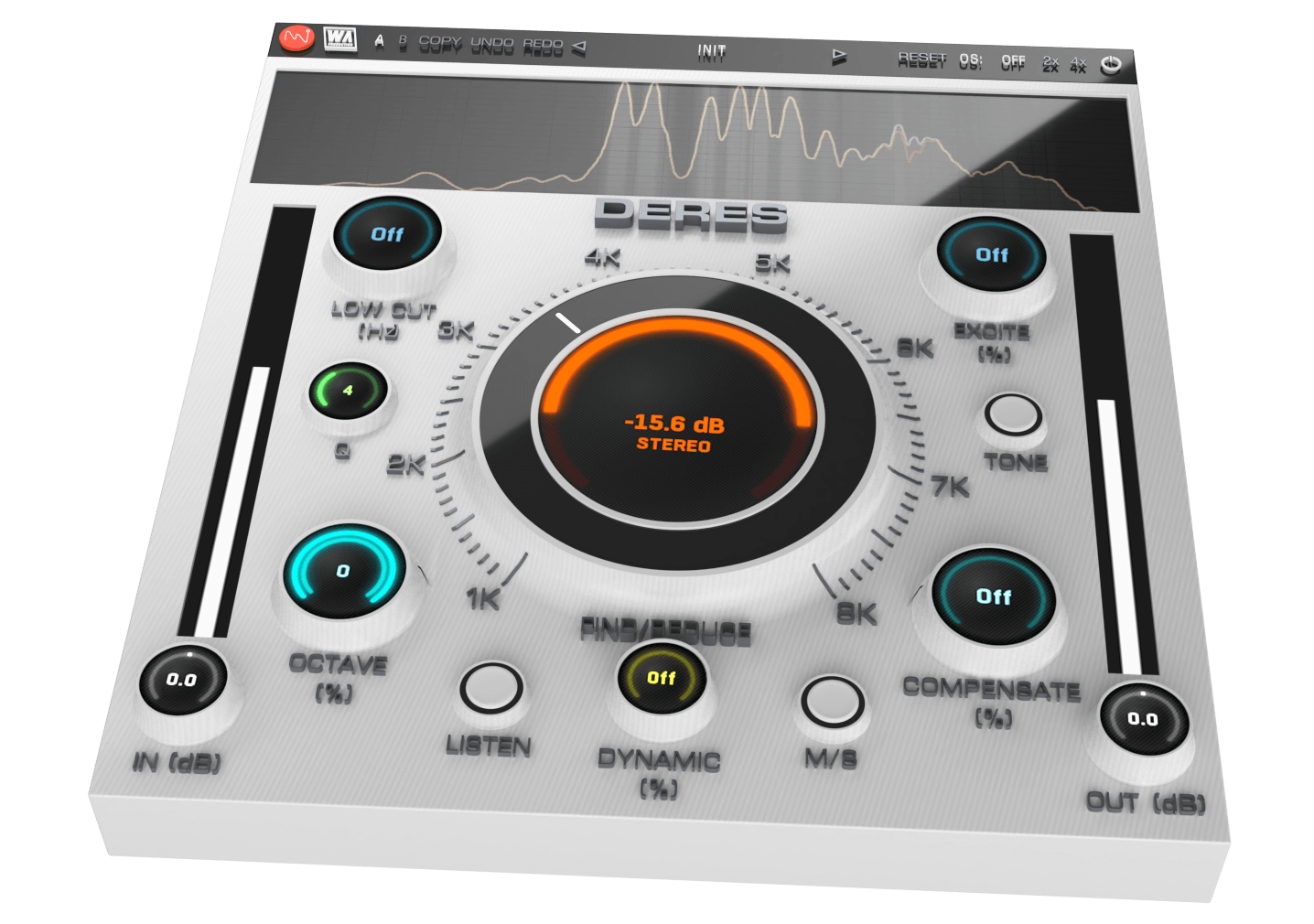
DERES is built on vector graphics with a resizable interface. A live spectrum is displayed at the top, to help you identify problem frequencies and show exactly what’s happening to the signal as it travels through the plugin in real time. This allows for accurate monitoring at every step of the chain. For those who like to experiment, contrast different processing chains with AB comparison and copy / paste. Use the undo / redo buttons to revert any changes.
VST, VST3, AU, AAX, both Intel and Apple Silicon-based CPUs as well as Native AAX format.
It should work on all major DAWs and 3rd party plugin-supported audio editors.