Multiple Types of Tracks
Create tracks that support multiple audio formats simultaneously.
- Audio Track - used when you want to position sounds at specific positions;
- [NEW] MIDI Track (coming soon) - records and plays back MIDI notes, either through a virtual instrument or an external MIDI interface;
- Particle Group - used to create a big number of sound sources (based on a few or many sound files) all playing together at random locations. Perfect for soundscapes;
- Particle Emitter - Like Particle Groups, but firing sound events through time (instead of playing all at once);
- Microphone - used to capture overall sound of your virtual scene. Various mic types are available;
- Video Reference - used to import a video for reference during sound design.
Multiple Presets and Templates Available - start from scene templates or create your own.
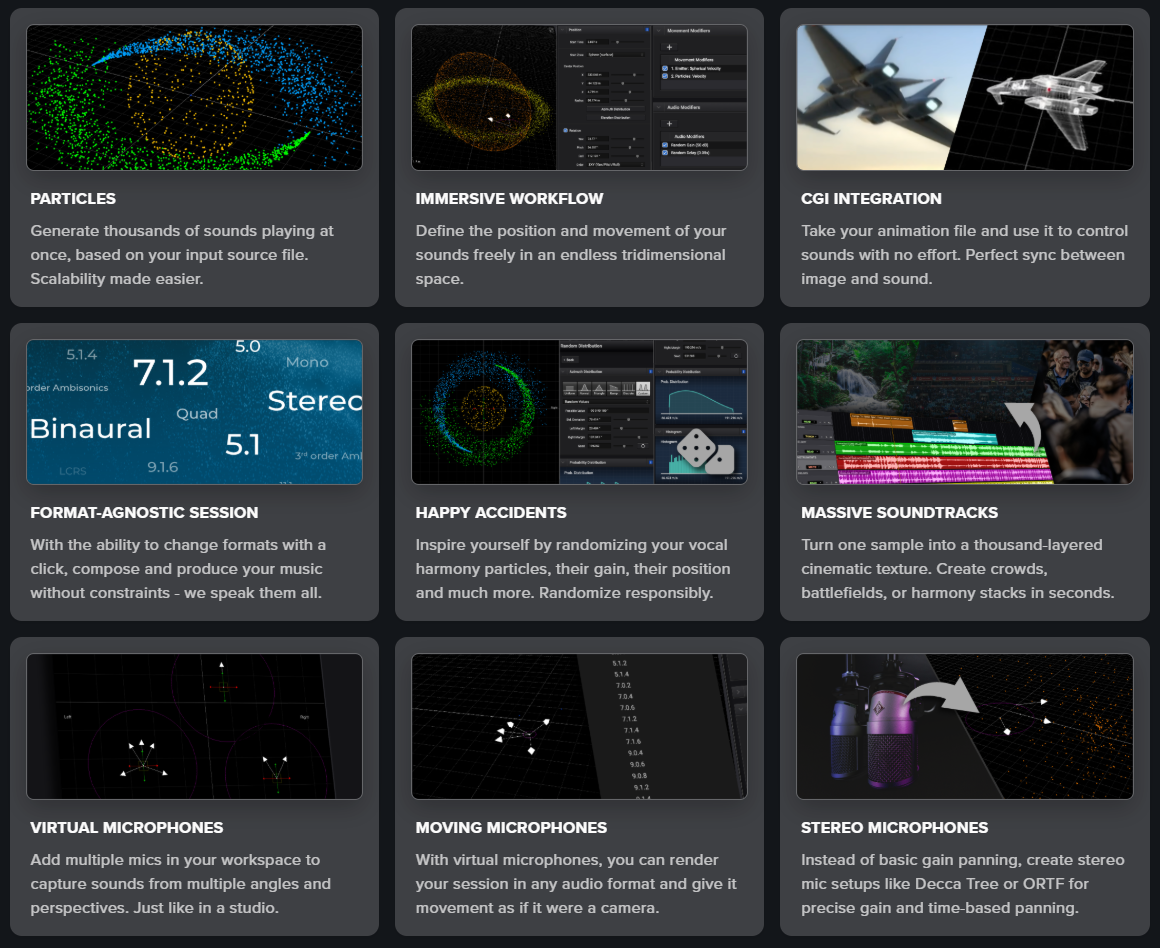
Format-Agnostic Session - Need to change output formats (e.g. 5.1 → 7.1.2)? Simply change your microphone type, and you get a perfect render of your scene for that new format (no upmixing).
Microphone Types
Add multiple virtual microphones (different perspectives, different layouts), and movement to them (like a virtual camera).
- Mono - Omnidirectional, Cardioid, Figure-of-8, Hypercardioid;
- Stereo - VBAP, XY, AB, ORTF, Decca Tree, Mid/Side, Blumlein;
- Multichannel - Use one of the 38 preconfigured speaker layouts (e.g. 5.1, 7.1.2, 22.2) or define your own custom layout;
- Ambisonics - Ambisonics up to 6th-order, Soundfield mic (A-format);
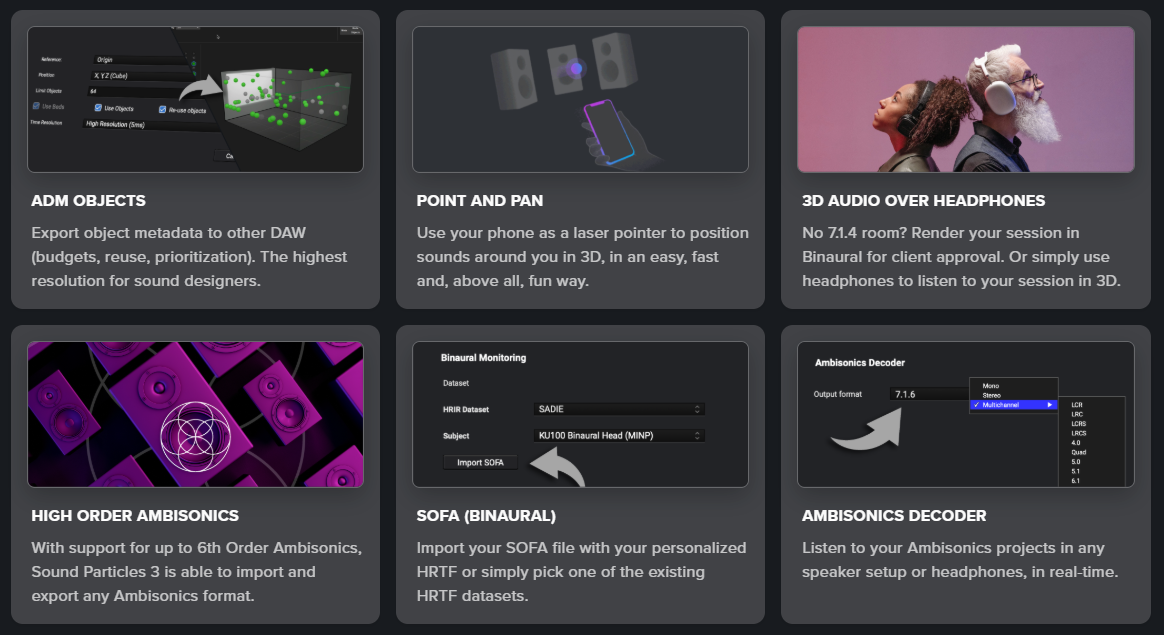
- [NEW] Binaural - Record your session in binaural, selecting from multiple datasets and subjects or importing your own SOFA file.
Position & Movement Modifiers
Move particles freely with automation or add movement using built-in modifiers.
- Velocity (Straight Line) - apply constant speed in a straight direction (random directions or not);
- Acceleration (Straight Line) - gradually increase speed over time;
- Velocity (Rotation) - make particles rotate around;
- Acceleration (Rotation) - increase rotational speed progressively.
Randomization - use different distributions to customize the random behavior of each parameter, including position, movement, random audio effects, and much more.
Audio Modifiers
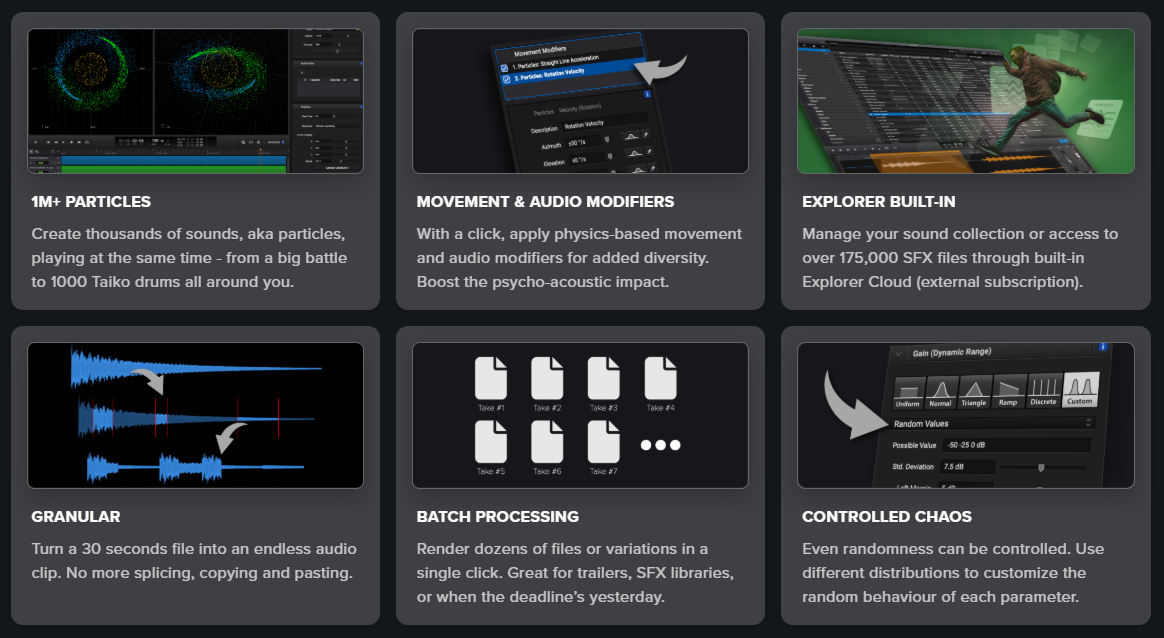
Even if you only have a few audio files for thousands of sound sources (particles), audio modifiers allow you to apply slightly random effects to each particle, creating much more diversity.
- Random Gain - vary volume randomly across particles;
- Random Delay - apply random delays to each particle;
- Random EQ / Filters / Sub-Bands - introduce random tonal variations;
- Granular Synthesis - particles play tiny sound grains instead of full audio files;
- Random Time/Pitch - vary playback speed and pitch for natural variation.
MIDI
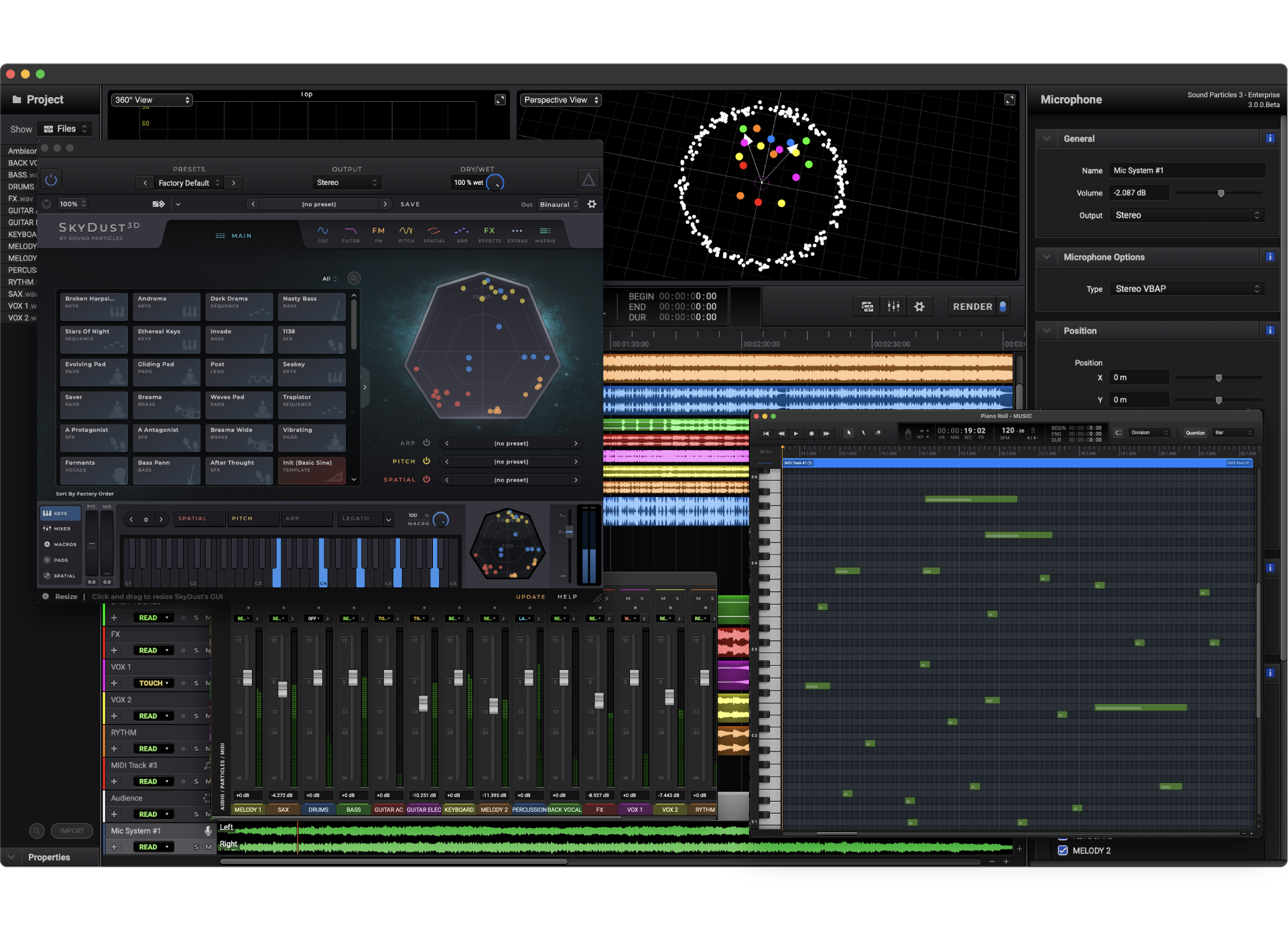
- [NEW] Virtual Instrument - assign instruments to MIDI tracks (including multichannel virtual instruments);
- [NEW] Piano Roll - create or edit MIDI clips with a visual interface;
- [NEW] Record / Play MIDI (Hardware) - use your MIDI keyboard to record and playback music performances;
- [NEW] Quantize - correct timing of notes by snapping them to the grid.
Plugins
- [NEW] VST3 Support - use your plugins at the Clip, Track or Microphone Level;
- [NEW] Delta - toggle to hear the difference (what the plugin is actually changing);
- [NEW] Output Format - automatically adapts the output format to your clip;
- [NEW] Plugin Manager - manage and organize your plugins efficiently.
ADM Support
Each particle is now an object.
- [NEW] Import / Export - support for ADM BWF files for object-based audio workflows;
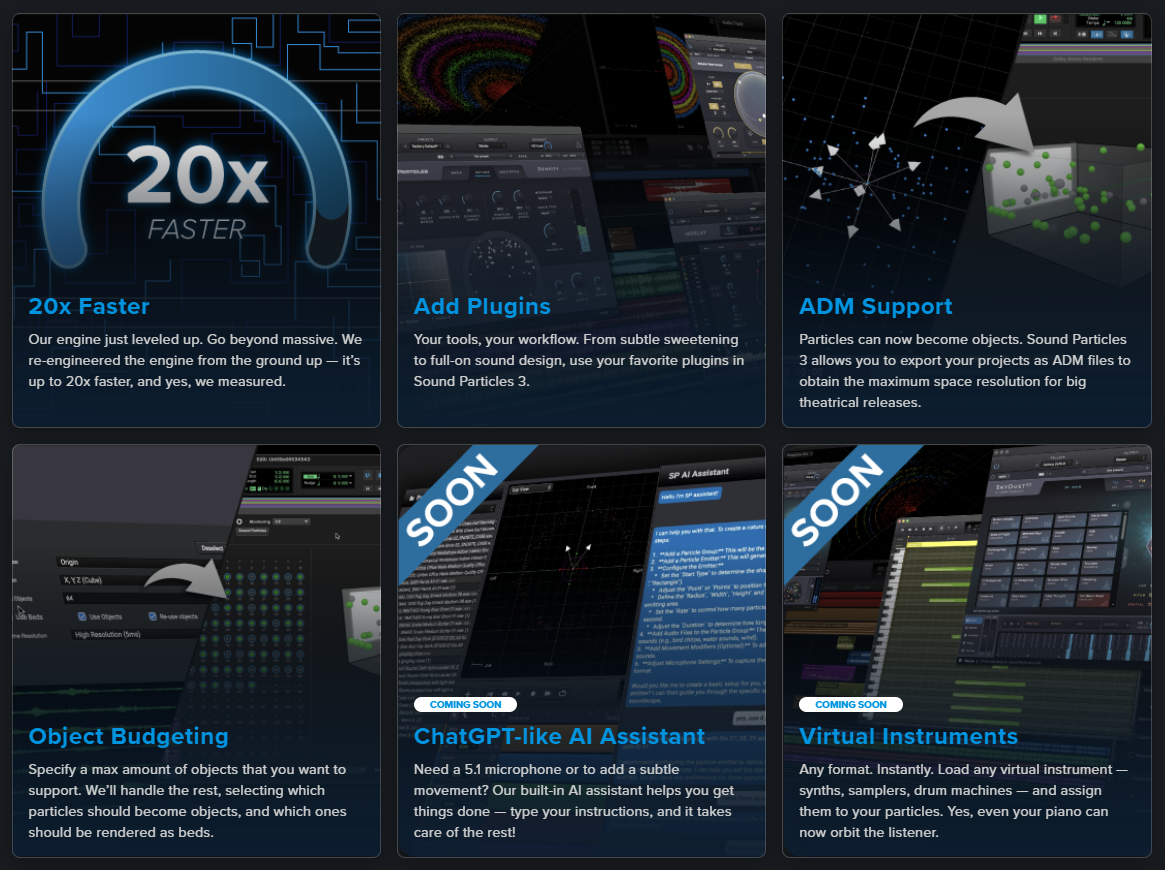
- [NEW] Object Budgeting - limit the number of exported audio objects - Sound Particles 3 will select the most relevant particles for objects, and everything else is rendered to the bed;
- [NEW] Object Prioritization - control which tracks should have a high priority to become objects;
- [NEW] Object Reuse - reuse the same object for multiple particles;
- [NEW] Time Resolution - high-precision time values for accurate automation.
[NEW] Conversational AI
Imagine a ChatGPT controlling Sound Particles (you ask, and it delivers) - watch the software do the heavy lifting in seconds and see the learning curve virtually disappear.
Quick Audio Editing
- [NEW] Trim, Select, Move, Slice, Duplicate - standard DAW tools to shape your clips;
- [NEW] Fade + Curve Presets - apply custom or preset fades;
- [NEW] Multiple Clips per Track - layer and organize efficiently;
- [NEW] Smart Editing - snaps and editing assistance for fast workflows;
- Clip Colors - color-code clips for better organization;
- [NEW] Stereo Width - adjust stereo imaging;
- [NEW] Center / Rotation - for every track (from mono to immersive), control additional rotation and positioning;
- [NEW] Multi Format Tracks - add clips with different formats (e.g. 5.1, HOA, 7.1.2, stereo) at the same audio track. Even if there are plugins, the system will automatically adapt to everything.
Audio Editor
- [NEW] Waveform Editing - edit audio at the waveform level;
- [NEW] Pitch Bend + Volume - edit pitch and volume per clip;
- [NEW] Convert to - convert your clip to any output layout with a click;
- [NEW] Spectral View - visualize the frequency spectrum (FFT);
- [NEW] Whoosh Effect / Other FX - apply baked sound design effects;
- [NEW] Non-destructive editing - even after backed, you can always go back and make adjustments.
I/O Manager
- [NEW] Input / Output Buses + Advanced Matrix - set up channel routing (including custom gains);
- [NEW] Ambisonics Decoder - decode Ambisonics audio to your studio speakers in a transparent way;
- [NEW] Bass Management - filter and route low frequencies, or use our presets;
- Binaural Monitoring - listen to your 3D audio scenes using headphones, using existing HRTF libraries, or even your own SOFA file;
- Control Room - dedicated monitoring bus;
- [NEW] Delay/Gain Compensation - correct sync and level mismatches between speakers of your studio;
- [NEW] Channel Noise Generator - play noise to each output channel, to easily check connections;
- I/O Presets - save and load your routing preferences;
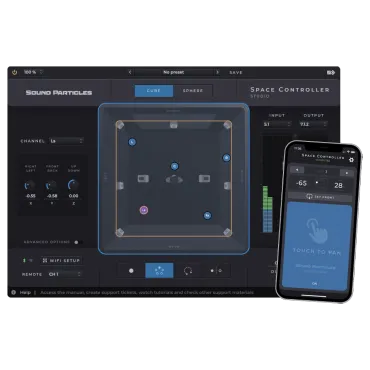
- [NEW] Space Controller Built-in - use your phone as a laser pointer to position sounds around you.
Mixing Desk
- [NEW] Mix Panel - adjust levels per track;
- [NEW] Automation Modes - Off, Read, Write, Touch, Latch;
- [NEW] Channel Meters - visual feedback for levels;
- [NEW] Control Room Volume - adjust global monitoring volume;
- [NEW] Sub-channel Volumes - fine-tune the volume of each output channel;
- [NEW] Clip Volume - adjust loudness on a per-clip basis.
Clip List / Explorer
- [NEW] Organized by File or Clip - sort and filter media easily, with autoplay and search available;
- [NEW] Explorer - browse, preview, import, and organize your sounds. Search your local libraries or our Cloud (Explorer subscription required). Includes waveform preview and drag & drop;
- Batch Processing - render multiple scenes or versions with a click - go get a coffee while Sound Particles 3 creates multiple variations of your soundscape.
CGI Integration
- Import .fbx files - using CGI information to control sound;
- Transform your 3D objects into particles;
- Virtual Microphone - your virtual camera is now your virtual mic.
Time Editor
- Automation Track - visual timeline for automating parameters;
- [NEW] Project Offset - set starting timecode for your session;
- [NEW] Custom Time Displays - choose how and where time is displayed;
- [NEW] Time Display Presets - for music, film, or audio editing;
- [NEW] Presets + Multi Timelines - manage alternate versions or scenes;
- [NEW] Export Timecode - use for syncing with external projects.
Multiple Views
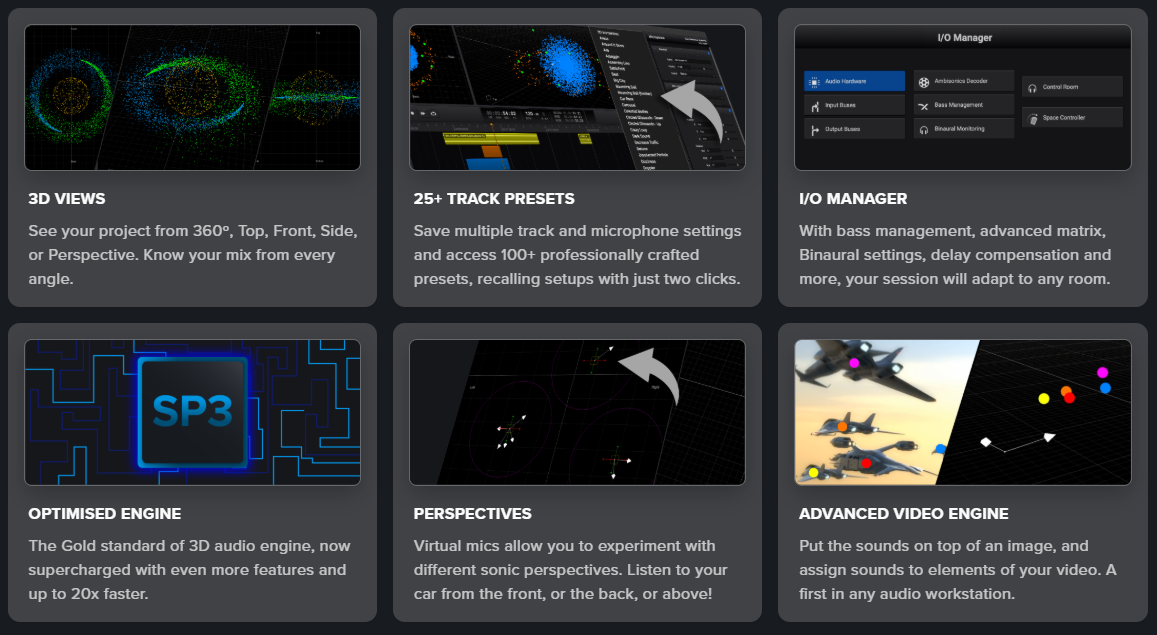
- 3D View - Top, Front, Left, Right, and Perspective View;
- Video View - Overlay your Video Reference to sync sound to picture;
- 360º View - 360º horizontal and 180º vertical perspective of the scene, with the particles above it;
- VR View - preview with a 360º headset-like perspective;
- Point of View - center the view on any mic or object.